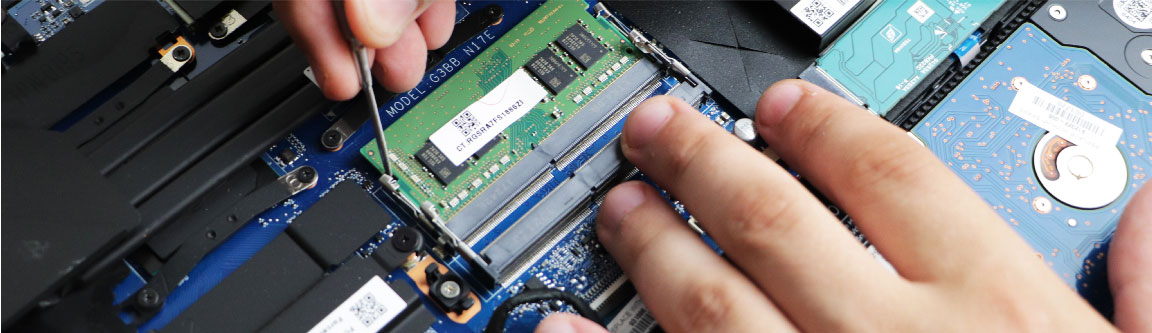
RAM Upgrade and Replacement
Dell Inspiron Laptop RAM Upgrade Service
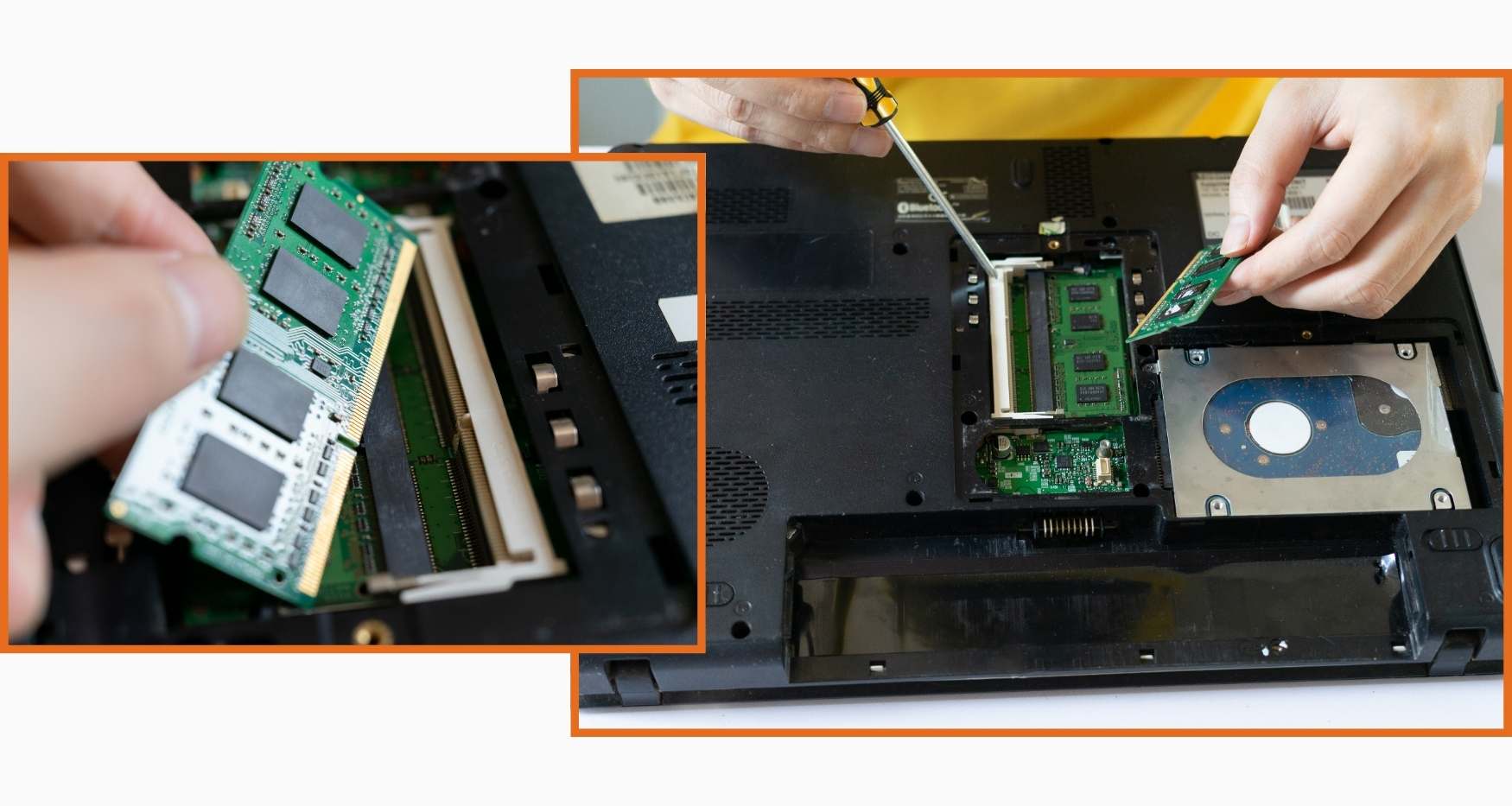
Is your Dell Inspiron laptop running slow, freezing during multitasking, or struggling to handle multiple applications at once? Guru Computer Solution in Kathmandu, Nepal, provides professional diagnostics and genuine RAM upgrade services to help you get more speed and performance out of your existing laptop. Our experienced technicians carefully inspect your current RAM configuration, motherboard compatibility, available RAM slots, and maximum supported capacity before recommending the best upgrade option for your specific Dell Inspiron model.
Common Signs Your Inspiron Needs a RAM Upgrade
- Laptop running slow during everyday tasks
- Freezing or lagging when opening multiple applications
- High RAM usage shown in task manager
- Slow startup and shutdown times
- Browser tabs crashing or reloading frequently
- Laptop struggling with video editing or gaming
- Frequent "not responding" errors on applications
- Overall sluggish performance despite no hardware fault
Why Choose Guru Computer Solution for Inspiron RAM Upgrade?
At Guru Computer Solution, we focus on quality service and customer satisfaction. Here’s why we are the top choice for Dell Inspiron RAM upgrade and replacement in Kathmandu:
- Compatible and high-quality RAM modules for all Inspiron models
- Free RAM compatibility check before upgrade
- Warranty coverage on all RAM upgrades
- Same-day upgrade service available
- Free diagnostic check for Dell laptops
- Skilled IT technicians with years of experience
- Affordable and transparent pricing
Our Upgrade Process
Complete system performance diagnosis → Current RAM configuration check → Motherboard and slot compatibility verification → RAM speed and capacity assessment → RAM module installation → Full system stability and performance testing → Final cleaning and delivery
Fast and Reliable Dell Inspiron RAM Upgrade
Visit Guru Computer Solution for fast and reliable Dell Inspiron RAM upgrade service in Kathmandu, Nepal. Whether your laptop is running slow, freezing during multitasking, struggling with everyday applications, or showing high memory usage, our expert technicians provide accurate diagnostics and quality RAM upgrades using compatible high-performance modules. Get your Dell Inspiron laptop running faster and smoother with professional service and warranty support.

1. Genuine & Compatible Parts
We supply and install high-quality, fully compatible replacement parts and components designed specifically for your laptop model.

2. Expert Technicians
Our highly experienced hardware technicians accurately diagnose and repair complex device issues with absolute precision.

3. Fast Repair Service
Most repairs and component replacements are completed swiftly as soon as parts availability is confirmed.

4. Comprehensive Warranty Support
Selected repairs and replacement services include a dedicated service warranty for your complete peace of mind.
Frequently Asked Questions
It means increasing your laptop's memory capacity by adding or replacing RAM modules to improve speed and performance.
Slow performance, frequent freezing, high RAM usage in task manager, and lagging during multitasking are clear signs.
It depends on your specific Inspiron model and motherboard. Our technicians check comp
Most Inspiron models use DDR4 or DDR5 RAM depending on the model and generation.
Most Inspiron models support RAM upgrades but some newer ultra-slim models have RAM soldered to the motherboard.
Yes, upgrading RAM significantly improves multitasking, application speed, and overall system performance.
We generally recommend upgrading to at least 8GB for basic use and 16GB or more for gaming, editing, and heavy multitasking.
Yes, if your Inspiron has two RAM slots you can add a new module alongside the existing one.
Yes, it is completely safe when done by a skilled technician using compatible RAM modules.
No, upgrading RAM does not affect your data, files, or operating system in any way.
Yes, if slow performance is caused by insufficient memory, a RAM upgrade is the most effective solution.
A RAM upgrade has minimal impact on battery life and in some cases can improve efficiency.
Yes, upgrading both RAM and SSD together gives the best performance improvement for your Inspiron.
Incompatible RAM can cause boot failures, blue screen errors, or system instability, which is why professional installation is important.
Most RAM upgrades are completed within 30 to 60 minutes.
Yes, we provide warranty coverage on all RAM modules installed at Guru Computer Solution.
Yes, more RAM allows games to run smoother and reduces lag during gameplay.
Yes, insufficient RAM is a common cause of browser tabs crashing or reloading and an upgrade will fix this.
Yes, a RAM upgrade is a cost-effective way to extend the life and performance of your existing Inspiron laptop.
You can visit Guru Computer Solution located at Thapagaun, Kathmandu.
