Printer Repair Training in Nepal
Empowering for Employment: The Commitment of Guru Computer Solution in Printer Repair Training in Nepal.
Call To Enquire Call Now
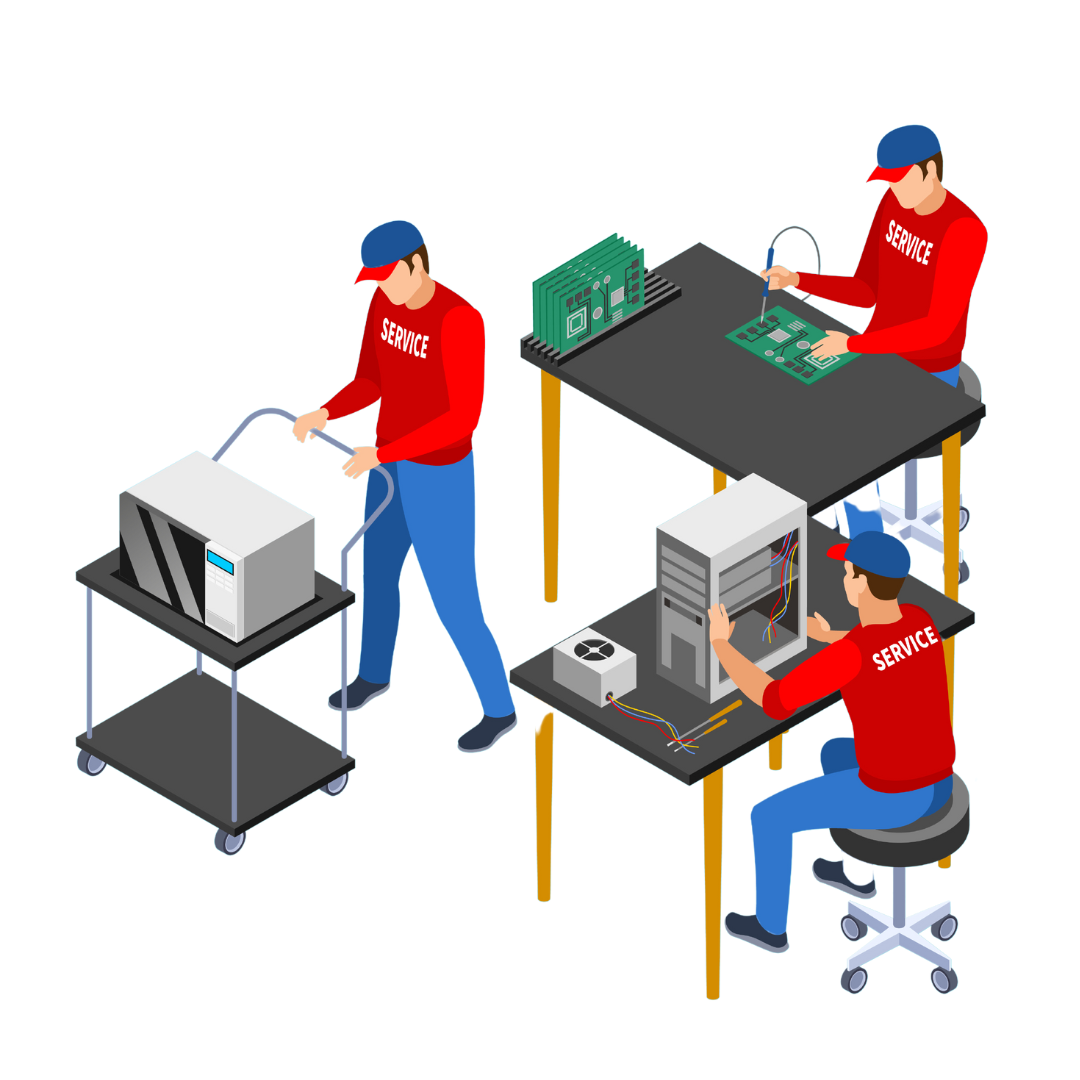
-
Duration
2-3 Months
-
Career Level
Mid Level
-
Group Size
5-10 Persons
-
Assesment
yes
Skill Up, Stand Out: Printer Repair Training in Kathmandu
Welcome to Guru Computer Solution, the leading printer repair training center in Kathmandu since 2010. Are you planning to enroll in printer repair training in Nepal and build a successful career in the growing printer service and maintenance industry?
Join our CTEVT-certified printer repair course, designed to teach everything from basic printer servicing to advanced troubleshooting and component-level repair. This course equips students with the practical knowledge and professional skills required to succeed in the printer repair field.
Best Printer Repair Training Center in Kathmandu – Guru Computer Solution
To be a leading training institute, several criteria must be met such as updated laboratories, practical training environments, experienced trainers, and industry-focused course materials.
At Guru Computer Solution, we focus on transforming beginners into skilled printer technicians by providing hands-on training and real service center experience.
Our mission is to empower students to learn, repair, and excel in the evolving world of printing technology.
Learn – Master the Skills of Printer Repair
Our printer repair training course in Kathmandu is designed for beginners, students, and technicians who want to develop professional skills in printer hardware repair and maintenance.
The course includes both basic and advanced printer repair techniques such as:
- Fundamentals of printer technology
- Types of printers (Inkjet, Laser, Dot Matrix, Thermal printers)
- Printer assembling and disassembling
- Printer troubleshooting and diagnostics
- Cartridge and toner handling and refilling
- Paper feeding and roller repair
- Printer driver installation and configuration
- Printer connectivity and network printer setup
Students learn using professional tools and testing equipment, helping them understand the internal structure and functioning of different printer models.
Repair – Real Market Practice with Industry Experts
At Guru Computer Solution, students go beyond theoretical learning and gain hands-on experience repairing real printers.
Since we operate as a professional printer repair service center, students get opportunities to:
- Work on real printer repair projects
- Diagnose common printer problems such as paper jams, cartridge errors, and printing issues
- Repair different printer brands and models
- Practice cartridge refilling, roller replacement, and printer maintenance
Students learn directly from experienced technicians and trainers, gaining exposure to real printer service environments.
Excel – Build a Successful Career in Printer Technology
After completing the CTEVT-affiliated Printer Repair Training Course, students are prepared to enter the job market with practical technical skills.
This training helps students:
- Work in printer repair service centers
- Become printer technicians or hardware support specialists
- Work in IT support departments and computer service centers
- Start their own printer repair and cartridge refill business
- Provide freelance printer maintenance services
Our training also focuses on professional development and real market exposure, helping students understand both the technical and business sides of printer servicing.
Enroll Now – Professional Printer Repair Training Course in Nepal
Start your journey toward becoming a professional printer repair technician. Our Printer Repair Training in Kathmandu provides hands-on practice in printer troubleshooting, cartridge servicing, hardware maintenance, and real service center repair projects.
Learn from experienced trainers, use professional repair tools, and gain the skills required to work in printer service centers, IT support departments, or start your own printer repair business.
Limited Seats Available – Register Today and Start Your Career in Printer Repair Technology.
Benefits of Joining Printer Repair Training in Nepal with GURU
Joining a Printer Repair Training in Nepal program is an excellent opportunity for students, technicians, and technology enthusiasts who want to build a professional career in the printer servicing and maintenance industry. With the increasing use of printers in offices, schools, businesses, and homes, the demand for skilled printer repair technicians in Nepal continues to grow.
At GURU Computer Training Institute, the Printer Repair Course is designed to provide hands-on practical training, advanced troubleshooting techniques, and component-level repair knowledge that prepares students for real-world printer service challenges.
Key Skills You Will Learn in Printer Repair Training
Our Printer Repair Course in Nepal helps students develop both technical and professional skills required in the printer service and IT hardware support industry.
Printer Hardware Troubleshooting Skills
Learn to diagnose and repair printer components including print heads, cartridges, rollers, power supplies, sensors, motors, paper feed mechanisms, and control boards.
Cartridge and Toner Servicing
Gain practical knowledge in ink cartridge refilling, toner cartridge maintenance, drum unit handling, and cartridge troubleshooting for different printer models.
Printer Software Installation & Troubleshooting
Understand how to install printer drivers, configure printer settings, troubleshoot printing errors, and manage printer connectivity issues.
Printer Assembling and Disassembling
Learn proper techniques for safe dismantling and assembling of various printer types, including inkjet printers, laser printers, and multifunction printers.
Electronic Circuit Diagnosis
Develop understanding of basic electronics, power circuits, voltage testing, and component-level troubleshooting using multimeters and diagnostic tools.
Professional Problem-Solving Ability
Improve your analytical and technical troubleshooting skills to quickly identify and fix common printer hardware and software problems.
Career Opportunities After Printer Repair Training
After completing the Printer Repair Training Course, students can explore multiple career opportunities in Nepal’s growing IT support and office equipment service sector.
- Start your own Printer Repair Shop or Cartridge Refilling Business
- Work as a Printer Repair Technician
- Become an IT Hardware Support Technician
- Work in computer service centers or printer service companies
- Provide freelance printer maintenance and troubleshooting services
Additionally, the course prepares students to service different types of printers such as inkjet printers, laser printers, and multifunction office printers.
Advantages of Joining Our Printer Repair Training Program
Choosing the right training institute is important when learning technical skills. Our Printer Repair Training in Nepal offers a practical and industry-focused learning environment.
Experienced Trainers
Training is conducted by professional instructors with 10+ years of experience in printer repair and IT hardware servicing.
Step-by-Step Practical Training
The course starts from basic printer technology and fundamentals and gradually moves to advanced troubleshooting, cartridge servicing, printer mechanism repair, and circuit diagnostics.
Hands-on Practical Lab
Students practice in a fully equipped printer repair laboratory with tools such as multimeters, printer testing tools, cartridge refilling equipment, cleaning tools, and diagnostic devices.
Real Repair Case Studies
Students work on real faulty printers and live repair projects, helping them gain real-world service experience.
Cartridge & Component Repair Modules
Our training includes modules covering cartridge refilling, toner servicing, printer mechanism repair, circuit analysis, and printer hardware architecture.
Flexible Learning Environment
Students can repeat missed classes and review topics, ensuring complete understanding of each repair process.
Individual Student Support
We provide personal guidance and technical mentoring so every student can confidently handle printer troubleshooting tasks.
Job Placement Support
After completing the course, students receive career guidance and job placement support in printer service centers, computer repair shops, and IT support companies.
Brief Outline Of the Course
Learn the fundamentals of printer technology, hardware components, software configuration, and basic troubleshooting techniques used in modern printers.
Key Points:
- Fundamentals of printing technology
- Types of printers (Inkjet, Laser, Dot Matrix, Thermal)
- Printer hardware components and their functions
- Basic electronics for printer repair
- Printer driver installation and configuration
- Printer connectivity (USB, Wi-Fi, Network printing)
- Introduction to printer maintenance and troubleshooting
Outcome After Completion:
- Understand printer hardware and printing mechanisms
- Identify major printer components and their functions
- Perform basic printer troubleshooting and configuration
Project Work:
- Identify internal components of a printer
- Install and configure printer drivers
- Connect and configure a printer on a local network
Learn the basics of printer repair by understanding printer components, common faults, and essential maintenance techniques.
Key Points:
- Understanding printer mechanisms and working principles
- Printer assembling and disassembling techniques
- Identification of printer components and their functions
- Troubleshooting paper jams and printing errors
- Repairing paper feed mechanisms and rollers
- Printer cleaning and preventive maintenance
- Basic cartridge and toner handling
Outcome After Completion:
- Ability to diagnose and repair common printer issues
- Handle printer maintenance and cleaning procedures
- Perform basic printer troubleshooting and repairs
Project Work:
- Disassemble and reassemble a printer
- Fix paper jam and printing alignment issues
- Perform routine printer maintenance and cleaning
Focus on electronics fundamentals and component-level repairs of printer circuit boards.
Key Points:
- AC/DC fundamentals and electricity basics (Volt, Ampere, Watt)
- Printer PCB structure and identification
- Testing resistors, capacitors, diodes, inductors, and fuses
- Testing motors, sensors, and power supply units
- Identification and testing of ICs and regulators on printer boards
Outcome After Completion:
- Ability to test and replace electronic components on printer PCBs
- Understand circuit behavior in printers
- Perform component-level troubleshooting and repairs
Project Work:
- Test and replace faulty components on a printer circuit board
- Trace circuit paths to diagnose hardware faults
Learn advanced circuit diagnostics and repair techniques used in printer motherboard and control board troubleshooting.
Key Points:
- Using multimeter, DC power supply, and diagnostic tools
- Printer motherboard circuit analysis
- Testing power circuits and control boards
- Motor and sensor circuit testing
- Advanced soldering and desoldering techniques
- Connector and cable troubleshooting
- Control board repair and component replacement
Outcome After Completion:
- Diagnose and repair printers at the circuit level
- Perform advanced soldering and component replacement
- Use professional diagnostic tools for printer troubleshooting
Project Work:
- Repair a non-functional printer control board
- Replace faulty components or connectors
- Diagnose and repair power supply issues
Master advanced printer repair techniques, cartridge servicing, and complex printer diagnostics.
Key Points:
- Laser printer and inkjet printer troubleshooting
- Cartridge and toner refilling techniques
- Drum unit and print head maintenance
- Advanced printer firmware and software troubleshooting
- Printer calibration and alignment
- Advanced maintenance and service procedures
Outcome After Completion:
- Ability to repair and maintain various printer types
- Advanced understanding of printer mechanisms and service procedures
- Professional-level printer repair skills suitable for service centers
Project Work:
- Refill and service toner cartridges
- Repair complex printer hardware faults
- Complete full printer servicing and maintenance procedure.

Printer Technician
Become a skilled Printer Technician capable of diagnosing and resolving various printer issues. As a technician, you'll troubleshoot hardware and software problems, conduct repairs, and ensure optimal printer performance.

IT Support Specialist
Leverage your printer repair expertise to excel in IT support roles. Your knowledge of printer technology equips you to assist users with printer-related issues, contributing to efficient IT operations within organizations.

Printer Service Center Manager
With the entrepreneurial skills gained from our training, you can establish and manage your own printer service center. This role involves overseeing repair operations, customer service, and business development.

Printer Hardware Specialist
Specialize in printer hardware diagnostics and repair. Your expertise will be invaluable in identifying and fixing hardware-related issues, including components like print heads, cartridges, and paper feed mechanisms.

Printer Software Specialist
Focus on printer software solutions and become proficient in handling printer driver installations, firmware upgrades, and troubleshooting software-related printer malfunctions.

Printer Accessories Development
Explore opportunities in developing printer accessories. Apply your knowledge to innovate and create supplementary products or enhancements for printers, contributing to the advancement of printer technology.
Frequently Asked Questions
Printer Repair Training in Nepal is a professional course that teaches students to diagnose, troubleshoot, and repair printers, including inkjet, laser, and multifunction printers. It equips learners with both hardware and software repair skills.
Students, technicians, IT enthusiasts, and office equipment professionals can enroll in a printer repair course in Kathmandu to start a career in printer servicing and maintenance.
No prior experience is required. Our printer repair training in Nepal starts with basic printer hardware fundamentals and gradually advances to component and circuit-level repairs.
Students learn to repair inkjet printers, laser printers, dot matrix printers, and multifunction printers commonly used in offices, schools, and homes.
Students develop skills in printer hardware troubleshooting, cartridge servicing, printer firmware installation, paper feed repair, and circuit-level diagnostics.
The printer repair training typically lasts 1 to 3 months depending on the course level and schedule.
Yes, students receive practical training on real printers, including live repair projects, component replacement, and maintenance exercises.
Students learn to use tools like multimeters, soldering stations, DC power supplies, diagnostic devices, cartridge refilling kits, and cleaning tools.
Yes, graduates can start their own printer repair business, cartridge refilling center, or offer freelance printer maintenance services.
Students learn to fix paper jams, toner and cartridge issues, misalignment, power supply faults, motor failures, and printing errors.
Yes, the course includes component-level repair for ICs, sensors, motors, rollers, and power circuits of printers.
Yes, students learn driver installation, firmware updates, connectivity troubleshooting, network printing setup, and printer calibration.
Graduates can work as printer repair technicians, IT hardware support staff, service center engineers, or start a printer maintenance business.
Yes, the printer repair training in Nepal is designed for beginners, with step-by-step practical and theoretical guidance.
Yes, students receive a CTEVT-affiliated printer repair training certificate recognized in Nepal.
Yes, students gain skills to repair office, home, and multifunction printers from popular brands.
Yes, students work on real faulty printers to gain hands-on experience.
Basic repair covers hardware replacement and troubleshooting, while advanced repair includes circuit-level diagnostics, power supply repair, and firmware troubleshooting.
Yes, the course teaches cartridge servicing, cleaning, roller maintenance, and preventive printer care.
Yes, students learn printer connectivity, network setup, and troubleshooting issues for office and home networks.
Yes, printer repair is a high-demand technical skill due to the growing use of printers in offices, schools, and businesses.
Yes, the course covers all common printer types, including laser and inkjet printers.
Yes, students learn diagnosing and repairing printer power circuits, motors, and control boards.
Yes, graduates can provide freelance printer repair and maintenance services to homes, offices, and schools.
Yes, students learn toner handling, cartridge refilling, and print head maintenance for various printer models.
Students spend majority of the course in hands-on training, working on multiple printer models and real repair cases.
Yes, students learn to use soldering stations, multimeters, diagnostic tools, and PCB testers for component-level printer repair.
Yes, career guidance and job placement support is provided in printer service centers and IT hardware companies.
Yes, the course covers multifunction printer repair, including scanning, copying, and printing modules.
You can join GURU Computer Training Institute, which provides professional printer repair training in Nepal with hands-on labs, experienced instructors, and real service center exposure.
Related Training What Training do we Provide ?
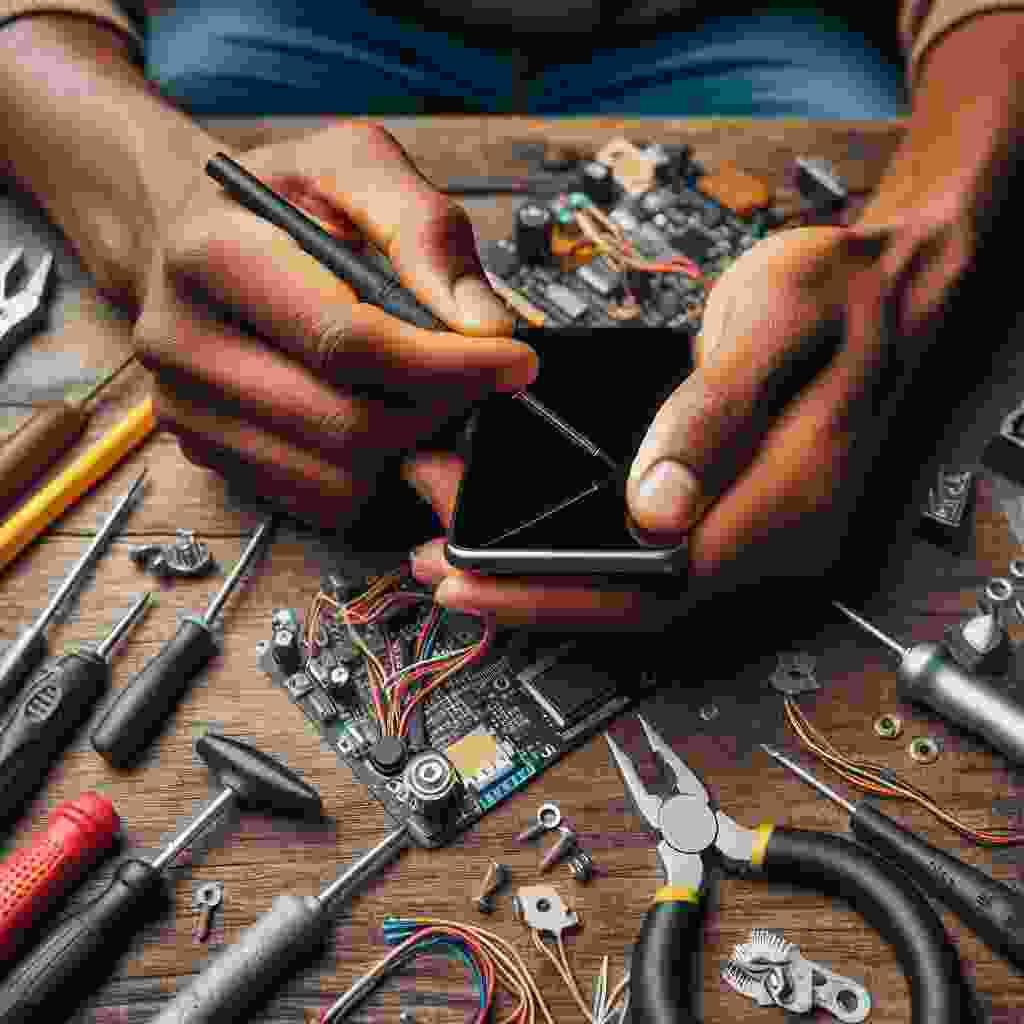
Mobile Repair Training
Join our mobile repair training at Guru Computer Solution. Gain hands-on skills, modern techniques, and industry knowledge to excel in mobile technology.
Show More Show More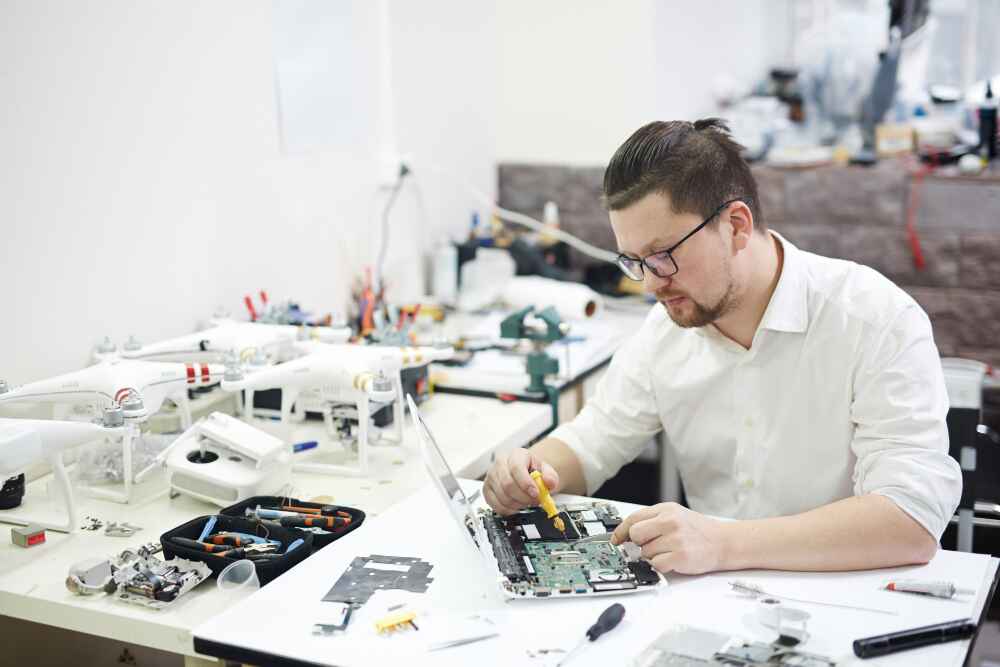
Laptop Repair Training
Discover the art of laptop repair at Guru Computer Solution. Our training goes beyond basics, delving into advanced components, circuit intricacies, and superhero-level chip repairs.
Show More Show MoreCustomer Testimonials What our customers have to say.
“They fixed my laptop’s overheating issue quickly and professionally. They identified the problem, cleaned the internal components, and now it runs smoothly without shutting down. Very satisfied with the service.”

Pairabi Paudel ★★★★★
“Mero laptop ma charging issue thiyo ra battery backup pani dherai kam thiyo Suruma malai battery kai problem hola jasto lageko thiyo, tara Guru Computer Solution ma dekhauda uniharule clearly check garera DC port ko problem ho bhanera patta lagaunu bhayo,Proper tarikale repair gardinu bhayo ra ahile...”

Serene Samira ★★★★★
“⭐⭐⭐⭐⭐ My laptop was not powering on, and other repair centers in New Road couldn’t find the problem. Then I visited Guru Computer Solution.They quickly identified the exact issue and explained everything clearly.They also guided me honestly on whether repair was possible or not. Very profession...”

Waves of Samira ★★★★★
“Fast service.”

Pradyumna Upadhyay ★★★★★
“Very professional mechanic. I got my laptop repaired in no time. The price was less than expected.”

Bijaya Ghimire ★★★★★
“Best pc repair service in ktm”

raam basnet ★★★★★


“Best repair I have ever done before . Nice experience”

Gaurab thapa Magar ★★★★★
“After a software crash, I visited Guru Computer Solution. They repaired it smoothly with no data loss. Definitely the best laptop repair centre in Kathmandu.”

Subarna Thapa Subarna Thapa ★★★★★
“Best laptop repair shop of nepal....”

Achyut Kc ★★★★★
“Best pc repair center”

Hemant official ★★★★★
“Best genuine part replacement”

Wom Rana ★★★★★
“Went for chip-level repair after water damage. They handled it professionally. Best laptop repair centre — no doubt!”

Migin Magar ★★★★★
“Frit wellee diagnosis helped a lot! They found my laptop’s motherboard needed chip-level repair and handled”

Nischal Kshetri ★★★★
“The staff is so cooperative and polite. My Lenovo had overheating problems, and they fixed it quickly.”

Kopila Magar ★★★★
“Best laptop repair centre”

Ishwor Magar ★★★★★

“My charging port was loose. Guru Computer Solution fixed it perfectly. Highly recommended!”

Hirdesh Magar ★★★★★
“Professional and transparent! My laptop’s charging port was damaged, and they fixed it fast with genuine parts”

Mr BídS ★★★★★
“The touchpad on my Dell wasn’t working. Guru Computer Solution fixed it in one visit. Great service!”

Bimal Chaudhary ★★★★★
“Professional and transparent! My laptop’s charging port was damaged, and they fixed it fast with genuine parts”

Anonymous Serial killer ★★★★★
“The touchpad on my Dell wasn’t working. Guru Computer Solution fixed it in one visit. Great service!”

Sristi Chaudhary ★★★★★
“Top-notch repair quality and skilled technicians.”

Abhinav Chaudhary ★★★★★
“Upgraded RAM and got a cooling fix for my gaming laptop.”

Abhinav Chaudhary ★★★★★
“best computer shop i have ever been. Service is great”

Sirjana Sigdel ★★★★★
“staff are very polite and service is great. loved it”

Purnima shahi ★★★★★
“After a software crash, I visited Guru Computer Solution. They repaired it smoothly with no data loss. Definitely the best laptop repair centre in Kathmandu.”

Sujan Khadka ★★★★★
“Upgraded RAM and got a cooling fix for my gaming laptop. Top-notch repair quality and skilled technicians.”

Noobs Kc ★★★★★
“I upgraded my RAM and graphics card here. Skilled technicians and fair pricing. Totally the best computer shop I’ve been to.”

Roshan Thakuree ★★★★★
“They did a chip-level repair on my motherboard. Impressive work by skilled technicians!”

Alina Magar ★★★★★
“Free diagnosis and fair pricing — what more can you ask for? My HP’s software glitch is gone!”

Maya Thapa ★★★★★
“My charging port was loose. Guru Computer Solution fixed it perfectly. Highly recommended!”

Prayash TM ★★★★★
“My laptop’s charging port was damaged. Guru Computer Solution replaced it with genuine parts and delivered top-notch repair quality. Highly recommend!”

Dipen Mogor ★★★★★
“Super cooperative team! My MacBook had water damage, and they did a chip-level repair perfectly. Recommended!”

naru sarumagar ★★★★★
“My charging port was broken. They repaired it the same day using a genuine part replacement. So impressed”

nishma saru magar ★★★★★
“I upgraded my ROM and graphics card here. The technician explained everything clearly. Loved the fair pricing!”

Dikshaa saru ★★★★★
“The display of my Dell laptop cracked, and they replaced it using a June part replacement. Quick and affordable. For me, this is the best laptop service centre in Kathmandu.”

Krish chaudhary ★★★★★
“I had an overheating problem for weeks. These guys did a free diagnosis and repaired it on time. The technician was skilled and polite. Definitely the best computer shop in town.”

Rv Thapa ★★★★★
“Brother, make my laptop a fool.”

Siwa Subedi ★★★★★
“Laptop tea special has been made”

Nishu Tamang ★★★★★
“Laptop service ramro lagyo”

0773H Sroj ★★★★★
“It is a vey good workshop”

janaki janaki ★★★★★

“Laptop service best lagyo”

Rikesh Stha ★★★★★
“Highly Recommended! I had a great experience with Guru Computer Solution. The team was super helpful and really knew what they were doing. They fixed my issue quickly and explained everything clearly. It’s nice to find a place that’s both professional and friendly. Definitely my go-to for any comput...”

Rajdeep Marsaini ★★★★★
“Guru Computer Solution fixed my computer quickly and professionally. The staff was helpful, and the price was fair. Highly recommended!”

Sampada Subedi ★★★★★
“Wow i like your service guru computer”

pasang Tamang ★★★★★
“I am very happy to see my laptop in fresh condition ☺️. If you want to fix your laptop and others then visit to guru computer solution”

Anmol Kc ★★★★★
“Must visit if you want your laptop fixed asap”

Yashraj Ghimire ★★★★★
“I had my best experience”

Sushila Karki ★★★★★

“Best laptop service❤️”

Rachu Khatri ★★★★★
“Great, visit here once guys!!!”

pranisha shrestha ★★★★★
“Best service”

Anjana k.c ★★★★★

“Best laptop repair center.”

sanzu lama ★★★★★

“i had my hinge and HDMI port fixed at Guru computer solution. Greate service, quick and fair pricing. laptop feels like new again. highly recommend their repair work!”

Prabin moktan ★★★★★
“I had a great experience here. I gave my old Dell laptop for repair and Windows 10 installation, something other service centres couldn’t manage. They fixed it quickly and professionally. I’m very satisfied with their service.”

Rechal ★★★★★
“If you are looking for the best laptop repair center in Kathmandu, I highly recommended GURU Computer Solution, located at New road, Pipalbot.”

Puspa Ojha ★★★★★
“I had a great experience with Guru Computer Solutions. Their team is knowledgeable, professional, and truly dedicated to customer satisfaction. Whether it was hardware repairs, software installation, or troubleshooting, they handled everything quickly and efficiently. The service was honest, afforda...”

Bire Tamang ★★★★★
“I had my Lenovo Legion laptop’s CPU replaced recently, and the repair service was excellent. The technician was quick and professional, completing the job within a day. My laptop now runs faster and cooler. I’m very happy with the results and would recommend their service for major repairs.”

Lalita Saud ★★★★★
“Amazing service! My laptop was fixed within hours, and the staff was super helpful. Highly recommended!”

Abisha Neupane ★★★★★
“Nice service”

Kushal Raut ★★★★★
“Good service and genuine parts”

Pratap Ghimire ★★★★★
“Had my laptop keyboard replaced and the service was excellent quick efficient and reasonable price .the team provide outstanding customer service keeping me inform through out.Highly recommended for hassle -free repairs”

SAMRTPHONE GALLARY ★★★★★
“I replaced my laptop's SSD recently, and the service was fantastic. The original SSD was upgraded seamlessly, significantly improving speed and performance. The price was very low compared to others, making it a cost-effective and reliable choice.”

Puskar Bhatt ★★★★★
“I recently had my laptop serviced, and I’m very satisfied. They used original thermal paste, ensuring excellent cooling, and performed thorough cleaning, leaving the laptop in top condition. The service was efficient, and the price was reasonable. Highly recommended for quality and affordability!”

Tek Ayer ★★★★★
“I recently replaced my laptop screen, and I’m impressed with the quality and service. The replacement screen is original, offering the same clarity and performance as the old one. The price was surprisingly low, making it a fantastic value. Highly recommended!”

Isha Bhatta ★★★★★
“"Great experience with this laptop repair service! They quickly fixed my no-display issue, explained the problem clearly, and completed the repair faster than expected. The staff was friendly, professional, and the pricing was reasonable. My laptop is working perfectly now. Highly recommend them for...”

Deepesh Dhami ★★★★★
“Amazing and superfast service.Also the staff behavior is very good and helpful.I have been there for dell laptop service.”

Sirina Chiluwal ★★★★★


“"I brought in my laptop because the screen started flickering randomly, and I couldn’t figure out what was causing it.Guru Computer Solution repair team quickly diagnosed the issue as a faulty display connector. They explained the problem clearly, gave me a reasonable quote, and fixed it within just...”