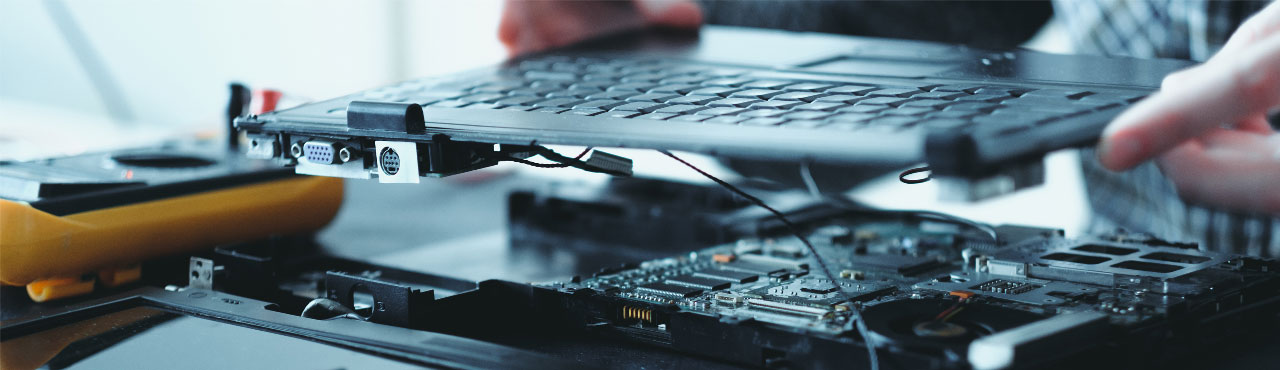
keyboard Issues
Dell Laptop Keyword Issue Repair At Guru Computer Solution
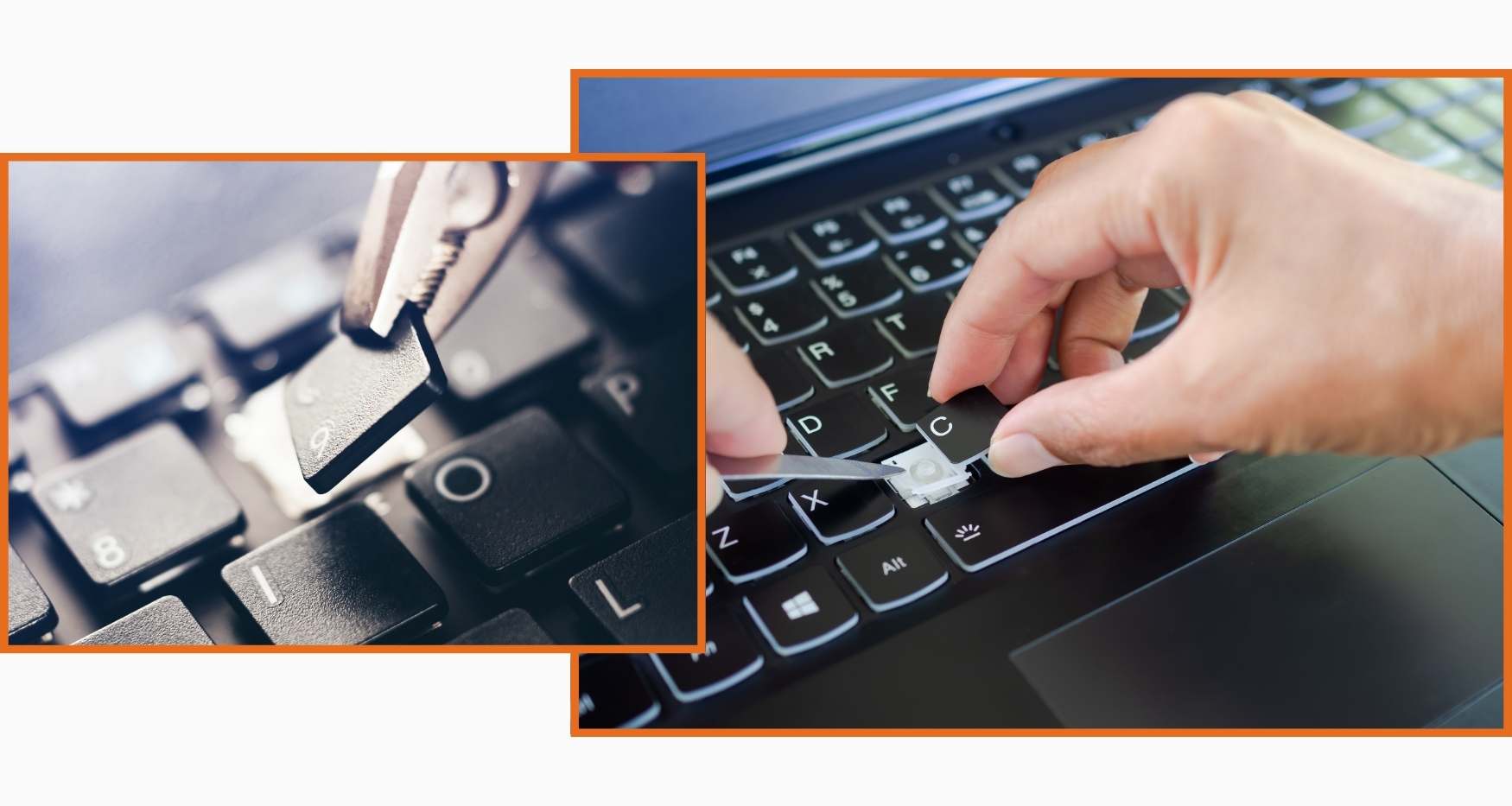
Are you having problems with your Dell laptop keyboard? Are your keys not responding? Typing errors? And looking for a quick and professional Dell laptop computer repair service near you. Guru Computer Solution is your best option. With years of experience in keyword repair service, our professional can quickly discover and resolve the issue with your term. We offer a speedy, economical, and dependable Dell laptop computer repair service in Kathmandu, Nepal.
Whether your keys are stuck, typing the wrong characters, or simply not working, our tech Enchanter will have your Dell laptop's keys working like new again. We realize how frustrating and irritating a broken keyboard can be in your day. So we work hard to go back to typing bliss on time.
Visit Guru Computer Solution today and let us perform our repair magic on your Dell laptop!
The Common signs that indicate your Dell laptop Keyboard need to be Repaired
When your Dell laptop keyboard needs to be repaired, you can see the following sign. They are listed below:
- Non-Responsive Keys
- Sticky Keys
- Incorrect Characters or Inputs
- Backlight issues
- Random Repeating characters
- Unusual Noises
- Intermittent Connectivity
- Physical Damage
- Delayed Response
- Unresponsive Function Keys or Special Keys
Get Your Dell Laptop Typing Right Again in No Time
Guru Computer Solution gives the best Dell laptop keyword issue repair service in Kathmandu, Nepal. Our experts specialize in keyword repair and have extensive knowledge of laptop keywords.
We are convinced that our services will satisfy our customers. Guru Computer Solution is one of the most reputable laptop keyword repair centers. We can earn client trust by deploying our professional technicians. Our professionals have a thorough awareness of our clients' needs, what they anticipate from us, and the services they demand. If you are tired of looking for a reputable laptop repair service.
Guru Computer Solution is here to help you solve your laptop keyword problems; trust us for the most trusted and quick Dell laptop services.
Why us for your Dell Laptop Keyword Issue Repair?
Choosing Guru Computer Solution for Dell Laptop Keyword Issue Repair Comes up with various compelling reasons that set us apart as a reliable and trusted repair service provider. They are listed below:
- Specialized Expertise
- In-depth Dell Knowledge
- Quality Keyboard Repairs
- Transparent Communication
- Cost-Effective Solutions
- Timely Service
- Customer Satisfaction
- Deep Check-up
- Warranty Options
- Convenient Location

1. Genuine & Compatible Parts
We supply and install high-quality, fully compatible replacement parts and components designed specifically for your laptop model.

2. Expert Technicians
Our highly experienced hardware technicians accurately diagnose and repair complex device issues with absolute precision.

3. Fast Repair Service
Most repairs and component replacements are completed swiftly as soon as parts availability is confirmed.

4. Comprehensive Warranty Support
Selected repairs and replacement services include a dedicated service warranty for your complete peace of mind.
Frequently Asked Questions
If some of the keys on your Dell keyboard are not working, it might be due to dirt or dust under the keys, keyboard driver issues, or hardware problems.
Immediately turn off your laptop and unplug it from any power source. Turn the laptop upside down to drain any liquid, then let it dry completely before attempting to use it again. If the keyboard still doesn't work after drying, it might need to be replaced.
Yes, many Dell computers have easy replacement keyboards. However, for detailed instructions on replacing the keyboard, go to your laptop's user manual or contact Dell support.
If your Dell laptop keyboard suddenly stops working, restart the machine to see if it cures the problem. Attach an external keyboard to check whether the issue is with the internal keyboard or the system. If the external keyboard functions well, it could suggest a hardware issue that has to be replaced.
Signs include unresponsive keys, keys that stick or don't register, ghost typing, missing keycaps, or the entire keyboard not working.
This is usually caused by dust or debris under the keys, liquid spillage, worn-out key switches, or a loose connection between the keyboard and motherboard.
Yes, if the issue is due to dust, a stuck key, or a loose connector, it can often be repaired without needing a full keyboard replacement.
Cost depends on the Dell model and whether individual keys, the full keyboard, or the ribbon cable need replacement. Contact us for an exact quote after a free diagnosis.
Most keyboard replacements are completed within a few hours, provided the correct replacement keyboard is in stock.
Yes, we offer genuine OEM Dell keyboards as well as high-quality compatible replacements for all Dell models.
This can be caused by incorrect keyboard language settings, outdated drivers, or in some cases a hardware fault affecting specific key circuits.
Yes, dust and debris trapped under the keys can prevent proper contact, causing keys to feel stiff or stop registering presses.
In many cases, individual keycaps and key mechanisms can be repaired or replaced without changing the entire keyboard.
This can be due to a disabled backlight setting, outdated drivers, or a hardware fault in the keyboard's backlight circuit.
Yes, our technicians can repair or replace damaged ribbon cables that connect the keyboard to the motherboard.
It's better to get it checked soon, since a partially faulty keyboard can sometimes indicate an underlying connection issue that may worsen over time.
Stiff keys are often caused by dust buildup, dried liquid residue, or wear in the key switch mechanism underneath the keycap.
In rare cases, a short circuit from a damaged keyboard can affect the motherboard, which is why prompt repair is recommended.
Avoid eating or drinking near your laptop, clean the keyboard regularly with compressed air, and use a keyboard cover if you're prone to spills.
We offer free diagnosis, genuine parts, CTEVT-certified technicians, transparent pricing, and same-day service with over a decade of experience repairing Dell laptops.
