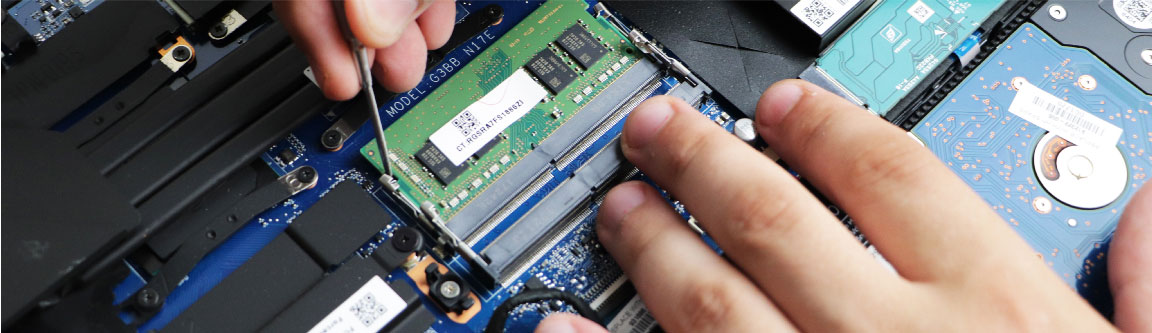
RAM Upgrade
Dell Laptop RAM Upgrade At Guru Computer Solution
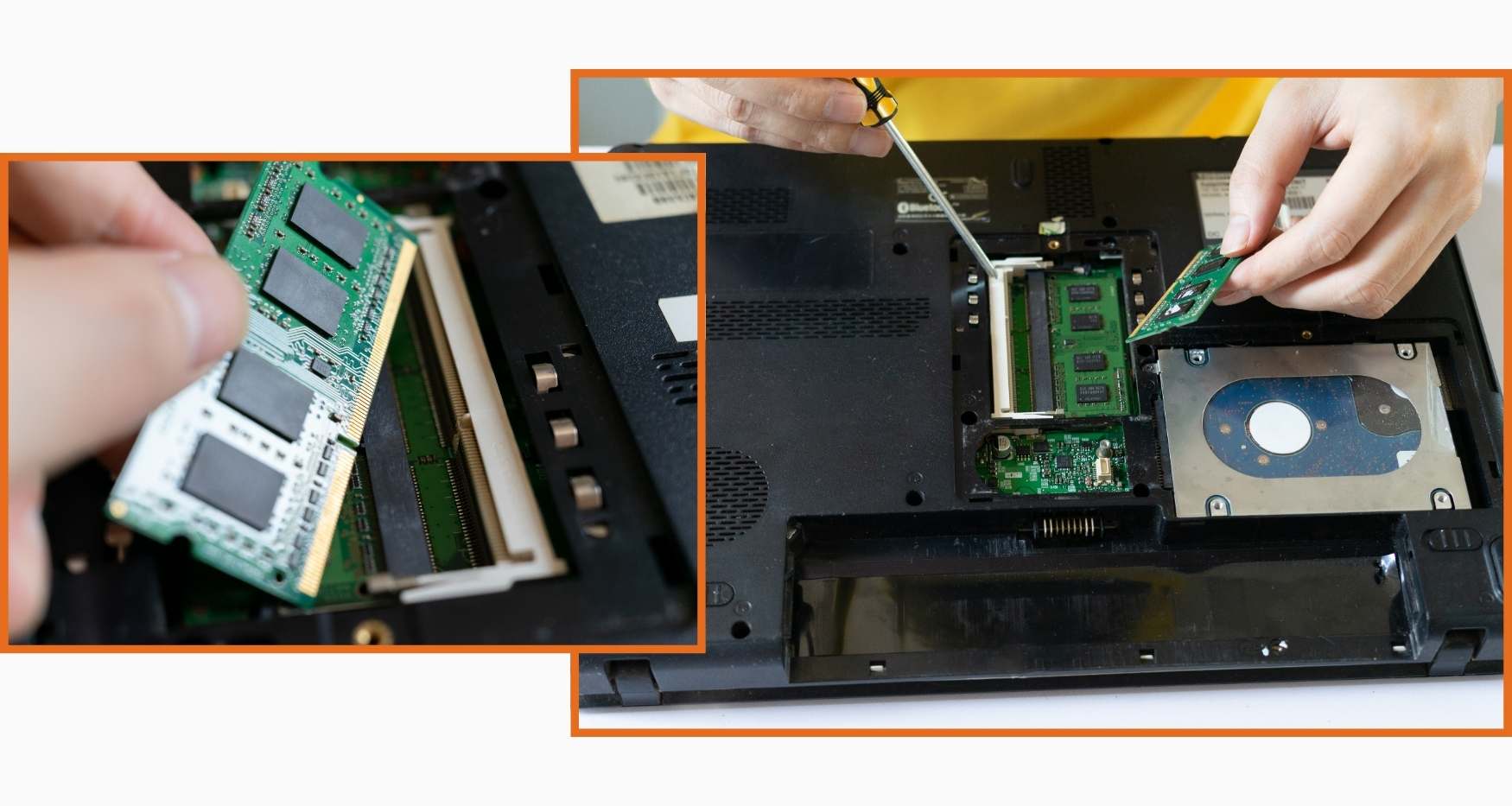
Are you researching for a quick Dell laptop RAM upgrade? Guru Computer Solution provides quick Dell laptop RAM upgrades in Kathmandu, Nepal. We offer the most dependable RAM upgrade services by utilizing advanced instruments and creative thinking. Our expert technicians can swiftly analyze your laptop's compatibility and upgrade your RAM to increase speed and responsiveness.
Guru Computer Solution uses only the highest quality RAM modules for your Dell laptop upgrade. We follow industry best practices, which means we do everything correctly to ensure your upgrade runs smoothly. Our primary goal is to supply you with the best Dell laptop RAM upgrade near you.
The common signs that indicate your Dell Laptop RAM needs an Upgrade
When your Dell laptop RAM needs an upgrade, you see the following listed signs:
- Slow Performance
- It Keeps Freezing or Crashing
- It Takes Forever to Start
- Your Laptop Feels Stuck
- Can’t Run New Software
- Can’t do Multitask
- System Warnings or Error Messages
- Aging Hardware
- App Close Unexpectedly
- Pictures and Videos take forever to load
Expert Guidance on Dell Laptop RAM Upgrade Options
At Guru Computer Solution, our experienced technicians provide expert advice and trustworthy RAM upgrades. Upgrading the RAM in your Dell laptop may significantly improve its performance, allowing you to run more apps while increasing overall speed. Whether for students, gamers, or professionals, reliable upgrading of your Dell laptop RAM increases your computing experience. We guarantee to provide trustworthy RAM upgrade service.
Trust Guru Computer Solution for skilled advice and a smooth Dell laptop RAM upgrade in Nepal.
Why Guru Computer Solution for Dell RAM upgrade?
- Specialized Expertise
- In-depth Dell Knowledge
- Quality RAM upgrade
- Transparent Communication
- Cost-Effective Solutions
- Timely Service
- Customer Satisfaction
- Warranty Options

1. Genuine & Compatible Parts
We supply and install high-quality, fully compatible replacement parts and components designed specifically for your laptop model.

2. Expert Technicians
Our highly experienced hardware technicians accurately diagnose and repair complex device issues with absolute precision.

3. Fast Repair Service
Most repairs and component replacements are completed swiftly as soon as parts availability is confirmed.

4. Comprehensive Warranty Support
Selected repairs and replacement services include a dedicated service warranty for your complete peace of mind.
Frequently Asked Questions
Signs include frequent freezing, blue screen errors, random restarts, slow performance, apps crashing unexpectedly, or the laptop failing to boot.
If your laptop slows down mainly during multitasking, you may just need more RAM. If it freezes, crashes, or won't boot at all, it could be a faulty RAM module.
Yes, a badly seated or damaged RAM module can prevent the laptop from booting, often accompanied by a series of beep sounds.
Cost depends on the RAM type, capacity, and Dell model. Contact us for an exact quote after a free diagnosis.
Most RAM replacements or upgrades are completed within 30 minutes to an hour, provided the correct RAM module is in stock.
Most Dell laptops support RAM upgrades, though some ultra-thin models have soldered RAM that cannot be upgraded. We can confirm this during diagnosis.
Blue screen errors can occur due to faulty RAM modules, incompatible RAM, corrupted drivers, or a loose RAM connection.
Yes, we offer genuine and high-quality compatible RAM modules suited to your specific Dell model.
Yes, dust buildup on RAM slots or a RAM stick that isn't properly seated can cause boot failures or system instability.
This can be caused by failing RAM, overheating, corrupted system files, or a power delivery issue on the motherboard.
We use diagnostic tools to run memory tests that identify faulty RAM modules and confirm whether repair or replacement is needed.
Yes, increasing RAM can significantly improve multitasking, speed up application loading, and reduce lag, especially on models with only 4GB or 8GB.
This varies by model. Our technicians can check your specific Dell laptop's motherboard specifications and recommend the maximum supported RAM.
Using incompatible or low-quality RAM can cause instability, but it typically won't outright damage the laptop. We ensure all RAM installed is compatible with your model.
Yes, most RAM upgrades and repairs are completed the same day, provided the correct module is available in stock.
This could be due to a slow hard drive, background processes, outdated drivers, or malware. An SSD upgrade paired with more RAM often gives the biggest performance boost.
Yes, in some cases a faulty or loose RAM module can prevent the system from posting properly, resulting in no display.
While some Dell models allow easy RAM access, incorrect installation can damage the slot or motherboard, so professional installation is recommended.
Avoid moving the laptop while it's running, keep it clean of dust, ensure proper ventilation, and avoid overloading the system with excessive multitasking.
We offer free diagnosis, genuine RAM modules, CTEVT-certified technicians, transparent pricing, and same-day service with over a decade of experience repairing Dell laptops.