
Keyboard Repair and Replacement
Dell Vostro Laptop Keyboard Repair and Replacement Service
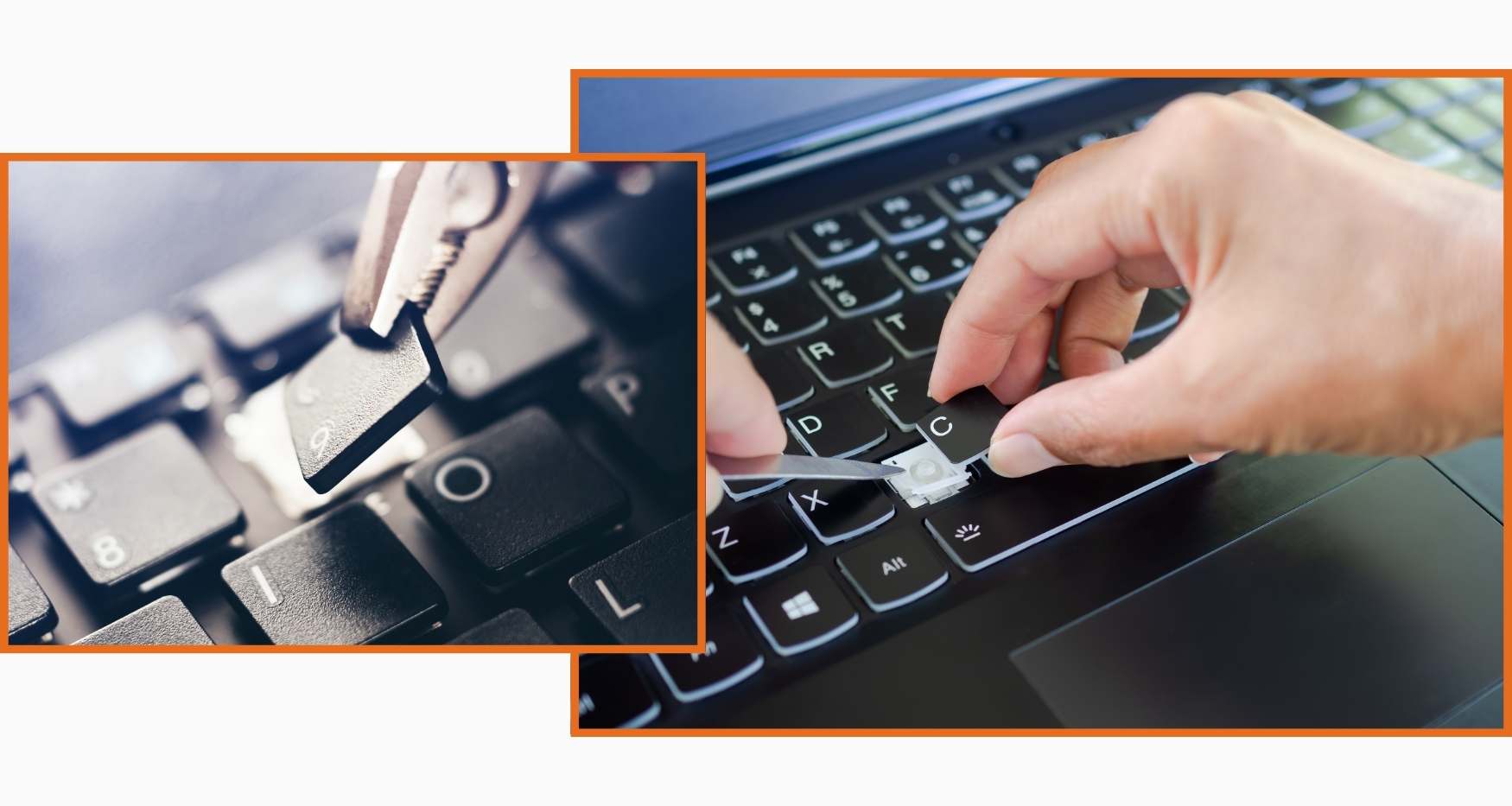
Is your Dell Vostro laptop keyboard not responding, typing wrong characters, or have keys that are stuck or missing during work? Guru Computer Solution in Kathmandu, Nepal, provides professional diagnostics and genuine keyboard repair and replacement services. Our experienced technicians carefully inspect the key switches, ribbon cable, keyboard controller, backlight circuit, and membrane layer to identify the exact cause before performing any repair or replacement.
Common Signs Your Vostro Keyboard Needs Repair
- Keys not responding when pressed
- Keyboard typing wrong or repeated characters
- Some keys working while others do not
- Keys physically broken, stuck, or missing
- Keyboard backlight not working
- Water or liquid damage to the keyboard
- Keyboard input lagging or freezing during typing
- Laptop registering ghost keystrokes without any input
Why Choose Guru Computer Solution for Vostro Keyboard Repair?
At Guru Computer Solution, we focus on quality service and customer satisfaction. Here’s why we are the top choice for Dell Vostro keyboard repair and replacement in Kathmandu:
- Original and high-quality Dell Vostro compatible keyboard parts
- Individual key replacement available without full keyboard change
- Warranty coverage for all keyboard repairs and replacements
- Same-day repair service available
- Free diagnostic check for Dell laptops
- Skilled IT technicians with years of experience
- Affordable and transparent pricing
Our Repair Process
Complete hardware diagnosis → Key switch and membrane inspection → Ribbon cable and connector check → Keyboard controller and driver verification → Keyboard repair or replacement if required → Full key response and backlight testing → Final cleaning and delivery
Fast and Reliable Dell Vostro Keyboard Repair
Visit Guru Computer Solution for fast and reliable Dell Vostro keyboard repair and replacement in Kathmandu, Nepal. Whether your laptop has unresponsive keys, wrong character input, ghost keystrokes, broken keys, or a faulty backlight affecting your daily business work, our expert technicians provide accurate diagnostics and quality repairs using genuine compatible replacement parts. Get your Dell Vostro laptop keyboard working perfectly again with professional service and warranty support.

1. Genuine & Compatible Parts
We supply and install high-quality, fully compatible replacement parts and components designed specifically for your laptop model.

2. Expert Technicians
Our highly experienced hardware technicians accurately diagnose and repair complex device issues with absolute precision.

3. Fast Repair Service
Most repairs and component replacements are completed swiftly as soon as parts availability is confirmed.

4. Comprehensive Warranty Support
Selected repairs and replacement services include a dedicated service warranty for your complete peace of mind.
Frequently Asked Questions
It means one or more keys are not working, typing incorrectly, or the keyboard has stopped responding entirely.
Physical damage, dust buildup, or a loose ribbon cable can cause individual keys to stop functioning.
Yes, liquid can short-circuit key switches and the keyboard membrane, causing keys to fail.
Incorrect language settings, driver issues, or damaged key switches can cause wrong character input.
Yes, individual key replacement or ribbon cable reseating can fix many keyboard faults.
Moisture, debris under keys, or a damaged membrane can trigger unintended keystrokes.
Yes, ghost keystrokes or stuck keys can interfere with running applications and slow down work.
A faulty backlight circuit, damaged ribbon cable, or driver issue can disable the keyboard backlight.
Yes, dust and debris under keys can cause keys to stick, lag, or stop responding.
Full replacement is recommended when multiple keys are damaged or liquid has caused widespread damage.
Yes, outdated or corrupted keyboard drivers can cause incorrect input or unresponsive keys.
A faulty keyboard controller or conflicting software settings can disable certain key combinations.
Accidental language shortcut activation or incorrect regional settings can change the keyboard layout.
Yes, a disconnected or damaged ribbon cable between the keyboard and motherboard stops all key input.
It depends on your warranty terms and whether the damage is physical or manufacturing related.
Most keyboard repairs are completed within 1 to 2 hours.
Yes, a USB or wireless keyboard can be used as a temporary solution during repair.
Yes, keeping liquids away, regular cleaning, and careful handling help extend keyboard life.
Yes, a damaged membrane or loose connection can cause noticeable input lag while typing.
You can visit Guru Computer Solution located at Thapagaun, Kathmandu.
