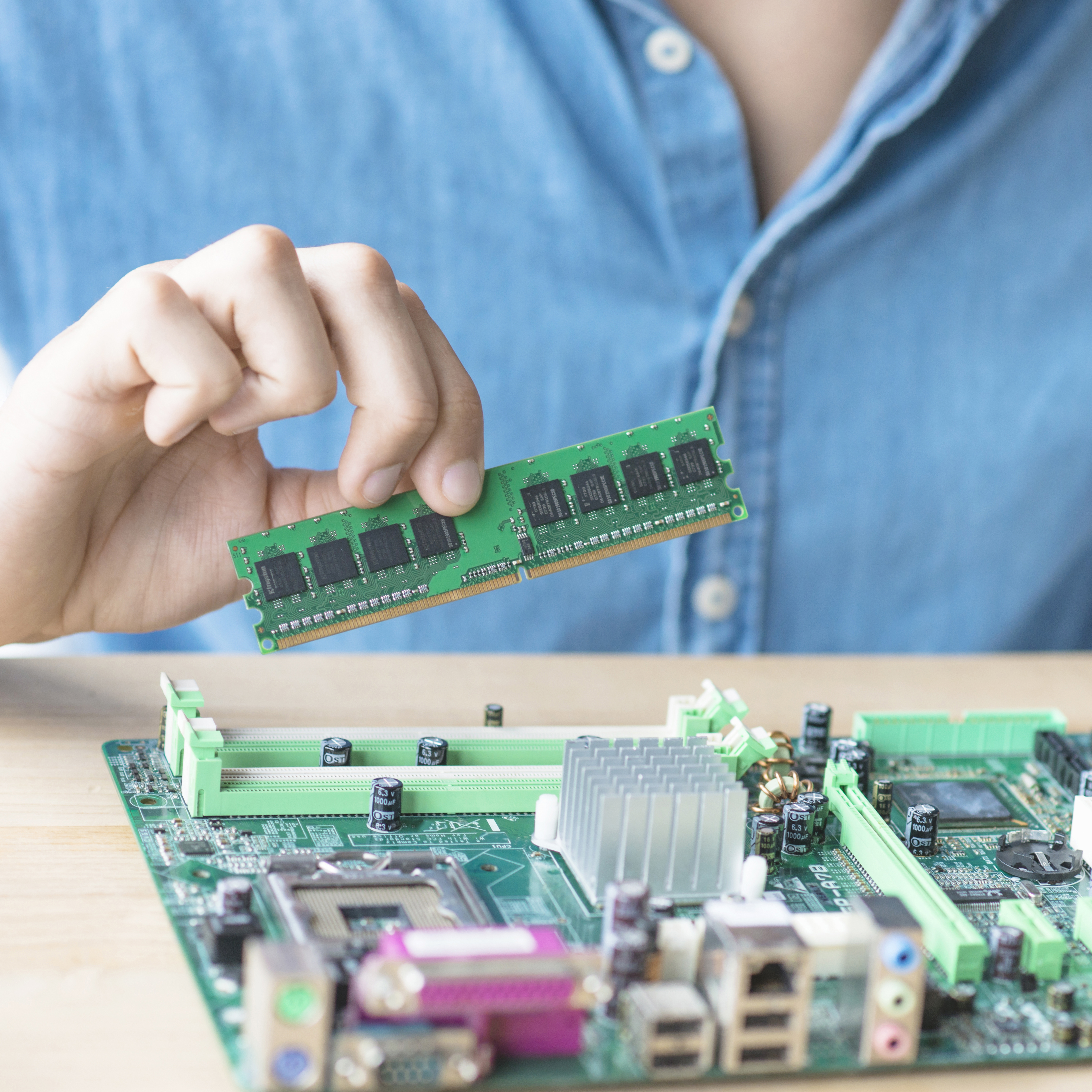
Ram upgrade
MSI Computer RAM Repair and Replacement
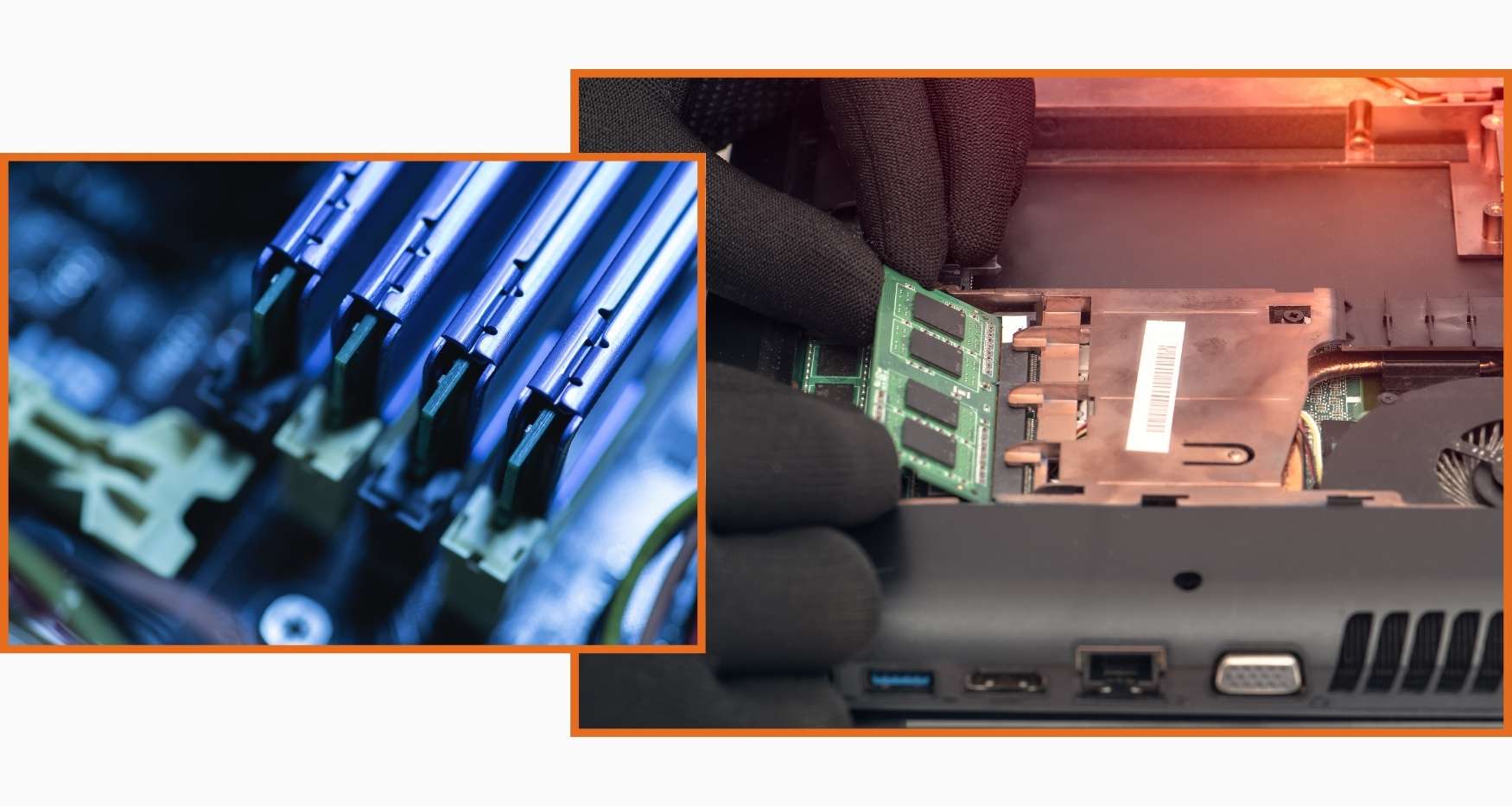
Is your MSI computer freezing, showing low memory warnings, or unable to run multiple programs smoothly? Guru Computer Solution in Kathmandu, Nepal, provides professional diagnostics and reliable RAM repair and replacement services. Our experienced technicians carefully inspect the memory modules, RAM slots, and system compatibility to identify the exact cause before performing any repair or upgrade.
Common Signs Your MSI Computer Has a RAM Issue
If you are using an MSI computer, look out for these RAM problem symptoms:
- Frequent freezing or crashing
- Low memory warnings
- Slow performance with multiple programs open
- Blue screen errors
- Computer fails to boot properly
- Random restarts during use
- Programs closing unexpectedly
- Beeping sounds during startup
- RAM not detected by the system
- Sluggish multitasking performance
Choose Guru Computer Solution for safe, cost-effective, and professional MSI computer RAM services.
Why Choose Guru Computer Solution for MSI Computer RAM Repair?
At Guru Computer Solution, we focus on quality service and customer satisfaction. Here's why we are the top choice for MSI computer RAM repair in Kathmandu:
- Original and high-quality replacement RAM modules
- Warranty coverage for repairs
- Same-day repair service available
- Free diagnostic check for MSI computers
- Skilled IT technicians with years of experience
- Careful handling of your device
- Affordable and transparent pricing
We bring comfort to your location with professional repairs at your doorstep. Our team ensures your MSI computer RAM issues are solved quickly and safely, restoring your system's performance in no time.
Our Repair Process
Complete hardware diagnosis → RAM module testing → Slot and connector inspection → Compatibility check → RAM replacement or upgrade if required → Full performance and stability testing → Final cleaning and delivery
Fast and Reliable MSI Computer RAM Repair
Visit Guru Computer Solution for fast and reliable MSI computer RAM repair and replacement in Kathmandu, Nepal. Whether your computer freezes, shows low memory warnings, or struggles with multitasking due to faulty or insufficient RAM, our expert technicians provide accurate diagnostics and quality upgrades using genuine compatible replacement parts. Get your MSI computer back to smooth, reliable performance with professional service and warranty support.

1. Genuine & Compatible Parts
We supply and install high-quality, fully compatible replacement parts and components designed specifically for your laptop model.

2. Expert Technicians
Our highly experienced hardware technicians accurately diagnose and repair complex device issues with absolute precision.

3. Fast Repair Service
Most repairs and component replacements are completed swiftly as soon as parts availability is confirmed.

4. Comprehensive Warranty Support
Selected repairs and replacement services include a dedicated service warranty for your complete peace of mind.
Frequently Asked Questions
It means the memory module is faulty, insufficient, or not properly detected, causing performance problems.
Running multiple programs, heavy software, or modern operating systems often requires more memory than older RAM configurations provide.
Yes, faulty or insufficient RAM is one of the most common causes of freezing and crashing.
Yes, faulty RAM modules can trigger blue screen errors during use.
Look for frequent freezing, low memory warnings, random restarts, or slow multitasking performance.
Yes, aging RAM modules can develop faults that affect system stability.
It is not directly dangerous, but it can lead to data loss during crashes or unexpected shutdowns.
Yes, the computer may slow down, freeze, or fail to run multiple programs at once.
Basic reseating of RAM may help in some cases, but professional diagnosis is safer and more reliable.
Not always, sometimes reseating or cleaning the RAM slot resolves the issue without replacement.
In rare cases, a faulty RAM slot can affect the motherboard, so early diagnosis is important.
Yes, most RAM repairs and upgrades take less than an hour depending on parts availability.
Yes, sudden crashes or restarts caused by faulty RAM can occasionally lead to unsaved data loss.
Back up important data and have the computer professionally diagnosed if freezing or crashing continues.
Sometimes cleaning the RAM slot or reseating the module is enough to resolve the issue.
No, cost depends on the RAM capacity and type needed for your specific MSI model.
Yes, insufficient or faulty RAM can cause significant lag during demanding tasks.
Yes, you may see low memory warnings or error messages related to memory management.
Unresolved RAM issues can lead to repeated crashes that may strain other components over time.
You can visit Guru Computer Solution located in Kathmandu.