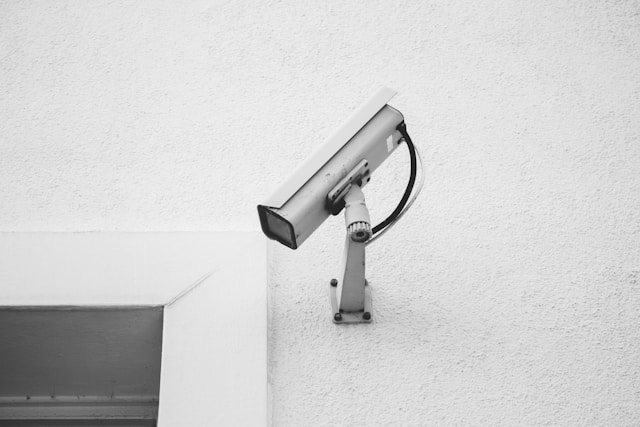
Not Displaying Images Issue
ZKTeco CCTV Camera Image Not Showing Problem
ZKTeco CCTV Camera Not Displaying Images Issue repair at guru computer solution
This problem arises when the camera is on, but it fails to show any video output. It can be caused by faulty wiring, malfunctioned power supply, malfunctioning camera lenses, or problems in the video output connections.
Symptoms
- Black or blank screen on the monitor.
- No video feed from one or more cameras.
- Power indicator on the camera is off.
Solutions
- Replace faulty power cables or adapters.
- Ensure good connections between cameras and the DVR/NVR.
- Try another port or wiring for the same camera to rule out any wiring faults.
- Replace your camera if there is still no good result from all the steps above.
Why Choose Us

1. Genuine & Compatible Parts
We supply and install high-quality, fully compatible replacement parts and components designed specifically for your laptop model.

2. Expert Technicians
Our highly experienced hardware technicians accurately diagnose and repair complex device issues with absolute precision.

3. Fast Repair Service
Most repairs and component replacements are completed swiftly as soon as parts availability is confirmed.

4. Comprehensive Warranty Support
Selected repairs and replacement services include a dedicated service warranty for your complete peace of mind.
Frequently Asked Questions
The common defects responsible for this scenario may include faulty wiring, problems within the power supply, malfunctioned camera lens issues, or others involving any type of video output connection. Such issues can be diagnosed and sorted out by skilled engineers at Guru Computer Solution. Then, your camera will start working properly.
First, check that the power adapter is plugged in correctly. Then, check the power indicator on the camera. If it is off, try using another power adapter or cable. If the problem persists, contact Guru Computer Solution.
Yes, a damaged or loose cable can disrupt the video signal. Guru Computer Solution can replace faulty cables to ensure proper functionality.
If it's still not working, then something may be wrong with the camera. The problem can be diagnosed by Guru Computer Solution for repairs or replacements.
