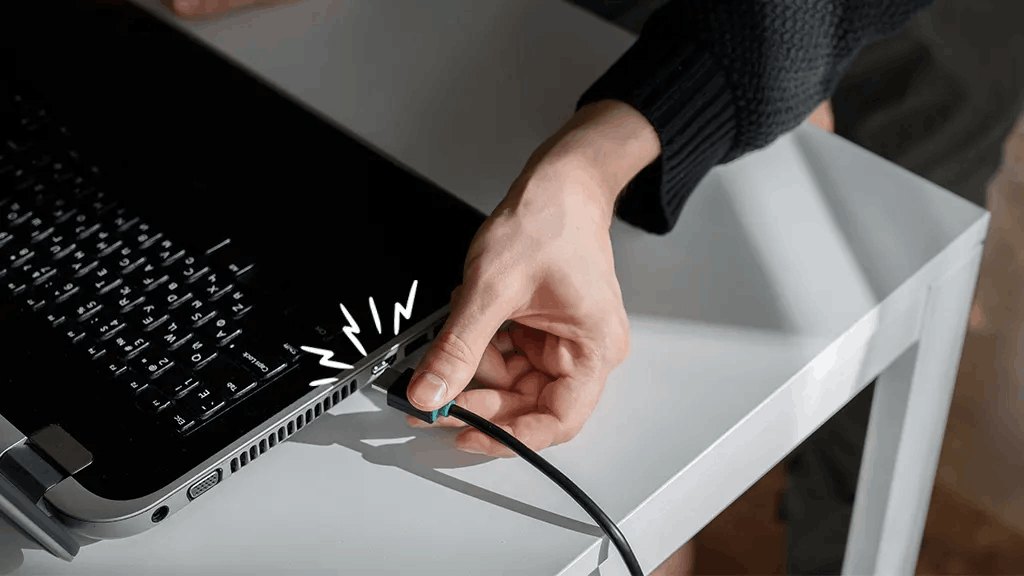
HDMI / Display Connection Issue
Samsung Smartboard HDMI / Display Connection Issue Repair in Nepal
Is your Samsung smartboard having HDMI or display connection problems? Stop searching for a reliable Samsung smartboard repair service center, because Guru Computer Solution in Kathmandu, Nepal is here to help.
Our expert technicians carefully inspect the smartboard display and HDMI connection to find the real issue, whether it is caused by a loose cable, port damage, signal problem, or internal hardware fault. We use quality repair methods and aim to fix the problem quickly to reduce downtime.
We are skilled in diagnosing and repairing a wide range of display-related issues in samsung smartboards, including both hardware and software problems.
Common Signs of HDMI / Display Connection Issues in samsung Smartboards
If you are using a samsung smartboard, look out for these signs of display or HDMI problems:
- No display on the screen
- Flickering display
- Loose HDMI connection
- Display cuts in and out
- Blank screen after connecting
- Poor or distorted image quality
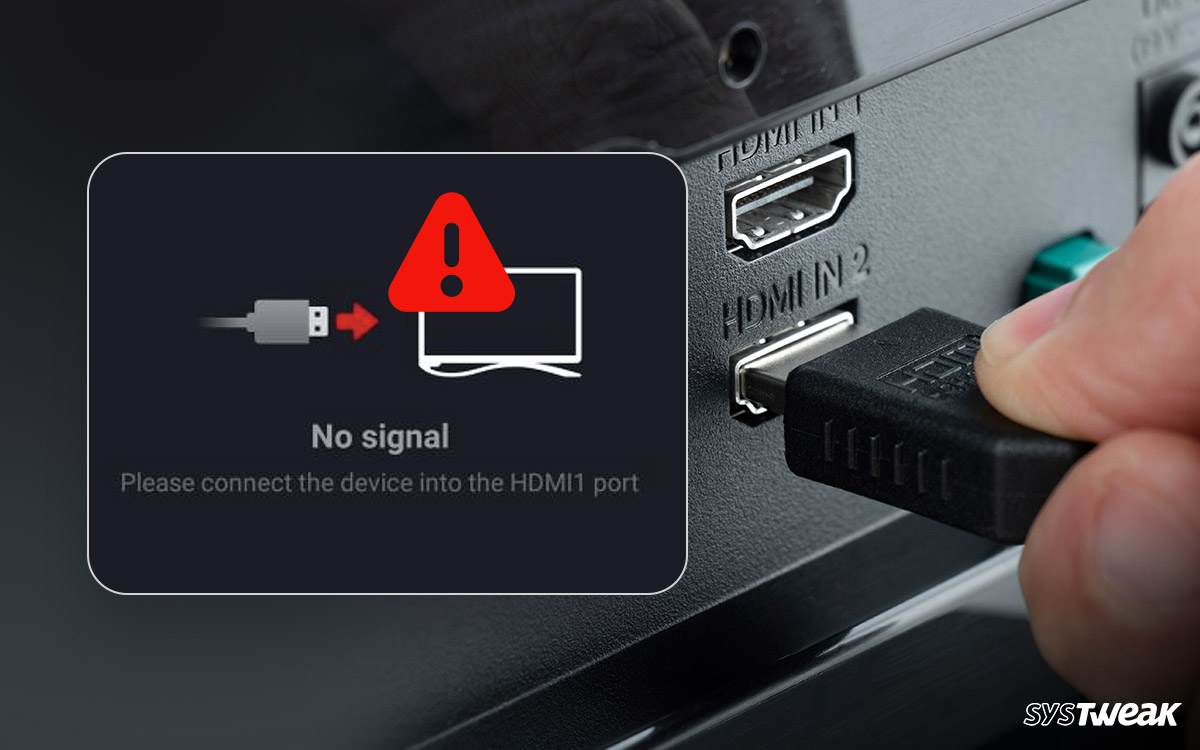
- Signal not detected
- Port not working properly
- Screen showing “No Input” message
- Display delay or lag
- Color or brightness problems
- Intermittent connection failure
Your Trusted Choice for samsung Smartboard HDMI / Display Issue Repair
Guru Computer Solution is proud to be a trusted name for samsung smartboard service in Nepal. Our team of highly trained technicians is committed to giving you professional service and reliable repair solutions.
We provide smartboard repair services in Kathmandu, Nepal, and also offer convenient on-site support when needed. Our experts handle display and HDMI issues carefully and efficiently, helping you get your smartboard back to normal as soon as possible.
Choose Guru Computer Solution for reliable, cost-effective, and complete samsung smartboard repair services.
Why Choose Guru Computer Solution for samsung Smartboard HDMI / Display Connection Repair?
At Guru Computer Solution, quality service and customer satisfaction come first. Here is why customers choose us for samsung smartboard repair in Kathmandu:
- Original parts for samsung devices
- Warranty coverage
- Same-day repair service
- Free diagnostic service for samsung products
- Trained IT technicians
- Handle-with-care service policy
- Reasonable pricing
We provide service at your location, bringing professional repair support to your doorstep. Our experts offer complete solutions for HDMI and display connection issues quickly and efficiently, helping restore your smartboard performance with less downtime.

1. Genuine & Compatible Parts
We supply and install high-quality, fully compatible replacement parts and components designed specifically for your laptop model.

2. Expert Technicians
Our highly experienced hardware technicians accurately diagnose and repair complex device issues with absolute precision.

3. Fast Repair Service
Most repairs and component replacements are completed swiftly as soon as parts availability is confirmed.

4. Comprehensive Warranty Support
Selected repairs and replacement services include a dedicated service warranty for your complete peace of mind.
Frequently Asked Questions
A Samsung Smartboard "No Signal" message usually appears when the HDMI cable is loose, damaged, or connected to the wrong input source.
To fix a Samsung Smartboard HDMI connection issue, check the HDMI cable, select the correct input source, and restart both the smartboard and the connected device.
Your Samsung Smartboard may not detect your laptop if the HDMI cable is faulty, the laptop display settings are incorrect, or the HDMI port is damaged.
A Samsung Smartboard HDMI display problem can occur because of a loose cable, incorrect input selection, or unsupported display settings.
Open the input or source menu on the Samsung Smartboard and choose the HDMI port where your device is connected.
A black screen issue on a Samsung Smartboard may happen because the external device is not sending a video signal or the wrong input source is selected.
Yes, a damaged HDMI cable is one of the most common causes of Samsung Smartboard display connection problems.
Screen flickering on a Samsung Smartboard may occur due to a faulty HDMI cable, unstable connection, or incorrect display resolution.
Replace the HDMI cable, reconnect the cable properly, and adjust the display resolution on the connected device.
The laptop display mode may be set incorrectly. Change the display settings to Duplicate or Extend mode.
A resolution of 1920 × 1080 is commonly recommended for stable Samsung Smartboard display performance.
Yes, a damaged HDMI port can prevent the Samsung Smartboard from receiving video signals properly.
A blank screen may appear if the connected device is turned off, the cable is loose, or the selected HDMI source is incorrect.
Restarting the Samsung Smartboard and the connected device can solve many temporary HDMI and display connection problems.
This problem may occur when the audio signal is detected but the video signal is not being transmitted correctly.
Yes, but using a high-quality HDMI cable can improve display stability and reduce connection issues
The issue may be related to the specific laptop, computer, or device settings rather than the smartboard itself.
Check the HDMI cable, verify the input source, restart devices, update display drivers, and test with another cable or device.
You should contact technical support if the HDMI connection problem continues after trying basic troubleshooting steps.
Use good-quality HDMI cables, avoid loose connections, keep software updated, and handle the HDMI ports carefully.
