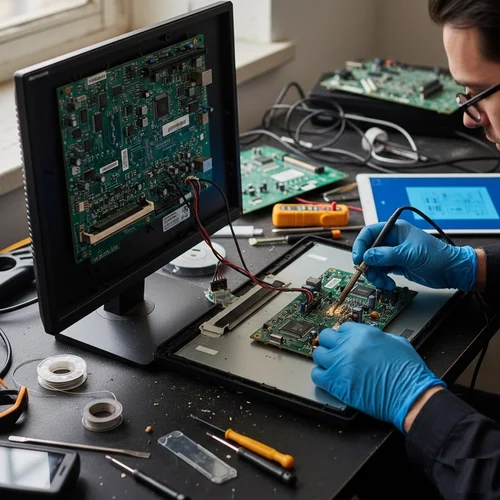
Monitor Connection Repair
Toshiba Computer Monitor Connection Issue Repair and Solution
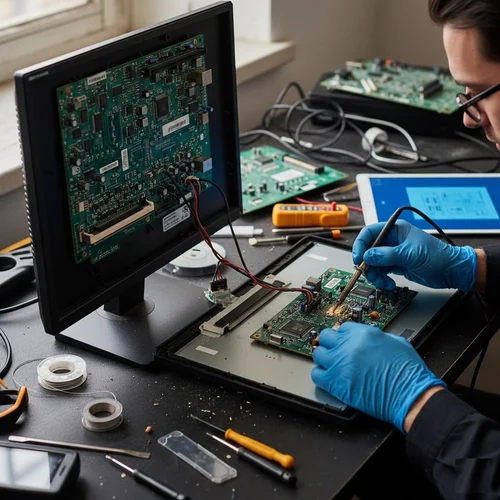
Is your Toshiba computer showing no display, flickering screen, or failing to detect an external monitor? Guru Computer Solution in Kathmandu, Nepal, provides professional diagnostics and reliable monitor connection repair services. Our experienced technicians carefully inspect the display port, cables, graphics output, and system settings to identify the exact cause before performing any repair.
Common Signs Your Toshiba Computer Has a Monitor Connection Issue
If you are using a Toshiba computer, look out for these monitor connection problem symptoms:
- No display on monitor despite power on
- Flickering or blinking screen
- External monitor not detected
- Distorted or discolored display output
- Signal loss or "no signal" message
- Loose or damaged display cable
- Resolution not adjusting correctly
- Screen going blank randomly
- Dual monitor setup not working
- HDMI/VGA/DisplayPort not responding
Choose Guru Computer Solution for safe, cost-effective, and professional Toshiba computer monitor connection services.
Why Choose Guru Computer Solution for Toshiba Computer Monitor Connection Repair?
At Guru Computer Solution, we focus on quality service and customer satisfaction. Here's why we are the top choice for Toshiba computer monitor connection repair in Kathmandu:
- Original and high-quality replacement cables and parts
- Warranty coverage for repairs
- Same-day repair service available
- Free diagnostic check for Toshiba computers
- Skilled IT technicians with years of experience
- Careful handling of your device
- Affordable and transparent pricing
We bring comfort to your location with professional repairs at your doorstep. Our team ensures your Toshiba computer monitor connection issues are solved quickly and safely, restoring your system's display performance in no time.
Our Repair Process
Complete hardware diagnosis → Cable and port testing → Graphics output and driver inspection → Display settings check → Component replacement if required → Full display testing → Final cleaning and delivery
Fast and Reliable Toshiba Computer Monitor Connection Repair
Visit Guru Computer Solution for fast and reliable Toshiba computer monitor connection repair in Kathmandu, Nepal. Whether your computer struggles with no display, a flickering screen, or an undetected external monitor, our expert technicians provide accurate diagnostics and quality repairs using genuine, compatible replacement parts. Get your Toshiba computer back to stable, reliable display performance with professional service and warranty support.

1. Genuine & Compatible Parts
We supply and install high-quality, fully compatible replacement parts and components designed specifically for your laptop model.

2. Expert Technicians
Our highly experienced hardware technicians accurately diagnose and repair complex device issues with absolute precision.

3. Fast Repair Service
Most repairs and component replacements are completed swiftly as soon as parts availability is confirmed.

4. Comprehensive Warranty Support
Selected repairs and replacement services include a dedicated service warranty for your complete peace of mind.
Frequently Asked Questions
It means the computer is having trouble sending or maintaining a display signal to the monitor due to hardware or driver problems.
A loose cable, faulty display port, or graphics driver issue can prevent the monitor from receiving a signal.
Yes, a damaged cable or unstable graphics output is one of the most common causes of screen flickering.
Yes, a "no signal" message usually means the connection between the computer and monitor has been interrupted.
Look for no display, flickering, distorted colors, signal loss messages, or the monitor not being detected.
Yes, a damaged or loose HDMI, VGA, or DisplayPort cable is one of the most common causes of connection problems.
No, it is not dangerous, but it can disrupt work and access to your display until repaired.
Yes, a faulty port or driver conflict can prevent one or both monitors from displaying correctly.
Basic steps like checking cable connections may help, but professional diagnosis is more reliable for port or driver faults.
Not always, sometimes updating graphics drivers or adjusting display settings resolves the issue without replacement.
Yes, a faulty connection or outdated driver can prevent the display from adjusting to the correct resolution.
Yes, most monitor connection repairs take a short time once the faulty cable or port is identified.
Yes, a sudden loss of display can interrupt ongoing work, presentations, or file access.
Avoid repeatedly unplugging and forcing cable connections; have the computer professionally diagnosed for the exact cause.
Sometimes reseating the cable, updating drivers, or adjusting display settings is enough to resolve it.
No, cost depends on whether the issue is cable-related or requires port or graphics component replacement.
Yes, display loss or flickering can disrupt video meetings, presentations, and file sharing.
Yes, you may see "no signal" messages, display not detected warnings, or resolution error notifications.
It can, if the cable or port has an underlying fault, so proper diagnosis and quality replacement parts are recommended.
You can visit Guru Computer Solution located in Kathmandu.
