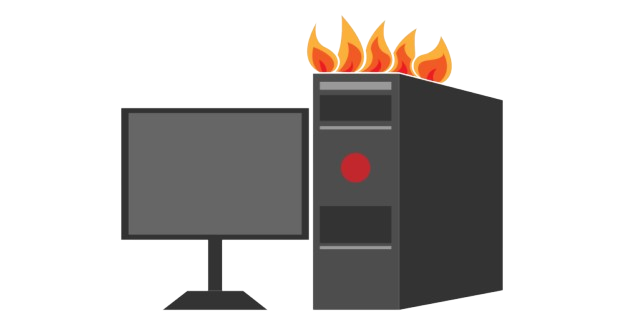
Overheating issue
Toshiba Computer Overheating Repair and Solution
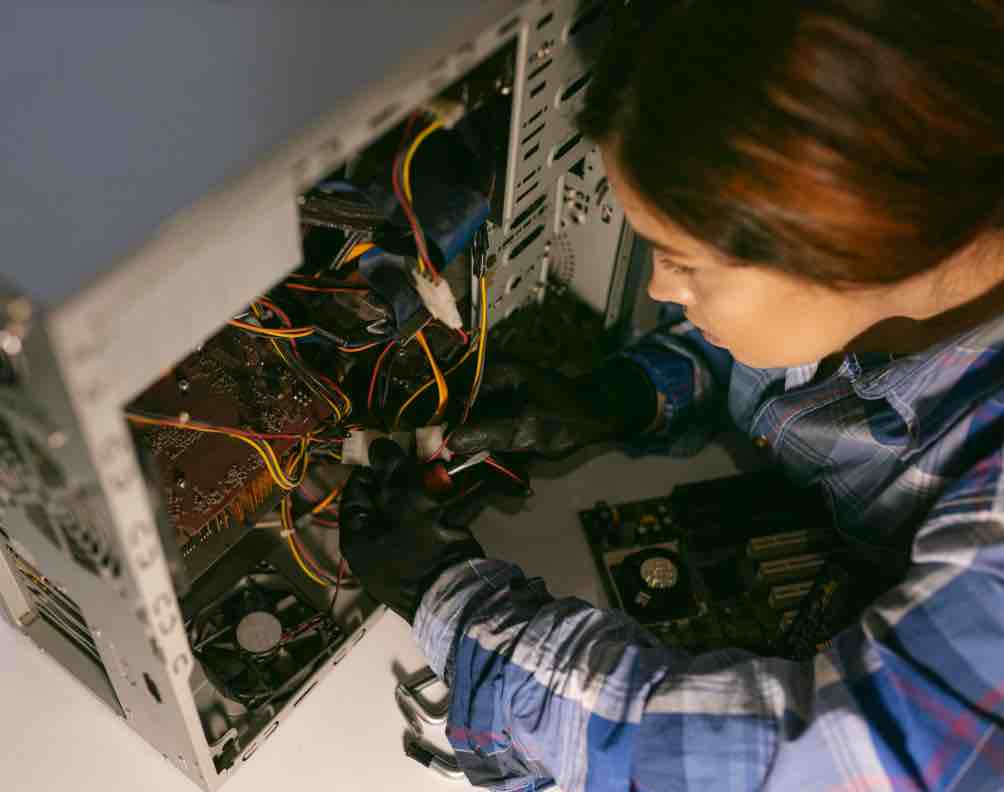
Is your Toshiba computer overheating, shutting down unexpectedly, or making loud fan noises? Guru Computer Solution in Kathmandu, Nepal, provides professional diagnostics and reliable overheating repair services. Our experienced technicians carefully inspect the cooling fan, heat sink, thermal paste, vents, and internal airflow to identify the exact cause before performing any repair.
Common Signs Your Toshiba Computer Is Overheating
If you are using a Toshiba computer, look out for these overheating symptoms:
- Loud or constant fan noise
- Sudden shutdowns or restarts
- Slow performance under load
- Hot air or hot casing to the touch
- System freezing during use
- Dust buildup near vents
- Warning messages about temperature
- Frequent crashes during heavy tasks
- Reduced performance after long use
- Fan not spinning or spinning irregularly
Choose Guru Computer Solution for safe, cost-effective, and professional Toshiba computer overheating services.
Why Choose Guru Computer Solution for Toshiba Computer Overheating Repair?
At Guru Computer Solution, we focus on quality service and customer satisfaction. Here's why we are the top choice for Toshiba computer overheating repair in Kathmandu:
- Original and high-quality replacement parts
- Warranty coverage for repairs
- Same-day repair service available
- Free diagnostic check for Toshiba computers
- Skilled IT technicians with years of experience
- Careful handling of your device
- Affordable and transparent pricing
We bring comfort to your location with professional repairs at your doorstep. Our team ensures your Toshiba computer overheating issues are solved quickly and safely, restoring your system's performance in no time.
Our Repair Process
Complete hardware diagnosis → Fan and airflow inspection → Thermal paste evaluation → Heat sink and vent cleaning → Component replacement if required → Full performance and temperature testing → Final cleaning and delivery
Fast and Reliable Toshiba Computer Overheating Repair
Visit Guru Computer Solution for fast and reliable Toshiba computer overheating repair in Kathmandu, Nepal. Whether your computer has a noisy fan, sudden shutdowns, or performance drops due to heat, our expert technicians provide accurate diagnostics and quality repairs using genuine compatible replacement parts. Get your Toshiba computer back to full, stable performance with professional service and warranty support.

1. Genuine & Compatible Parts
We supply and install high-quality, fully compatible replacement parts and components designed specifically for your laptop model.

2. Expert Technicians
Our highly experienced hardware technicians accurately diagnose and repair complex device issues with absolute precision.

3. Fast Repair Service
Most repairs and component replacements are completed swiftly as soon as parts availability is confirmed.

4. Comprehensive Warranty Support
Selected repairs and replacement services include a dedicated service warranty for your complete peace of mind.
Frequently Asked Questions
It means the internal components are running hotter than normal, often due to blocked airflow, dust, or failing cooling parts.
Dust buildup, failing fans, old thermal paste, or heavy usage can cause this issue.
Yes, sudden shutdowns happen when internal temperatures reach unsafe levels.
Yes, loud or constant fan noise is a common sign of overheating.
Look for hot casing, slow performance, frequent restarts, or loud fan noise.
Yes, dust accumulation blocks airflow and is one of the most common causes.
Yes, prolonged overheating can damage internal components and shorten the computer's lifespan.
Yes, the computer may slow down, freeze, or shut off during use.
Basic cleaning may help temporarily, but professional service is safer and more reliable.
Not always, sometimes cleaning or thermal paste replacement resolves the issue.
Yes, prolonged high temperatures can damage the motherboard and other components.
Yes, most repairs take a few hours depending on the cause.
Yes, sudden shutdowns caused by overheating can occasionally lead to data corruption
Turn off the computer and avoid continued use; take it to a service center for diagnosis.
Sometimes cleaning and thermal paste renewal is enough, but severe cases may need part replacement.
No, cost depends on the parts needed and the extent of the damage.
Yes, faulty fans may spin irregularly or not at all.
Yes, you may see temperature warnings or automatic performance throttling.
Yes, long-term overheating can harm other components and shorten overall lifespan.
You can visit Guru Computer Solution located in Kathmandu.