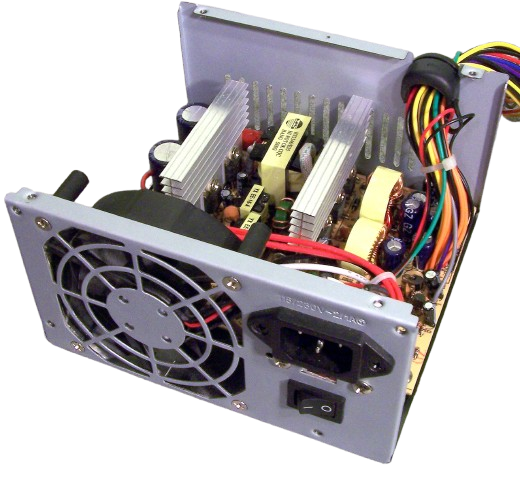
Power Supply Repair and Replacement
Toshiba Computer Power Supply Repair and Replacement
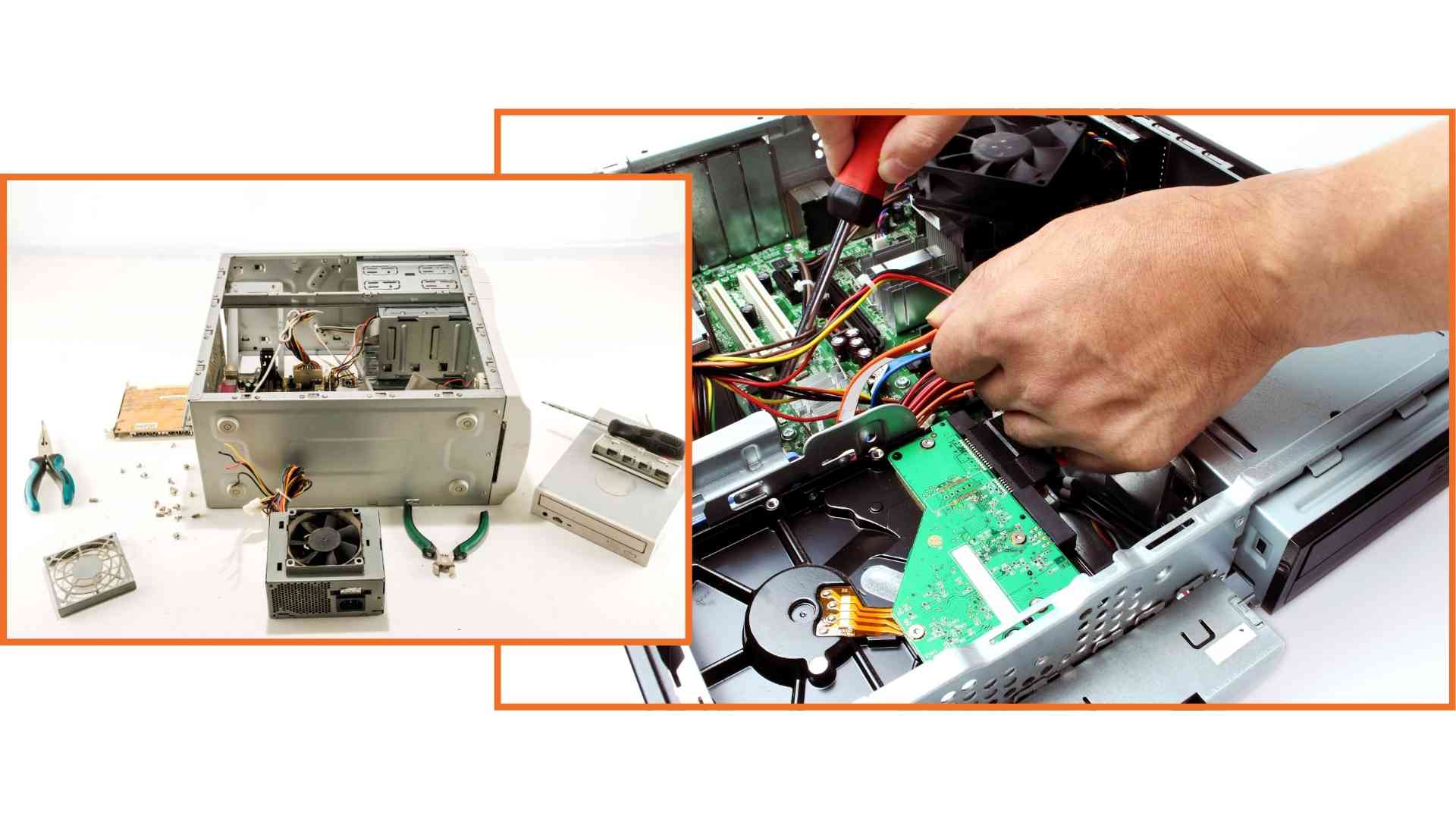
Is your Toshiba computer not turning on, shutting down suddenly, or making a burning smell near the power area? Guru Computer Solution in Kathmandu, Nepal, provides professional diagnostics and reliable power supply repair and replacement services. Our experienced technicians carefully inspect the power adapter, internal power circuit, and connectors to identify the exact cause before performing any repair.
Common Signs Your Toshiba Computer Has a Power Supply Issue
If you are using a Toshiba computer, look out for these power supply problem symptoms:
- Computer not turning on at all
- Sudden shutdowns during use
- Burning smell or noise near the power unit
- Charger connected but not charging
- Power light not turning on
- Random restarts while running programs
- Overheating near the power adapter
- Flickering power indicator lights
- Computer turning on and off repeatedly
- No response when pressing the power button
Choose Guru Computer Solution for safe, cost-effective, and professional Toshiba computer power supply services.
Why Choose Guru Computer Solution for Toshiba Computer Power Supply Repair?
At Guru Computer Solution, we focus on quality service and customer satisfaction. Here's why we are the top choice for Toshiba computer power supply repair in Kathmandu:
- Original and high-quality replacement power supply units
- Warranty coverage for repairs
- Same-day repair service available
- Free diagnostic check for Toshiba computers
- Skilled IT technicians with years of experience
- Careful handling of your device
- Affordable and transparent pricing
We bring comfort to your location with professional repairs at your doorstep. Our team ensures your Toshiba computer power supply issues are solved quickly and safely, restoring your system's performance in no time.
Our Repair Process
Complete hardware diagnosis → Power adapter and circuit testing → Short-circuit and voltage check → Connector and port inspection → Component replacement if required → Full power testing → Final cleaning and delivery
Fast and Reliable Toshiba Computer Power Supply Repair
Visit Guru Computer Solution for fast and reliable Toshiba computer power supply repair and replacement in Kathmandu, Nepal. Whether your computer won't power on, shuts down suddenly, or shows signs of power circuit damage, our expert technicians provide accurate diagnostics and quality repairs using genuine, compatible replacement parts. Get your Toshiba computer back to stable, reliable performance with professional service and warranty support.

1. Genuine & Compatible Parts
We supply and install high-quality, fully compatible replacement parts and components designed specifically for your laptop model.

2. Expert Technicians
Our highly experienced hardware technicians accurately diagnose and repair complex device issues with absolute precision.

3. Fast Repair Service
Most repairs and component replacements are completed swiftly as soon as parts availability is confirmed.

4. Comprehensive Warranty Support
Selected repairs and replacement services include a dedicated service warranty for your complete peace of mind.
Frequently Asked Questions
It means the computer is having trouble receiving or maintaining a stable power source due to a faulty adapter, circuit, or connector.
A faulty power adapter, damaged power circuit, or loose connection can prevent the computer from powering on.
Yes, an unstable power circuit or failing power supply unit can cause the system to shut down unexpectedly.
Yes, a burning smell near the power area usually indicates a serious electrical fault that needs immediate attention.
Look for the computer not turning on, sudden shutdowns, no charging response, or flickering power lights.
Yes, a damaged charger or adapter is one of the most common causes of power supply problems.
It is not dangerous to you directly, but it can pose a fire risk if a burning smell or sparking occurs, so it should be addressed immediately.
Yes, a damaged power circuit or adapter can prevent the battery from charging even when plugged in.
Basic checks like testing with a different outlet may help, but professional diagnosis is necessary for internal power circuit faults.
Not always, sometimes replacing just the adapter or repairing a loose connector resolves the issue without a full unit replacement.
Yes, an unstable power supply can potentially damage the motherboard or other internal components over time.
Yes, most power supply repairs take a few hours depending on the cause and parts availability.
Yes, sudden shutdowns caused by power failure can lead to unsaved work being lost.
Turn off the device immediately and avoid using a suspicious charger or outlet; have it professionally diagnosed right away.
Sometimes cleaning the connector, tightening loose parts, or repairing a minor circuit fault is enough to resolve it.
No, cost depends on whether the issue is adapter-related or requires internal power circuit replacement.
Yes, sudden shutdowns or a non-charging computer can disrupt video meetings, file work, and cloud access.
Not always, since power supply faults are hardware-related and may not always trigger a clear on-screen warning.
It can, if caused by a low-quality adapter or ongoing electrical fluctuations, so using genuine parts and a stable power source is recommended.
You can visit Guru Computer Solution located in Kathmandu.
