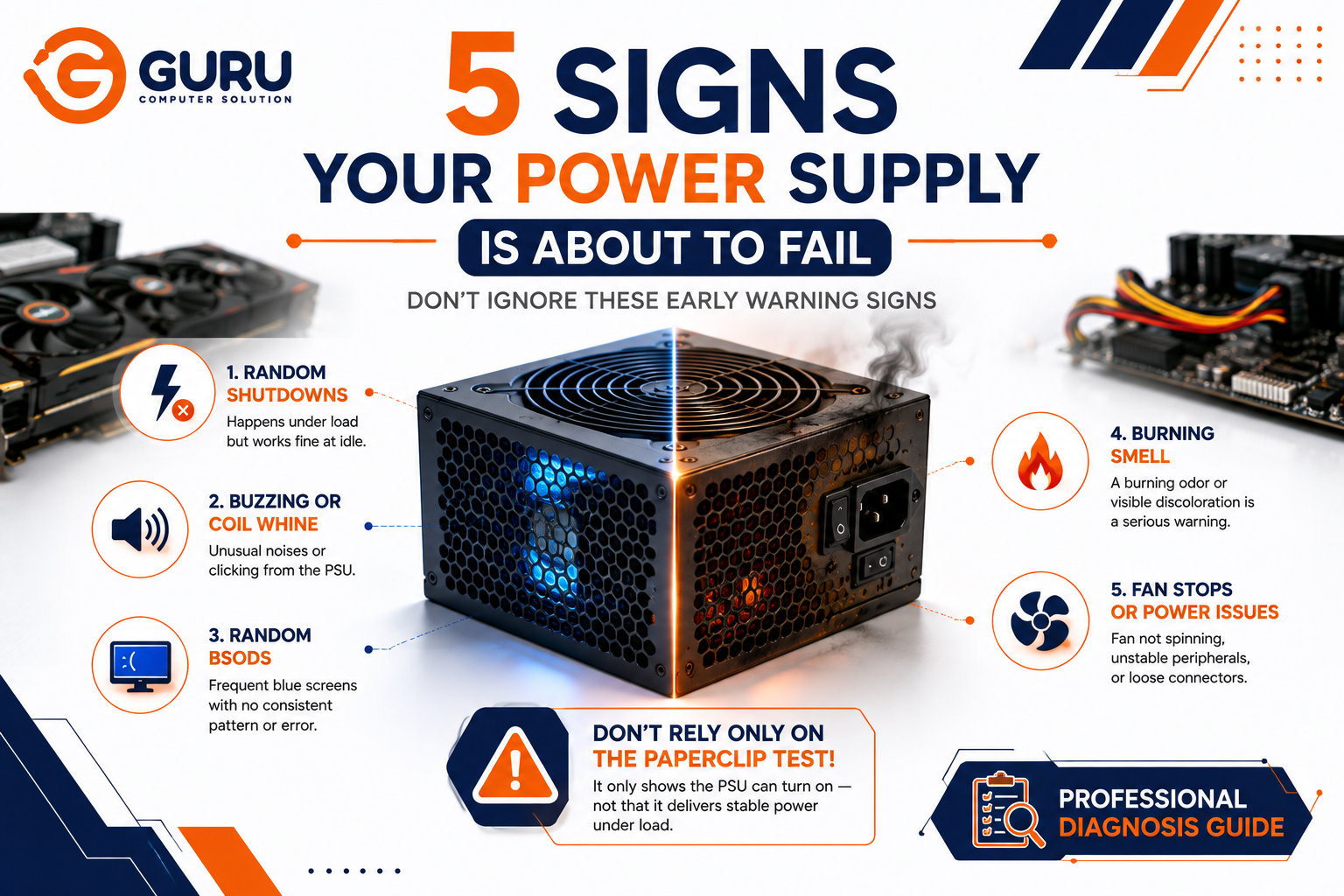
A power supply rarely dies in one dramatic moment. More often, it shows small warning signs first — irregularities that seem unrelated at the beginning, especially when the rest of the system still appears to be functioning normally. The problem is that these early signs get blamed on almost everything except the PSU.
Why PSU Failure Is So Easy to Misdiagnose
The power supply is arguably the hardest component in a PC to diagnose specifically because when it starts to fail, it doesn't announce itself — it mimics another component instead. Random shutdowns look like an overheating GPU. Blue screens look like bad RAM. This is the single biggest reason PSU problems go unaddressed for months — people spend their troubleshooting effort reseating RAM, updating GPU drivers, or reinstalling Windows, when the actual fault is upstream of all of it.
There's also a visual trap: Many failing units don't show obvious visual damage at all. The housing looks clean, the terminals appear intact, and there's no smoke or burn marks — but internally, aging capacitors, overheating stress, or degraded voltage regulation may already be affecting performance. A PSU that "looks fine" tells you almost nothing about its actual condition.
The 5 Warning Signs
1. Shutdowns That Only Happen Under Load
This is the single most reliable early indicator, and the one most people misread. The distinguishing fingerprint of a failing PSU is a random, load-dependent crash — it dies while launching a game or starting a render, but runs completely fine at idle, with no error logged anywhere.
Hardware that fails on a predictable schedule usually isn't the PSU. Hardware that fails at random, specifically under load, with no clear error message, very often is. The physics behind this pattern matters: a degrading PSU can hold voltage just fine while the system is idling and drawing minimal power, and only drops out of spec once real load demands more current than it can stably deliver.
What people usually blame instead: an overheating GPU, unstable RAM overclock, or a Windows update.
2. Coil Whine or Unusual Internal Noise
Buzzing, crackling, or high-pitched whining sounds coming from the PSU often point to internal capacitor or circuit failure developing inside the unit. Erratic fan noise, humming that changes pitch, or clicking sounds are all worth treating as warning signs rather than background noise to ignore.
Why it's overlooked: a quiet whine is easy to dismiss as "just the PC being a PC," especially in a case with multiple fans already producing ambient noise.
3. Frequent, Unexplained Blue Screens (BSODs)
Blue screen errors are commonly linked to software or driver issues, but they can also be a sign of a failing power supply — specifically when the PSU can't deliver consistent power to components that are sensitive to voltage fluctuation.
What separates PSU-caused BSODs from software-caused ones: software/driver BSODs tend to reference a specific driver or system file and often correlate with a recent update or install. PSU-caused BSODs tend to happen inconsistently across completely unrelated tasks, with no consistent error code, and often alongside other symptoms on this list.
4. A Burning Smell or Visible Discoloration
A burning or electrical smell coming from your computer is a serious warning sign — it often indicates the power supply is overheating internally or that there's an electrical short inside the unit. Visible discoloration near terminals, vents, or mounting surfaces is another serious sign, and continuing to run a unit showing this should not be treated as something to simply observe over time.
This is the one sign that requires immediate action, not monitoring. Continuing to use the computer under these conditions risks permanent hardware damage or a genuine fire hazard.
5. Fan Behavior Changes or Peripheral Power Issues
A PSU fan that has completely stopped spinning can mean one of two things: the fan itself has failed mechanically, in which case the unit may be silently overheating, or the PSU has already failed entirely. Either way, this isn't something to wait out.
Separately, the problem sometimes isn't internal to the PSU at all — loose output terminals, darkened connectors, or heat-stressed wiring around the unit can create voltage drop and unstable delivery that produces symptoms nearly identical to internal PSU failure. This is worth checking before assuming the PSU itself needs replacing.
How to Actually Confirm It — Don't Stop at the Paperclip Test
If you've noticed one or more of these signs, the paperclip test alone won't give you a reliable answer. The paperclip test only proves the PSU can power on — it says nothing about whether the PSU holds stable voltage once real components are drawing current from it.
A more reliable confirmation process:
- Monitor under real load. Using a monitoring tool like HWiNFO64 while running a demanding task lets you watch the 12V rail specifically — a voltage sag toward the lower edge of spec during load is the clearest confirming sign.
- Pay particular attention to the 12V rail. On most modern systems, the CPU and GPU together pull the majority of total system power from this single rail, making it the most sensitive early indicator of a struggling PSU.
- Compare idle vs. load readings. Voltages that stay within spec at idle but sag outside spec under load indicate a failing PSU that needs replacement; voltages already outside spec at idle indicate a unit that has already failed.
- Rule out the "impostors." GPU instability and bad RAM produce nearly identical top-level symptoms to PSU failure — sudden shutdowns and crashes — so distinguishing between them comes down to these secondary clues (load-dependence, noise, smell) rather than the crash itself.
What Not to Do
- Don't keep running the system if you notice a burning smell or visible discoloration — this is the one sign on this list where continued use carries real safety risk, not just further hardware damage
- Don't assume the paperclip test "passing" rules out the PSU — it only confirms the unit can power on, not that it holds voltage under load
- Don't chase GPU or RAM fixes indefinitely if shutdowns are specifically load-dependent and random — this pattern points toward the power delivery chain, not the components receiving that power
- Don't ignore coil whine as "normal PC noise" — while some coil whine is harmless, a new or worsening whine alongside any other sign on this list is worth investigating together, not separately
Why Choose Guru Computer Solution
Load Testing, Not Just Pass/Fail Checks: We test PSUs under real load with proper equipment, catching the voltage sag that a basic paperclip test would miss entirely.
Accurate Component Isolation: Since PSU failure mimics GPU and RAM issues so closely, we diagnose systematically rather than guessing based on symptoms alone.
Quality Replacement Options: When replacement is needed, we recommend PSUs matched to your system's actual power draw, not just the cheapest available unit.
Safety-First Handling: Any unit showing burning smell, discoloration, or physical damage is handled with the caution that risk requires.
Conclusion
A failing PSU rarely announces itself clearly — it mimics a GPU issue, a RAM problem, or a random software glitch, which is exactly why it goes undiagnosed for so long. The most reliable early signal is a random, load-dependent crash with no consistent error, and the most reliable confirmation comes from watching voltage behavior under real load, not from a simple paperclip test. Catching a failing PSU early prevents it from taking other components down with it when it eventually fails completely.
If your system is showing any of these signs, contact Guru Computer Solution for proper load testing and an accurate diagnosis.






