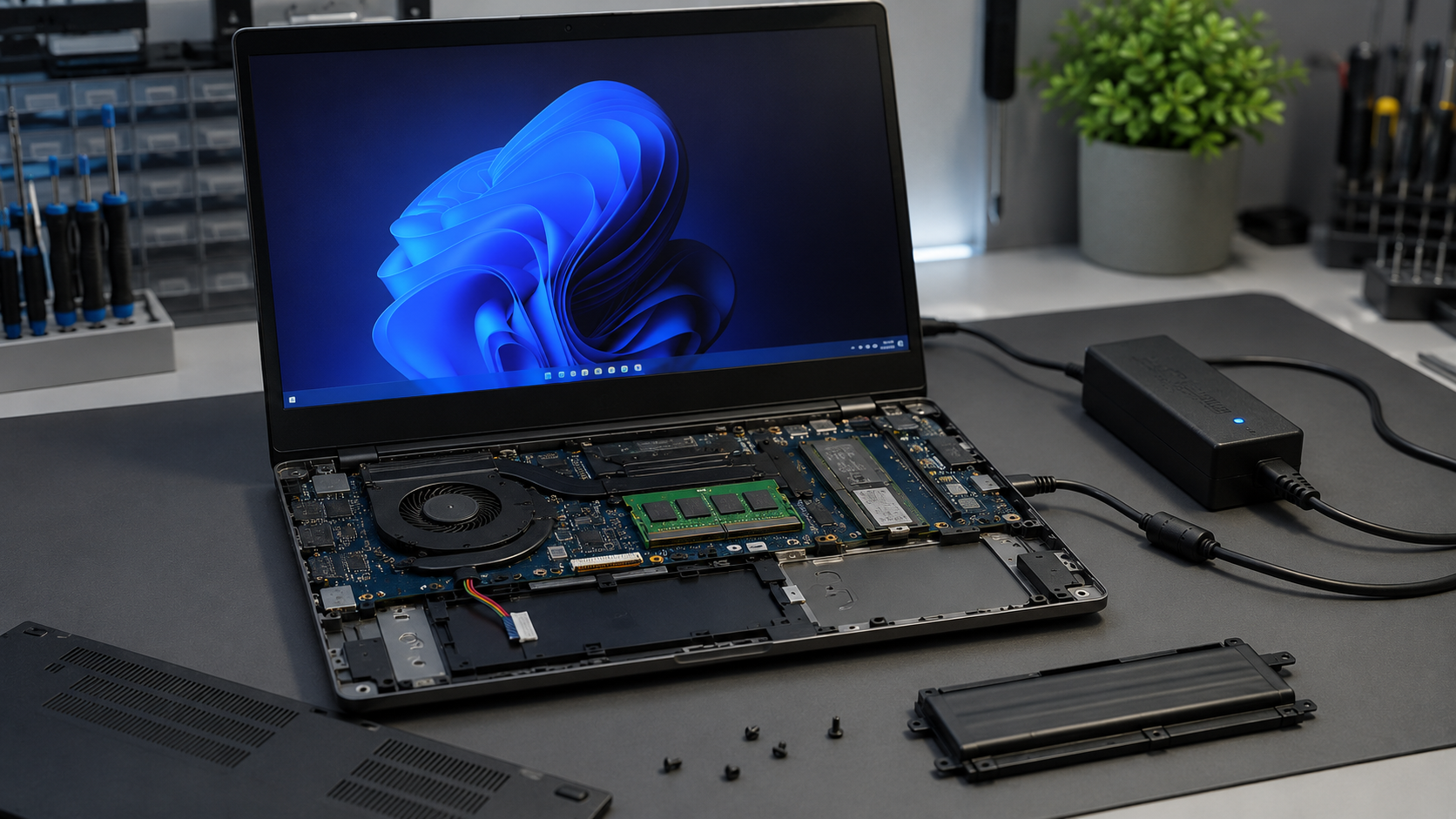
A laptop battery is more than just a portable power source it also helps stabilize power delivery and protects your device from unexpected power interruptions. When a battery becomes damaged, swollen, or stops holding a charge, many users continue using their laptop directly from the charger and wonder if that's completely safe.
The good news is that most modern laptops can operate without a battery as long as a compatible power adapter is connected. However, doing so may come with certain risks, including sudden shutdowns during power outages, potential data loss, and reduced reliability in some situations. Understanding how a laptop performs without a battery can help you decide whether temporary use is acceptable or if replacing the battery is the smarter long-term solution.
In this article, we'll explore whether a laptop can work without a battery, the potential risks involved, how it affects performance, and the safety considerations every laptop owner should know.
What problem is the customer facing?
Many laptop users discover that their battery is swollen, damaged, no longer holding a charge, or completely dead. In some cases, they remove the battery and continue using the laptop with only the power adapter connected. This raises an important question: Can a laptop safely operate without a battery, and what risks are involved?
Why Does It Happen?
A laptop may be used without a battery due to several reasons:
- Battery has reached the end of its lifespan.
- Battery is swollen and poses a safety risk.
- Battery is not charging properly.
- Charging circuit issues prevent battery operation.
- User removes the battery to avoid overheating concerns.
- Replacement battery is unavailable or delayed.
- Internal battery failure causes sudden shutdowns.
Modern laptops are generally capable of running directly from the AC adapter, but performance and stability can vary depending on the laptop model and power requirements.
How can customers identify the issue?
If a laptop is operating without a battery, users may notice:
- Laptop only powers on when connected to the charger.
- Immediate shutdown when the power adapter is unplugged.
- Unexpected power loss during electrical fluctuations.
- Reduced performance during high workloads.
- System instability when using an underpowered charger.
- Battery warning messages in Windows or BIOS.
- Frequent interruptions during gaming, rendering, or heavy tasks.
Possible solutions
1. Use a Genuine Power Adapter
Always use the manufacturer-recommended charger with the correct voltage and wattage specifications.
2. Replace a Faulty Battery
If the battery is swollen, damaged, or no longer functioning, replace it as soon as possible with a compatible battery.
3. Avoid Power Interruptions
Without a battery, even a brief power outage can instantly shut down the laptop and potentially cause data loss.
4. Check Charger Health
A weak or failing charger may not provide sufficient power during heavy workloads, causing instability.
5. Update BIOS and Power Management Drivers
Some laptops manage power differently when a battery is missing. Keeping firmware updated can improve compatibility.
6. Have the Charging Circuit Inspected
If the laptop still experiences power issues after battery replacement, motherboard-level charging circuitry may require professional diagnosis.
Risks of Using a Laptop Without a Battery
While many laptops can operate without a battery, there are potential drawbacks:
- No backup power during outages.
- Increased risk of data loss from sudden shutdowns.
- Power fluctuations may affect system stability.
- Some high-performance laptops may throttle performance.
- Greater dependence on charger quality and power consistency.
- Reduced portability and convenience.
For occasional use, operating without a battery is usually acceptable. For long-term reliability, a healthy battery is recommended.
Why Choose Guru Computer Solution?
1.Certified Technicians
Experienced professionals trained in laptop diagnostics, motherboard repair, and power-related issues.
2.Genuine Parts
We use high-quality compatible and genuine replacement batteries whenever available.
3.Fast Turnaround
Quick diagnosis and repair services to minimize downtime.
4.Warranty Support
Selected repairs and replacement parts are backed by warranty coverage.
5.Affordable Pricing
Transparent and competitive pricing without unnecessary replacement recommendations.
Conclusion
A laptop can work without a battery, but it is generally not recommended for long-term use. Without a battery, the laptop becomes completely dependent on the power adapter and can shut down instantly during power interruptions, risking data loss and unsaved work.
If your battery is damaged, swollen, or no longer holding a charge, replacing it is the best solution for reliable performance and safety. If you're experiencing battery or power-related issues, Guru Computer Solution can diagnose the problem and provide professional repair or battery replacement services to keep your laptop running smoothly.






