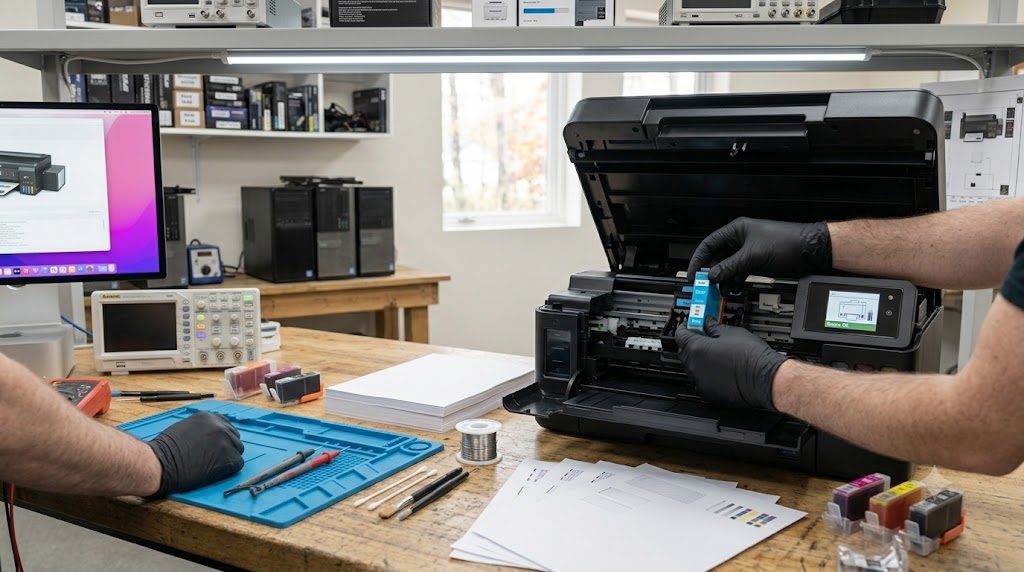
Replacing an ink cartridge should be a simple maintenance task, but sometimes an inkjet printer starts producing completely blank pages immediately afterward. This can be frustrating, especially when the new cartridge appears to be installed correctly. In many cases, the issue is caused by protective tape left on the cartridge, clogged printhead nozzles, improper cartridge installation, air trapped in the ink system, or printer recognition problems. Understanding the most common causes can help restore normal printing quickly and prevent unnecessary cartridge replacements.
What problem is the customer facing?
After installing a new cartridge, the printer may:
- Print completely blank pages
- Print only partial content
- Produce faded or missing colors
- Show ink levels but no output
- Complete print jobs without putting ink on paper
- Display cartridge-related errors
- Fail to recognize the new cartridge
These symptoms often appear immediately after a cartridge replacement.
Root causes of the problem.
1. Protective Tape Not Removed
Many new cartridges include protective seals that must be removed before installation.
2. Clogged Printhead Nozzles
Dried ink can block ink flow, especially if the printer has been unused for a long period.
3. Improper Cartridge Installation
A cartridge that is not fully seated may fail to deliver ink properly.
4. Air in the Ink System
Air bubbles can interrupt ink delivery after cartridge replacement.
5. Dirty Cartridge Contacts
Ink residue or dust on electrical contacts can prevent communication with the printer.
6. Faulty or Defective Cartridge
New cartridges occasionally arrive with manufacturing defects.
7. Printer Firmware or Recognition Issues
The printer may fail to detect the newly installed cartridge correctly.
How can customers identify the issue?
Common warning signs include:
- Completely blank printed pages
- Missing text or graphics
- One or more colors not printing
- Cartridge error messages
- Printer reports successful printing but output is blank
- Printhead cleaning cycles have little effect
- Ink levels appear normal but no ink reaches the page
Visual Signs
- Protective tape still attached
- Dried ink around printhead nozzles
- Dirty electrical contacts
- Cartridge not fully locked into place
Possible solutions.
Step 1: Check Protective Seals
Verify all shipping tape and protective covers have been removed.
Step 2: Reinstall the Cartridge
Remove and carefully reinstall the cartridge until it locks securely.
Step 3: Run Printhead Cleaning
Use the printer's built-in maintenance utility to clean clogged nozzles.
Step 4: Print a Nozzle Check Pattern
Identify missing colors or blocked printhead channels.
Step 5: Clean Cartridge Contacts
Gently clean the electrical contacts using a lint-free cloth.
Step 6: Perform Printhead Alignment
Ensure proper ink placement and print quality.
Step 7: Test with Another Cartridge
Rule out a defective cartridge if available.
Step 8: Update Printer Firmware
Install manufacturer-recommended updates if recognition issues persist.
Why Choose Guru Computer Solution?
1.Certified Technicians
Experienced in diagnosing inkjet printer problems and cartridge-related issues.
2.Genuine Parts
Quality cartridges and replacement components for reliable performance.
3.Fast Turnaround
Quick diagnosis and repair to minimize downtime.
4.Warranty Support
Service backed by repair warranty for peace of mind.
5.Affordable Pricing
Cost-effective printer repair and maintenance solutions.
Conclusion
A printer that produces blank pages after a cartridge replacement does not always indicate a faulty cartridge. In many cases, the problem is caused by protective seals left in place, clogged printheads, dirty contacts, air in the ink system, or installation issues. Identifying the root cause and following the correct troubleshooting steps can often restore normal printing without replacing additional components.
If your printer continues to print blank pages after a cartridge change, Guru Computer Solution can provide professional diagnostics, printhead cleaning, cartridge testing, and repair services to restore reliable print quality and keep your printer operating at its best.





