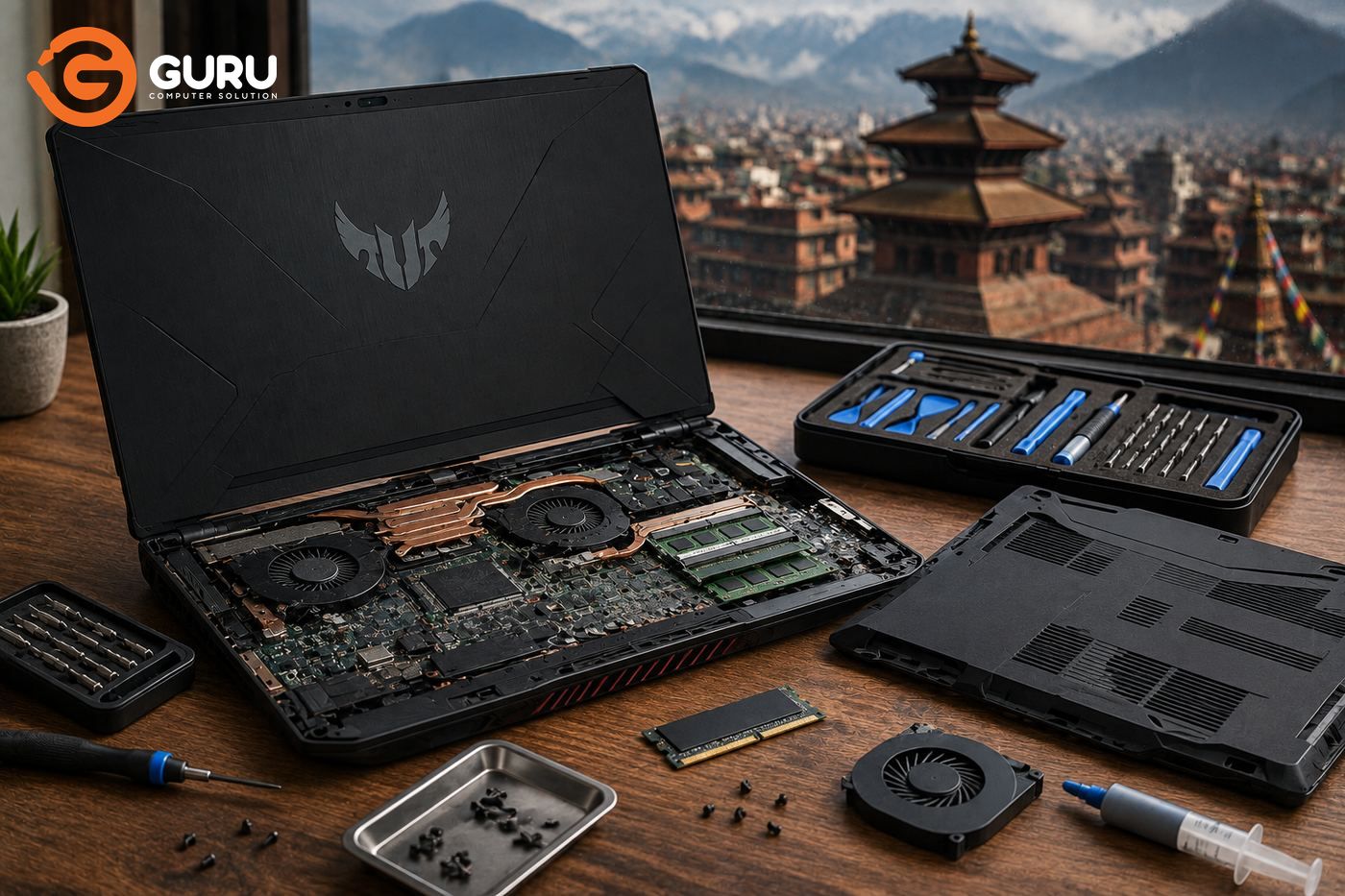
Gaming laptops are expensive investments. When a machine like an ASUS TUF or Acer Nitro starts overheating, stops charging, shows a black screen, or suddenly refuses to power on, many owners immediately assume that the laptop needs a new motherboard—or worse, that it is time to buy a new laptop.
That isn't always true.
A gaming laptop can often be worth repairing, especially when the problem is related to the cooling system, battery, charging port, fan, display cable, or a specific motherboard component. The important thing is to diagnose the actual fault before deciding whether to repair or replace the machine.
In Nepal, where replacing a high-performance gaming laptop can be a significant expense, understanding the difference between a relatively affordable repair and an expensive motherboard replacement can save you a substantial amount of money.
This guide looks at common ASUS TUF and Acer Nitro problems, what can usually be repaired, what can become expensive, and how to decide whether repairing your gaming laptop makes financial sense.
Why Gaming Laptop Repairs Are Different From Regular Laptop Repairs
Gaming laptops are designed to handle considerably higher workloads than typical office laptops. A gaming session can push both the CPU and dedicated GPU for extended periods, generating substantial heat and requiring a more sophisticated cooling system.
A typical gaming laptop may contain:
- High-performance CPU
- Dedicated NVIDIA or AMD GPU
- Multiple cooling fans
- Heat pipes
- Large heatsinks
- VRM power circuitry
- High-refresh-rate display
- Higher-capacity power adapter
- More complex motherboard design
This hardware provides excellent performance, but it also means there are more components involved when something goes wrong.
For example, a laptop that doesn't charge could have a faulty charger, DC jack, battery, charging circuit, or motherboard component. Replacing the entire motherboard without investigating these possibilities could result in an unnecessarily expensive repair.
Are Gaming Laptops Worth Repairing or Should You Buy a New One?
There is no universal answer.
The right decision depends on the laptop's age, specifications, physical condition, fault, repair cost, and remaining useful life.
Repairing a gaming laptop generally makes more sense when the machine still has a capable CPU and GPU and the problem is limited to a repairable component.
For example, replacing a worn battery or faulty cooling fan can make much more financial sense than replacing a three-year-old gaming laptop that otherwise performs perfectly.
Similarly, a charging problem may be caused by a damaged port or charging circuit rather than the entire motherboard.
Replacement becomes more attractive when the laptop is significantly outdated, has several major problems at once, has extensive physical or liquid damage, or requires repairs approaching the cost of a comparable replacement machine.
The first step should therefore be diagnosis—not replacement.
ASUS TUF Gaming Laptop Common Problems in Nepal
ASUS TUF gaming laptops are popular among students, gamers, creators, and professionals because they offer relatively strong hardware at different price points.
Like any heavily used gaming machine, however, they can develop problems over time.
Common categories of ASUS TUF problems include:
- Overheating
- Loud cooling fans
- Dust accumulation
- Thermal throttling
- Charging problems
- Battery degradation
- DC jack or charging-circuit problems
- Display issues
- Keyboard problems
- Hinge damage
- GPU-related faults
- Motherboard power problems
The exact problem depends heavily on the specific TUF model and generation.
That is why simply searching for an "ASUS TUF repair" isn't enough. A technician needs to determine which component is actually causing the symptom.
ASUS TUF Overheating: Is It a Cleaning Problem or a Hardware Problem?
If your ASUS TUF suddenly becomes extremely hot and the fans are constantly running at high speed, don't immediately assume that the CPU or GPU is failing.
Overheating can have several causes.
The most common possibilities include:
- Dust blocking the heatsink
- Dirty cooling fans
- Poor airflow
- Deteriorated thermal paste
- Damaged fan
- Thermal interface problems
- Heavy background processes
- Hardware cooling faults
A gaming laptop operating under a heavy gaming workload will naturally become warm. The concern is when temperatures become abnormal for the workload or the laptop begins exhibiting symptoms such as severe performance drops, shutdowns, or constant fan operation.
A professional cooling service can involve opening the laptop, inspecting the fans and heatsinks, removing accumulated dust, checking thermal materials, and testing the system again.
In some cases, a relatively straightforward cooling service can resolve a problem that initially appears much more serious.
ASUS TUF Charging Problem: Charger, DC Jack, or Motherboard?
One of the most frustrating problems for gaming laptop owners is a laptop that refuses to charge.
You connect the charger, but:
- The battery percentage doesn't increase.
- The laptop repeatedly switches between charging and discharging.
- Charging works only at a particular angle.
- The charger isn't detected.
- The laptop runs normally on battery but won't charge.
- The laptop doesn't turn on with the adapter.
There isn't one explanation for all of these symptoms.
The problem could be the charger, charging connector, DC jack, battery, charging circuit, MOSFETs, or another motherboard component.
This distinction matters because the repair cost can be dramatically different.
If the charging port is physically damaged, replacing or repairing the port may solve the problem. If the charging circuit has a failed component, board-level repair may be possible depending on the damage.
A complete motherboard replacement should not automatically be the first recommendation.
Acer Nitro Common Problems in Nepal
Acer Nitro laptops are another popular gaming option in Nepal, particularly among users looking for gaming performance without moving into the highest-priced gaming machines.
Common problems reported across gaming laptops in this category can include:
- Excessive heat
- Loud fan noise
- Fan failure
- Battery degradation
- Charging problems
- Display problems
- Keyboard faults
- Hinge damage
- Storage problems
- GPU-related faults
- Motherboard power issues
Again, these aren't defects that every Acer Nitro will develop. Different generations and configurations use different hardware.
If your Nitro develops a problem, the exact model number and symptoms are important when determining the repair approach.
Acer Nitro Overheating Fix: Cleaning, Thermal Service, or Hardware Repair?
Acer Nitro gaming laptops can generate significant heat during demanding workloads.
If your Nitro becomes unusually hot, starts throttling, or its fans become excessively loud, the cooling system should be checked.
A proper diagnosis may involve:
- Checking CPU and GPU temperatures.
- Testing fan operation.
- Inspecting heatsink fins.
- Checking for dust buildup.
- Inspecting thermal interface materials.
- Checking airflow.
- Testing the laptop under load.
If the cooling system is simply dirty, professional cleaning may be enough.
If the thermal interface material has deteriorated, servicing may help.
If a cooling fan has failed, fan replacement may be necessary.
If temperatures remain abnormal despite a healthy cooling system, technicians may need to investigate other hardware or software causes.
This is why an Acer Nitro overheating fix shouldn't automatically mean replacing expensive hardware.
Acer Nitro Charging Problems: What Should Be Checked?
If your Acer Nitro isn't charging, start with the simplest possibilities.
Check whether:
- The charger is functioning correctly.
- The charging connector is physically damaged.
- The laptop recognizes the adapter.
- The battery is functioning.
- The charging port is loose.
- There are motherboard-level charging faults.
A loose charging port is particularly important.
If the charger only works when positioned in a certain direction, don't continue forcing it into that position. Repeated movement can worsen a damaged connector or solder connection.
Professional diagnosis can determine whether the problem is isolated to the charger or port or whether the fault has reached the motherboard charging circuitry.
Gaming Laptop Motherboard Repair vs Motherboard Replacement
This is where the difference between a good repair diagnosis and a simple parts-swapping approach becomes extremely important.
A motherboard replacement means removing the existing board and installing another compatible board.
A component-level motherboard repair attempts to identify and repair the specific failed circuit or component.
Depending on the fault, board-level repair may involve components such as:
- MOSFETs
- Capacitors
- Resistors
- Charging ICs
- Power-management components
- Connectors
- Other damaged board components
Not every motherboard fault is repairable. Severe physical damage, extensive liquid corrosion, unavailable components, or certain GPU/CPU failures can make board replacement more practical.
But the important point is this:
A laptop that appears to have a motherboard problem doesn't automatically mean the entire motherboard needs to be replaced.
How Much Does Gaming Laptop Repair Cost in Nepal?
Gaming laptop repair costs vary significantly because "gaming laptop repair" covers everything from cleaning a fan to repairing a damaged motherboard.
The cost can depend on:
- Laptop model
- Generation
- Fault
- Required parts
- Availability of parts
- Repair complexity
- Whether board-level work is required
For example, cleaning a cooling system is obviously a different category of service from replacing a display or repairing a motherboard power circuit.
Instead of choosing a repair shop based solely on the lowest advertised price, ask what the diagnosis actually found and which component is being repaired or replaced.
A transparent diagnosis gives you a much better basis for deciding whether the repair is worthwhile.
When Is a Gaming Laptop Repair Financially Worth It?
A simple way to think about the decision is:
Repair cost + expected remaining useful life
versus
Cost of buying a comparable replacement laptop.
Suppose your gaming laptop still has a capable processor and GPU, a good display, sufficient RAM, and a healthy chassis, but the cooling fan has failed.
Replacing the fan could be much more sensible than replacing the entire laptop.
The same can apply to:
- Battery replacement
- SSD replacement
- RAM upgrade
- Charging-port repair
- Cooling-system service
- Keyboard replacement
On the other hand, if an older gaming laptop has a severely damaged motherboard, failing display, worn battery, damaged hinges, and other problems simultaneously, replacement may make more financial sense.
Why You Shouldn't Accept a Motherboard Replacement Without a Diagnosis
A common fear among laptop owners is hearing:
"Your motherboard is dead."
That statement doesn't explain why it is dead.
A laptop that won't turn on could have problems involving:
- Charger
- DC input
- Battery
- Power button
- Charging circuit
- Shorted component
- BIOS/firmware
- Motherboard power rail
- CPU/GPU
- Other board-level components
A proper diagnostic process should narrow down the cause.
This is particularly important for expensive gaming laptops because a motherboard can represent a substantial portion of the machine's overall value.
Before approving an expensive board replacement, ask:
- What exactly failed?
- Was the board tested?
- Is component-level repair possible?
- Is a replacement board available?
- What is the total repair cost?
- How much useful life can I reasonably expect afterward?
How Overheating Can Turn a Small Gaming Laptop Problem Into a Major Repair
Overheating shouldn't be treated as a normal part of gaming.
Gaming laptops are designed to handle high temperatures, but persistent abnormal heat can create problems.
When the CPU or GPU reaches thermal limits, the system can reduce performance to control temperature. This is called thermal throttling.
You may notice:
- FPS dropping during games
- Sudden performance fluctuations
- Very loud fans
- Slower rendering
- System instability
- Unexpected shutdowns
If the cooling system is neglected for a long time, the laptop may experience additional thermal stress.
That's why fixing an overheating problem early can be much cheaper than waiting for a major hardware failure.
Why Gaming Laptop Thermal Maintenance Is More Important in Nepal
Gaming laptops already operate under demanding thermal conditions.
Add Nepal's environmental factors—particularly dust, warm rooms, and monsoon humidity—and cooling maintenance becomes even more important.
A gaming laptop used for several hours every day can accumulate dust much faster than a laptop used occasionally for browsing.
If your laptop is frequently:
- Gaming for long sessions
- Running video editing software
- Rendering
- Running development environments
- Used in dusty surroundings
- Operating at high temperatures
then periodic professional cooling inspection is worthwhile.
The goal isn't to open the laptop unnecessarily every few weeks. It's to identify cooling problems before they become expensive hardware problems.
ASUS TUF vs Acer Nitro: Which Is Easier to Repair?
It isn't accurate to say that one entire brand is always easier or cheaper to repair.
Repairability depends on the specific model, generation, board design, component availability, and nature of the fault.
Two laptops from the same brand can have completely different motherboard layouts and parts availability.
When comparing repair options, consider:
- Exact model number
- Availability of replacement parts
- Motherboard availability
- Component availability
- Repair complexity
- Warranty status
- Condition of the rest of the laptop
This is another reason why a technician should inspect the actual machine rather than estimating a repair solely from the brand name.
Should You Repair a 3-Year-Old Gaming Laptop?
In many cases, a three-year-old gaming laptop can still have considerable useful life left.
Gaming hardware doesn't suddenly become worthless after three years.
If the laptop has:
- A capable CPU
- A capable GPU
- Healthy display
- Good chassis
- Adequate RAM
- Good storage
then repairing a localized fault can be a sensible investment.
For example, spending money on cooling service, battery replacement, or charging repair may be far cheaper than purchasing another gaming laptop with similar performance.
Should You Repair a 5-Year-Old Gaming Laptop?
A five-year-old gaming laptop requires more careful financial evaluation.
Ask:
Does it still perform the way I need?
If the answer is yes and the required repair is relatively small, repair can still make sense.
But if the laptop requires multiple expensive components and newer laptops offer significantly better performance for a similar overall cost, replacement may be the smarter decision.
The right answer isn't based solely on the laptop's age.
It's based on the relationship between repair cost, performance, condition, and expected remaining life.
DIY Gaming Laptop Repair vs Professional Repair
There are several things you can safely do without opening the laptop.
You can:
- Keep external vents clear.
- Use the laptop on a hard surface.
- Monitor temperatures.
- Update operating-system and graphics drivers.
- Check whether software is causing abnormal CPU/GPU usage.
- Keep the laptop away from moisture.
Internal gaming laptop repair is different.
Gaming laptops can contain delicate:
- Fan connectors
- Battery connectors
- Display cables
- Keyboard cables
- Thermal materials
- Motherboard components
Incorrect disassembly can cause additional damage.
If the laptop requires internal cleaning, charging repair, motherboard diagnosis, or component replacement, professional servicing is generally safer than experimenting with an expensive gaming machine.
What Happens During a Professional Gaming Laptop Diagnosis?
A proper diagnosis shouldn't begin with "Let's replace this part and see."
A technician should first understand the symptoms and inspect the laptop.
Depending on the problem, the process may include:
- Physical inspection
- Power testing
- Charger testing
- Battery testing
- Temperature monitoring
- Fan testing
- Cooling-system inspection
- Display testing
- Keyboard and port testing
- Storage and memory checks
- Motherboard diagnosis
- Component-level testing when necessary
After identifying the fault, the customer should be given repair options and an estimated cost.
This makes it easier to decide whether repairing the laptop is financially sensible.
Why Choose Guru Computer Solution for Gaming Laptop Repair in Kathmandu?
Guru Computer Solution
When a gaming laptop develops a serious problem, the goal shouldn't simply be to replace expensive parts.
The goal should be to identify the actual problem and find the most practical repair solution.
Guru Computer Solution provides diagnosis and repair services for gaming laptops, including issues related to:
- ASUS TUF
- Acer Nitro
- Gaming laptop overheating
- Fan and heatsink problems
- Thermal maintenance
- Charging problems
- DC jack issues
- Battery problems
- Display faults
- Keyboard problems
- Motherboard diagnosis
- Component-level repair where technically feasible
For an expensive gaming laptop, getting a proper diagnosis before approving a major repair can potentially save you a significant amount of money.
Don't Replace Your Gaming Laptop Until You Know the Repair Cost
A gaming laptop is a significant investment, so a hardware problem shouldn't automatically mean buying another machine.
An ASUS TUF or Acer Nitro with a charging problem may need a charger, port repair, battery, or charging-circuit repair—not necessarily an entirely new motherboard.
A laptop running hot may need cleaning and thermal servicing rather than a new CPU or GPU.
A laptop that won't turn on may have a localized motherboard fault rather than a completely unusable board.
The smartest approach is simple:
Diagnose first. Compare repair cost with replacement cost. Then decide.
If your gaming laptop is still powerful enough for the work and games you need, repairing the right component can often be a much more economical choice than replacing the entire machine.
Before you spend money on a new gaming laptop, find out whether your current one actually needs to be replaced.





