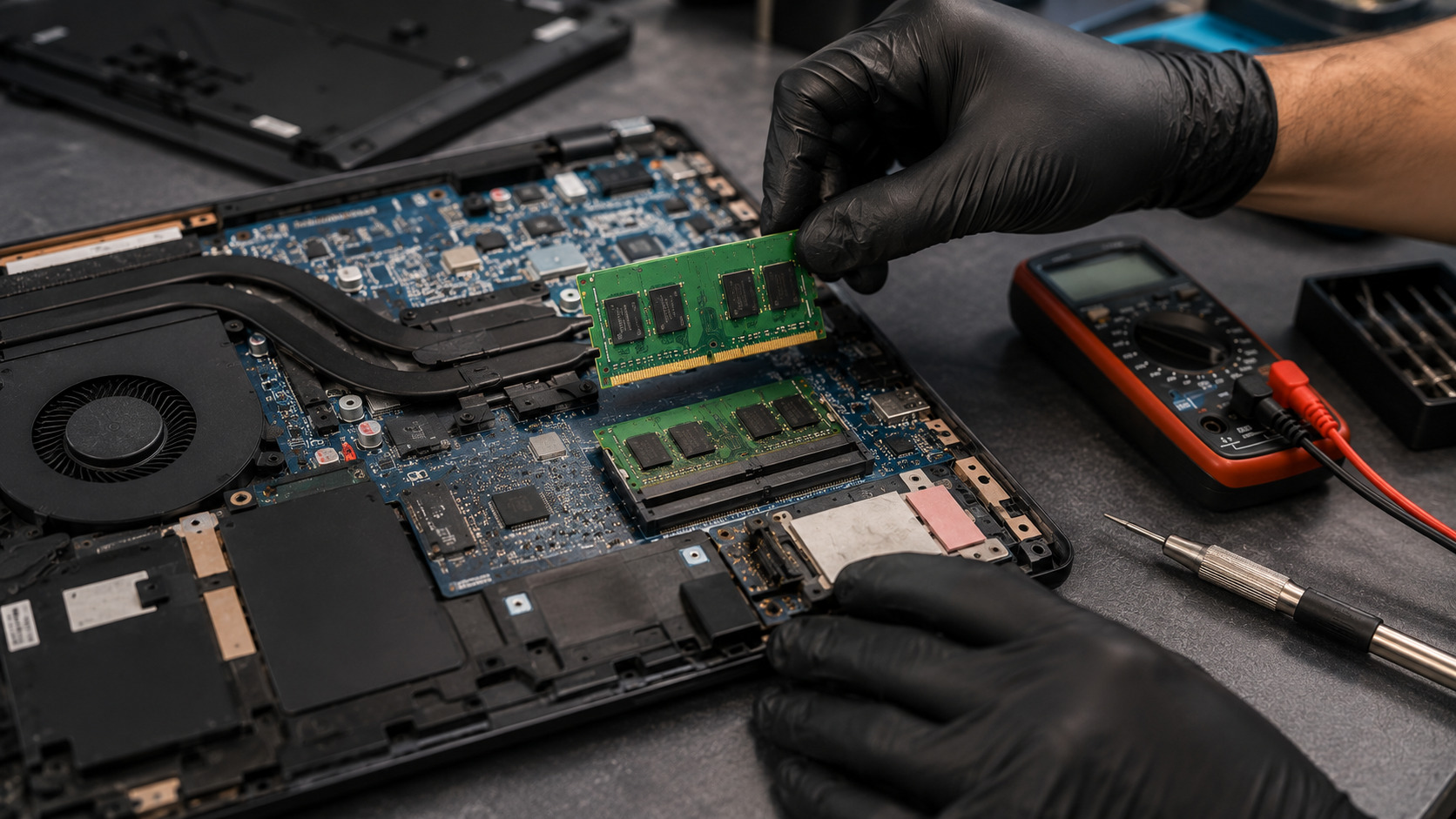
Random crashes, blue screens, application errors, and unexpected system freezes are often blamed on Windows, drivers, or storage devices. However, faulty RAM (Random Access Memory) is one of the most common and overlooked causes of system instability. Because memory errors can appear intermittently, diagnosing a bad RAM module isn't always straightforward.
MemTest86 is one of the most trusted memory diagnostic tools available. It performs comprehensive tests on your system's RAM and can help identify defective memory modules, unstable memory configurations, or motherboard-related memory issues. In this guide, we'll explain how MemTest86 works, how to test your RAM properly, and how to identify a faulty memory stick before it causes data corruption or system crashes.
Why Suspect Faulty RAM?
RAM temporarily stores data that your CPU actively uses. If memory becomes unstable or develops errors, your laptop may experience a wide range of seemingly unrelated problems.
Common symptoms include:
- Random Blue Screen of Death (BSOD) errors
- Unexpected restarts
- Application crashes
- System freezes
- Corrupted files
- Failed software installations
- Boot problems
- Frequent game crashes
Why Does RAM Fail?
1. Manufacturing Defects
Even quality memory modules can develop faults over time.
2. Physical Damage
Drops, impacts, and improper handling may damage memory chips.
3. Overheating
Excessive heat can reduce memory stability and lifespan.
4. Electrical Issues
Power surges and motherboard faults may damage RAM circuitry.
5. Aging Components
Memory cells naturally degrade after years of continuous use.
6. Improper Overclocking
Aggressive memory settings can cause instability and errors.
How Can Customers Identify RAM Problems?
Signs that RAM may be failing include:
- Frequent BSOD errors
- Windows crashes without warning
- Random freezing during normal use
- Applications closing unexpectedly
- Memory-related error messages
- Boot loops
- Games crashing under load
- Unexplained data corruption
What Is MemTest86?
MemTest86 is a bootable memory diagnostic tool designed to test RAM independently of Windows.
Unlike software that runs inside the operating system, MemTest86 loads before Windows starts, allowing it to thoroughly test memory without interference from background processes.
It can detect:
- Faulty memory cells
- Addressing errors
- Data corruption
- Memory timing instability
- Motherboard memory-controller issues
How to Test RAM with MemTest86
Step 1: Create a Bootable USB Drive
Download MemTest86 from the official website and create a bootable USB drive.
Step 2: Boot from USB
Restart the laptop and boot from the MemTest86 USB device.
Step 3: Start the Test
MemTest86 will automatically begin testing all installed memory.
Step 4: Allow Multiple Passes
For reliable results:
- Minimum: 4 passes
- Recommended: 8 passes or overnight testing
Longer testing increases the likelihood of detecting intermittent faults.
Step 5: Review Results
If errors appear, the RAM or memory subsystem may be faulty.
How to Spot a Faulty RAM Stick
Single RAM Module Systems
If errors appear:
- Reseat the memory module
- Retest
- Replace the RAM if errors persist
Multiple RAM Module Systems
When two or more sticks are installed:
- Test all modules together
- Remove one module
- Retest
- Repeat for each stick individually
The module that consistently produces errors is typically the faulty one.
Test Different Slots
A bad memory slot can sometimes mimic RAM failure.
Testing the same stick in different slots helps determine whether the issue is:
- The RAM module
- The motherboard slot
- The memory controller
Common MemTest86 Results
No Errors
Memory is likely functioning correctly.
Consistent Errors
Usually indicates defective RAM.
Errors Only Under Specific Conditions
May suggest:
- Overheating
- Timing instability
- Motherboard issues
- Power delivery problems
Errors Across Multiple Modules
Could indicate:
- Motherboard failure
- Memory controller issues
- Incorrect BIOS settings
Solutions
Reseat the RAM
A loose module can cause intermittent problems.
Clean the Contacts
Dust and oxidation can affect connectivity.
Reset BIOS Settings
Incorrect memory profiles may cause instability.
Replace Faulty RAM
Defective modules should be replaced promptly.
Check Motherboard Health
If multiple modules fail testing, motherboard diagnostics may be necessary.
Professional Diagnostics
Advanced testing can identify whether the fault lies in:
- RAM modules
- Memory slots
- CPU memory controller
- Motherboard circuitry
Why Choose Guru Computer Solution?
1.Certified Technicians
Experienced professionals specializing in laptop diagnostics and hardware troubleshooting.
2.Genuine Parts
High-quality replacement RAM modules and components.
3.Fast Turnaround
Efficient testing and repair services.
4.Warranty Support
Repairs and upgrades backed by service warranty.
5.Affordable Pricing
Accurate diagnostics before recommending replacement parts.
Conclusion
Faulty RAM can cause a wide range of frustrating problems, from random crashes and blue screens to data corruption and boot failures. MemTest86 provides one of the most reliable methods for identifying memory-related issues by testing RAM outside the operating system. By isolating individual memory modules and carefully reviewing test results, you can quickly determine whether a RAM stick, memory slot, or motherboard component is responsible for system instability. Early diagnosis helps prevent further issues and keeps your laptop running reliably.






