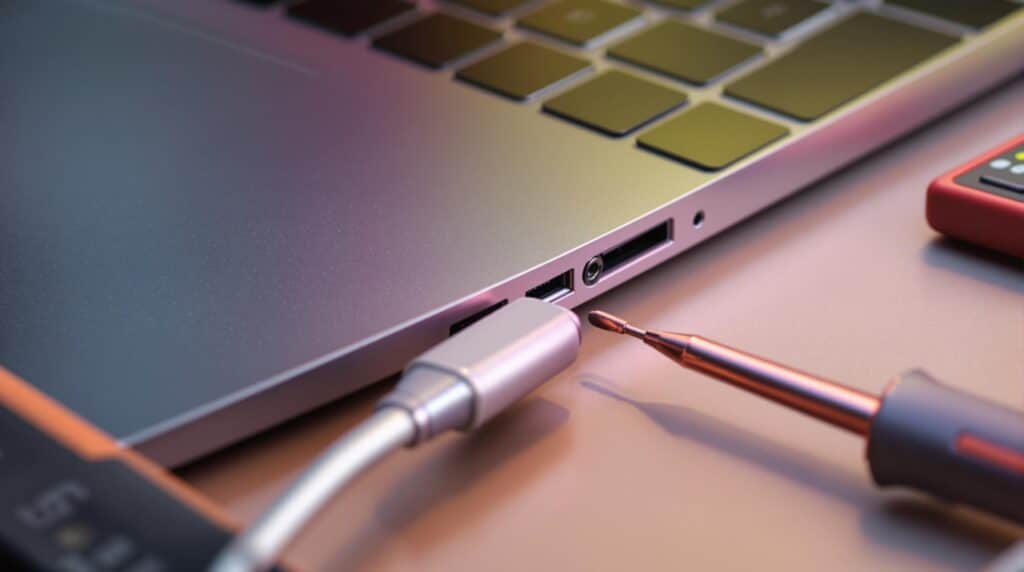
A laptop that won't charge can be stressful, especially when you rely on it for work, studies, or business. Many people assume the battery or charger is faulty, but in many cases, the real problem is the charging port.
The charging port is one of the most frequently used parts of a laptop. Over time, it can become loose, damaged, or clogged with dust, preventing your laptop from charging properly. Ignoring this issue can lead to complete power failure and expensive repairs.
we'll explain the common causes of charging port problems, the warning signs to look for, and the best solutions to keep your laptop working properly.
What Problem Is the Customer Facing?
One of the most common issues laptop users experience is a charging problem. The laptop may not charge at all, or it may only charge when the cable is held in a specific position.
Customers often report problems such as:
- The laptop is plugged in but not charging.
- The charging cable feels loose.
- The charging light turns on and off.
- The battery percentage does not increase.
- The laptop only charges when the charger is moved.
- The laptop suddenly stops charging during use.
These issues can interrupt your work, online classes, meetings, and daily activities.
Why Does It Happen?
Root Causes of the Problem
There are several reasons why a laptop charging port may stop working.
1. Loose Charging Port: Frequent plugging and unplugging can wear out the charging port over time, making it loose and unable to maintain a stable connection.
2. Physical Damage: Dropping the laptop, pulling the charger cable forcefully, or accidentally hitting the charging connector can damage the port.
3. Dust and Dirt Build-Up: Dust, lint, and debris can collect inside the charging port, preventing the charger from making proper contact.
4. Damaged Charger or Cable: Sometimes the problem is not the charging port but a faulty charger or damaged charging cable.
5. Faulty Battery: A worn-out battery may fail to charge even when the charging port is working correctly.
6. Motherboard or Charging Circuit Issues: If the charging circuit or motherboard is damaged, the laptop may not receive power even though the charger and charging port appear normal.
Symptoms
How Can You Identify the Issue?
Your laptop may have a charging port problem if you notice any of the following signs:
- The laptop only charges when the cable is held at a certain angle.
- The charging connector feels loose.
- The charging indicator light keeps blinking.
- he battery does not charge even when plugged in.
- The laptop suddenly disconnects from power.
- The charger becomes unusually hot.
- The laptop only works while connected to the charger.
If you experience one or more of these symptoms, it is important to have your laptop inspected before the problem becomes worse.
Solutions
Possible Solutions
Some charging problems can be solved with simple troubleshooting, while others require professional repair.
Here are a few things you can try:
- Check whether the charger is working properly.
- Test your laptop with another compatible charger.
- Carefully clean the charging port using compressed air.
- Avoid bending or pulling the charging cable
- Use only original or high-quality chargers.
- Replace a damaged battery if necessary.
- If the charging port is loose or damaged, have it repaired or replaced by a qualified technician.
Avoid trying to repair the charging port yourself, as this can damage the motherboard and increase repair costs.
Why Choose Guru Computer Solution?
At Guru Computer Solution, we specialize in diagnosing and repairing all types of laptop charging problems.
Our experienced technicians use professional tools to identify the exact cause of the issue and provide reliable, long-lasting repair solutions.
Our services include:
- Laptop charging port repair
- DC power jack replacement
- Laptop charger testing
- Battery health check and replacement
- Motherboard and charging circuit repair
- Laptop diagnostics
- Internal cleaning and maintenance
- Complete laptop repair services
We are committed to providing fast, affordable, and professional repair services so you can get back to work without unnecessary delays.
Conclusion
A faulty charging port is more than just an inconvenience—it can prevent your laptop from functioning properly and may lead to more serious hardware damage if ignored.
The sooner you identify and repair the problem, the easier and more affordable the solution will be.
If your laptop is not charging, the charging cable feels loose, or the charging port is damaged, don't wait for the problem to get worse.
Visit Guru Computer Solution for professional laptop charging port repair, battery diagnostics, and expert technical support. Our experienced technicians are ready to restore your laptop's power and keep it running smoothly.
Visit Us: New Baneshwor, Kathmandu, Nepal
Call Us: +977-9841976380
Email: info@gurucomputer.com.np
Website: https://gurucomputer.com.np