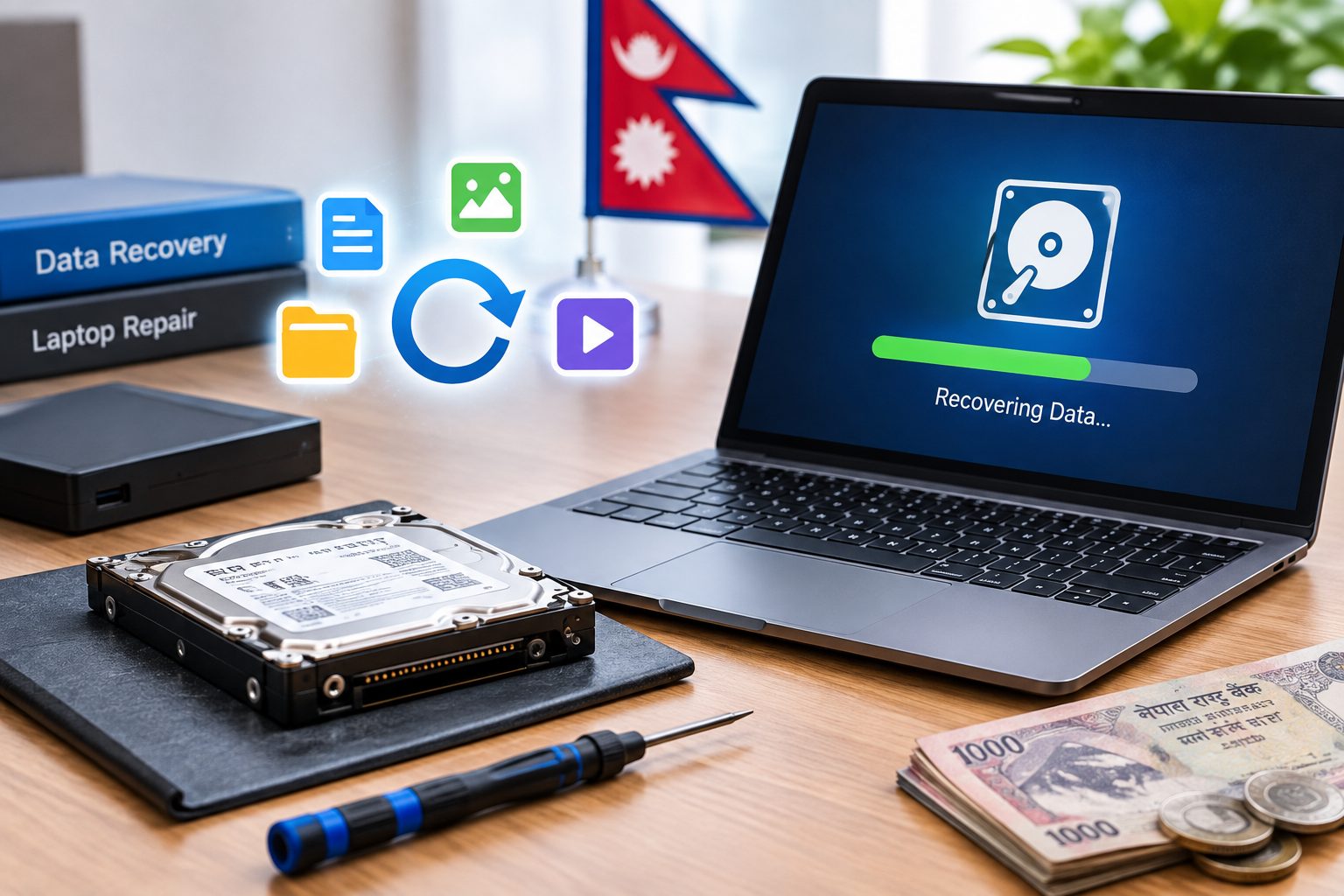
Losing important files from a laptop can be stressful, especially when the data includes business documents, photos, videos, project files, accounting records, or other valuable information. Data can disappear because of accidental deletion, formatting, hard-drive failure, SSD problems, file-system corruption, malware, water damage, or a laptop that suddenly stops working.
In some cases, deleted or inaccessible data can still be recovered. However, the possibility and cost of recovery depend heavily on the condition of the storage device and the type of failure.
If you are searching for the laptop data recovery price in Nepal, there is no single price that applies to every case. A recently deleted file may require a relatively simple recovery process, while a physically damaged hard drive or failed SSD may require specialized equipment and advanced recovery techniques.
What Is Laptop Data Recovery?
Laptop data recovery is the process of retrieving files and information that have become deleted, inaccessible, corrupted, or unavailable from a laptop's storage device.
Depending on the situation, data recovery may involve software-based techniques or specialized hardware and laboratory procedures.
Data recovery may be possible in situations such as:
- Accidentally deleted files
- Emptying the Recycle Bin
- Formatted partitions
- Corrupted file systems
- Inaccessible hard drives
- Bad-sector HDDs
- Failed SSDs
- Accidentally deleted partitions
- Laptops that no longer power on
- Water-damaged laptops
- Operating system failures
The most important factor is the condition of the storage device. A laptop that does not turn on does not necessarily mean its data is lost.
Laptop Data Recovery Price in Nepal
The laptop data recovery price in Nepal depends on the type and complexity of the data-loss problem rather than simply the amount of data you want to recover. Every recovery case is different, so the final cost can only be determined after checking the condition of the storage device.
Recently deleted files are generally among the simpler data recovery cases, while recovering data from a formatted or deleted partition may require a more detailed recovery process. A corrupted file system or inaccessible hard drive can require additional analysis, especially if the drive is showing read errors or other signs of failure.
Data recovery becomes more complex when an HDD has bad sectors or physical damage. In such cases, specialized recovery techniques may be required. Failed SSDs can also be challenging to recover because SSD technology uses controllers, flash memory, TRIM, and other storage-management processes that can affect data recovery.
If the laptop itself is completely dead but the HDD or SSD is still healthy, the data may often be recoverable. Similarly, data from a water-damaged laptop may still be accessible if the storage device has not been seriously affected. However, severely damaged storage devices may require advanced recovery methods and specialized equipment.
Because of these differences, there is no single fixed laptop data recovery cost in Nepal that applies to every situation. The final price depends on the storage type, capacity, extent of damage, drive accessibility, recovery method, and whether specialized equipment or replacement components are required.
For important or irreplaceable data, professional diagnosis is recommended before attempting repeated recovery procedures, formatting, initialization, or other actions that could reduce the chances of successful recovery.
Hard Disk Data Recovery Price in Nepal
Traditional HDDs can experience both logical and physical failures.
Hard disk data recovery price in Nepal depends largely on whether the drive is still mechanically and electronically functional.
Data may sometimes be recovered from an HDD affected by:
- Accidental file deletion
- Formatting
- Deleted partitions
- File-system corruption
- Bad sectors
- Read errors
- Drive becoming inaccessible
- Clicking or unusual sounds
- Mechanical failure
- PCB or electronic failure
Logical problems can sometimes be addressed using specialized recovery software. Physical problems are more complicated and may require professional hardware-based recovery.
A hard drive that is making clicking, grinding, or repeated mechanical noises should not be repeatedly powered on. Continued operation can potentially make physical damage worse.
SSD Data Recovery in Nepal
SSD data recovery in Nepal can be more complicated than conventional HDD recovery because SSDs use flash memory, controllers, firmware, and technologies such as TRIM and wear leveling.
Common SSD data-loss situations include:
- Accidental deletion
- Formatting
- Partition loss
- File-system corruption
- SSD suddenly becoming inaccessible
- Controller failure
- Firmware problems
- Electrical failure
- Completely undetected SSD
Whether recovery is possible depends on the SSD's condition, controller, NAND configuration, operating system behavior, and whether the data has been overwritten or affected by TRIM.
For this reason, an SSD that contains important lost data should not be repeatedly formatted, initialized, or used for new files.
Why SSD Data Recovery Can Be Difficult
Recovering data from an SSD is not always the same as recovering data from an HDD.
SSDs use technologies designed to manage flash memory efficiently. TRIM, for example, can tell an SSD which blocks are no longer needed so they can be managed internally. This can make recovery of deleted data more difficult in certain situations.
SSD recovery can also become complicated when:
- The controller has failed
- The SSD is not detected
- Firmware is corrupted
- NAND chips have problems
- Multiple memory channels are involved
- Encryption is enabled
- TRIM has affected deleted data
Therefore, SSD data recovery should be evaluated based on the specific drive and failure rather than assuming that every deleted file can be recovered.
Deleted File Recovery in Nepal
Deleted file recovery in Nepal is possible in some situations, particularly when the storage space previously occupied by the deleted files has not been overwritten.
Files can be accidentally deleted through:
- Normal file deletion
- Emptying the Recycle Bin
- Accidental formatting
- Partition deletion
- Operating system problems
- Accidental file movement or deletion
When a file is deleted, the operating system may mark its storage space as available for reuse rather than immediately destroying every piece of the file.
This means that continued use of the drive can reduce the chance of successful recovery because new data may overwrite the previously used space.
Can Permanently Deleted Files Be Recovered?
Sometimes, yes.
The possibility depends on factors such as the storage technology, how the files were deleted, whether new data has overwritten the previous storage area, and whether technologies such as TRIM are involved.
If the deleted files are important, stop using the affected storage device as soon as possible instead of installing multiple recovery applications and repeatedly scanning or modifying the drive.
Corrupted Hard Drive Recovery
A corrupted hard drive may appear in Windows as RAW, inaccessible, unallocated, or unreadable. Files and folders may disappear even though the drive itself is still detected.
Corrupted hard drive recovery may be required when you experience:
- RAW partition errors
- Missing partitions
- Corrupted folders
- File-system errors
- Unreadable files
- Drive access errors
- Windows asking you to format the drive
- Frequent read errors
If Windows suddenly asks you to format a drive containing important files, do not immediately accept the format option.
Formatting or attempting repair operations without understanding the condition of the drive can complicate recovery in some situations.
Dead Laptop Data Recovery
A laptop that does not power on does not automatically mean that the data is gone.
If the laptop has a problem with the motherboard, charging circuit, display, power button, or another component while the storage device remains healthy, the files may still be accessible.
Dead laptop data recovery generally begins by determining whether the storage device itself is functional.
Depending on the laptop, the storage may be:
- Removable HDD
- Removable SATA SSD
- M.2 NVMe SSD
- M.2 SATA SSD
- Soldered storage in some modern devices
If the storage device is healthy, data may potentially be recovered without repairing the entire laptop.
If the storage device itself has failed, the recovery process becomes more complex.
Water-Damaged Laptop Data Recovery
Water or liquid damage can affect the motherboard, keyboard, charging system, display, and storage device.
If your laptop has been exposed to water or another liquid and contains important data, the first priority should be preventing further electrical and storage damage.
You should:
- Disconnect the charger immediately.
- Stop using the laptop.
- Avoid repeatedly pressing the power button.
- Do not attempt to charge it.
- Avoid unnecessary disassembly.
- Have the device inspected professionally.
The possibility of water-damaged laptop data recovery depends heavily on whether the storage device has been affected.
If the storage remains healthy, recovery may be relatively straightforward. If the storage itself has suffered corrosion, electrical damage, or other physical problems, specialized recovery may be required.
Laptop Data Recovery in Kathmandu
For users searching for laptop data recovery in Kathmandu, professional diagnosis is important because different data-loss situations require different recovery approaches.
A proper data recovery assessment can determine:
- Whether the storage device is detected
- Whether the drive is physically damaged
- Whether files are logically corrupted
- Whether the drive contains bad sectors
- Whether the storage can be safely accessed
- Which recovery method is appropriate
- Whether further use could reduce recovery chances
Guru Computer Solution provides technical support for laptop and storage-related problems in Kathmandu, including diagnosis of HDD, SSD, and laptop hardware issues.
The service can be useful for users dealing with deleted files, inaccessible drives, corrupted storage, failed laptops, and other data-loss situations.
Common Reasons for Laptop Data Loss
Data loss can happen unexpectedly. Some of the most common causes include:
Accidental Deletion
Files may be deleted accidentally during normal computer use.
Formatting
Formatting the wrong partition or drive can make previously stored files inaccessible.
Hard Drive Failure
HDDs contain moving mechanical components and can eventually develop mechanical or physical problems.
SSD Failure
SSD controllers, firmware, NAND memory, or electronic components can fail and make stored data inaccessible.
File-System Corruption
Unexpected shutdowns, storage errors, malware, or other problems can corrupt the file system.
Virus or Malware
Certain malware infections can delete, encrypt, modify, or make files inaccessible.
Operating System Problems
A damaged operating system may prevent access to files even when the storage device itself is still functioning.
Water or Liquid Damage
Liquid can damage laptop electronics and potentially affect storage devices.
Physical Laptop Damage
A laptop may stop working after being dropped, crushed, exposed to impact, or affected by another physical incident.
Accidental Partition Deletion
Deleting or modifying a partition can make a large amount of data appear to be missing.
What Affects the Cost of Data Recovery?
The final recovery cost depends on several factors.
Type of Storage Device
HDD, SATA SSD, NVMe SSD, external storage, and other technologies require different recovery approaches.
Logical vs Physical Failure
Logical recovery is generally less complex than physical recovery. A damaged drive may require specialized equipment and additional procedures.
Extent of Damage
A drive that is still detected and readable is different from one that is completely inaccessible.
Storage Capacity
The capacity and amount of data involved can influence the recovery process and required time.
Drive Accessibility
If the storage device can be accessed normally or partially, recovery may be simpler than when the drive is completely undetected.
Recovery Method
Different problems require different software, hardware, imaging, or laboratory techniques.
Parts or Donor Components
Some physically damaged storage devices may require specialized replacement components or donor parts.
Laboratory-Level Work
Severely damaged storage devices may require advanced equipment and specialized recovery procedures, which can significantly increase the cost.
Logical Data Recovery vs Physical Data Recovery
Understanding the difference between logical and physical recovery helps explain why data recovery prices can vary so much.
Logical Data Recovery
Logical recovery is used when the physical storage device is generally functional but the data has become inaccessible.
Examples include:
- Deleted files
- Formatted partitions
- Deleted partitions
- File-system corruption
- Software-related data loss
Specialized recovery software and disk-imaging techniques may be used depending on the condition of the drive.
Physical Data Recovery
Physical recovery is required when the storage device itself has hardware-related problems.
Examples include:
- Mechanical HDD failure
- Severe bad sectors
- Damaged PCB
- Failed SSD controller
- Electronic failure
- Physical damage
Physical recovery can require specialized equipment and controlled procedures. Attempting to open or repair a damaged drive without appropriate tools can reduce the possibility of successful recovery.
Can Data Be Recovered From a Completely Dead Laptop?
Yes, data can potentially be recovered from a completely dead laptop.
The important question is not simply whether the laptop turns on. The condition of the storage device is usually much more important.
For example, a laptop may stop powering on because of:
- Motherboard failure
- Charging-circuit problems
- Power-button failure
- Display failure
- Battery problems
- Liquid damage
If the HDD or SSD remains healthy, the data may still be recoverable.
However, if the storage device itself has failed, additional recovery work may be required.
What to Do Before Sending a Laptop for Data Recovery
When important files are involved, your actions immediately after data loss can affect the chances of recovery.
Stop Using the Affected Drive
Do not continue saving files, downloading software, or copying large amounts of data to the affected storage device.
Do Not Repeatedly Power On a Failing Drive
If an HDD is making unusual noises or repeatedly disconnecting, continued operation can potentially worsen physical damage.
Do Not Format or Initialize the Drive
If Windows asks you to format or initialize a drive that contains important data, do not proceed before getting professional advice.
Do Not Install Recovery Software on the Affected Drive
Installing software on the same drive from which you are trying to recover files can overwrite recoverable data.
Avoid Opening a Damaged HDD Yourself
HDDs are sensitive mechanical devices. Opening them outside an appropriate controlled environment can introduce contamination and cause further damage.
Contact a Professional When the Data Is Important
If the files are valuable or irreplaceable, professional diagnosis is safer than repeatedly trying different recovery methods.
Laptop Data Recovery Service in Kathmandu
A professional laptop data recovery service in Kathmandu should begin with diagnosis rather than immediately attempting aggressive recovery.
Depending on the situation, the process may involve:
- Storage device diagnosis
- HDD health assessment
- SSD detection and condition assessment
- Logical data recovery
- File-system analysis
- Disk imaging
- Deleted file recovery
- Corrupted partition recovery
- Laptop hardware diagnosis
- Damaged storage assessment
The recovery process should be selected according to the condition of the storage device.
Guru Computer Solution provides laptop and computer repair services in Kathmandu and can help diagnose storage and laptop problems that may be preventing access to important files.
How to Choose a Data Recovery Service in Nepal
When your files are important, choosing a data recovery provider based only on the lowest quoted price can be risky.
Consider the following factors before handing over your storage device.
Recovery Expertise
Choose a service provider with experience handling both HDD and SSD data-loss situations.
Proper Diagnostic Process
The technician should determine the actual cause of data loss before recommending a recovery method.
Data Privacy
Important personal and business files should be handled with appropriate confidentiality and care.
Specialized Equipment
Physical storage failures may require specialized tools and equipment that are not available at ordinary computer repair shops.
Transparent Pricing
A professional provider should explain why the recovery cost varies and what type of work may be required.
No Unnecessary Repair Attempts
Avoid unnecessary formatting, initialization, or hardware repair attempts when the primary goal is data recovery.
Experience With HDD and SSD Recovery
HDD and SSD technologies behave differently. A provider should understand the differences before attempting recovery.
Clear Explanation of Recovery Chances
No responsible provider should guarantee that every lost file can be recovered. A proper diagnosis should establish the likely recovery possibility before extensive work begins.
Frequently Asked Questions
How much does laptop data recovery cost in Nepal?
The cost varies according to the storage device and type of failure. Deleted files and simple logical problems are generally less complex than physically damaged HDDs or failed SSDs requiring specialized recovery.
What is the hard disk data recovery price in Nepal?
Hard disk recovery costs vary depending on whether the problem is deletion, formatting, corruption, bad sectors, mechanical failure, or physical damage. A professional diagnosis is normally required before providing an accurate price.
How much does SSD data recovery cost?
SSD data recovery costs depend on the type of SSD, controller condition, NAND configuration, failure type, and whether the drive is detected. Advanced SSD recovery can require specialized techniques and equipment.
Can deleted files be recovered from a laptop?
Deleted files may be recoverable if the storage area has not been overwritten and the storage technology allows recovery. Stop using the affected drive as soon as possible to avoid overwriting recoverable data.
Can data be recovered from a dead laptop?
Yes. If the laptop has failed but its HDD or SSD is still healthy, the data may potentially be recovered from the storage device.
Can data be recovered from a corrupted hard drive?
In many cases, corrupted drives can be assessed for recovery. The possibility depends on the severity of the corruption and the physical condition of the drive.
Can data be recovered from a water-damaged laptop?
Potentially. If the storage device remains functional, data recovery may be possible. If the storage itself has suffered physical or electrical damage, more advanced recovery may be required.
Is SSD data recovery possible after formatting?
It can be possible in some situations, but SSD technology can make deleted-data recovery more complicated. TRIM and other internal storage-management processes can affect whether deleted data remains recoverable.
Should I keep using a laptop after losing important files?
No. If the missing files are important, stop using the affected storage device. Continued use can overwrite data that may otherwise be recoverable.
Where can I get laptop data recovery in Kathmandu?
You can seek professional laptop and data recovery assistance from established computer repair and technical service providers in Kathmandu. The provider should diagnose the storage device before attempting recovery and explain the expected recovery possibilities and costs.
Conclusion
The laptop data recovery price in Nepal depends primarily on the type and severity of the data-loss problem. Recovering recently deleted files is very different from recovering data from a physically damaged hard drive or failed SSD.
Data may potentially be recovered from deleted, formatted, corrupted, inaccessible, or damaged storage devices, but recovery is never guaranteed. The condition of the drive, storage technology, extent of damage, and required recovery method all affect the outcome and cost.
If your laptop contains important files that have suddenly become inaccessible, avoid formatting, unnecessary software installation, repeated power-on attempts, or other actions that could make the situation worse.
Professional diagnosis is the safest starting point for HDD data recovery, SSD data recovery, deleted file recovery, corrupted hard-drive recovery, dead laptop data recovery, and water-damaged laptop data recovery in Nepal.





