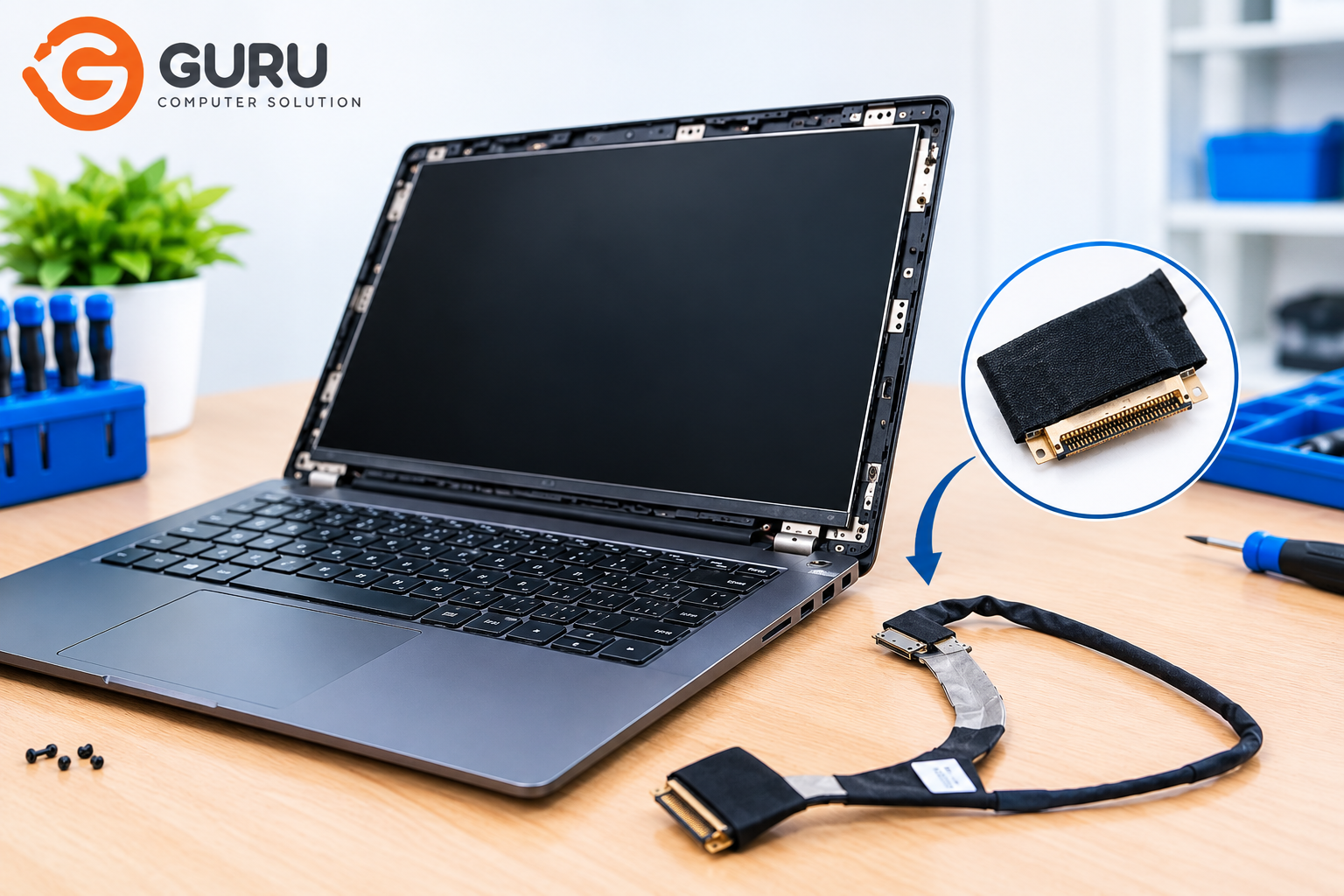
If your laptop screen is flickering, showing lines, or going black when you move the lid, there's a good chance the problem isn't your screen at all — it's the display cable that connects your screen to the motherboard. This guide breaks down what this repair actually costs in Nepal, how to know if it's really your cable, and what affects the price.
Is It Really the Display Cable?
Before assuming it's the cable, check for these common symptoms:
- Screen flickers on and off, especially when you move or adjust the lid
- Vertical or horizontal lines running across the display
- Screen goes completely black, but the laptop is still running (keyboard lights on, fan running)
- Image looks fine one moment, distorted or shifted the next
- Screen dims or brightens randomly without you touching brightness settings
Quick test: Connect your laptop to an external monitor or TV using an HDMI cable. If the external display works perfectly while your laptop screen still shows the issue, it strongly points to a cable or screen problem, not a graphics card or motherboard issue.
If the external display also shows the same problem, the issue is more likely your graphics card or motherboard — not the cable.
LCD, LED, or Display Cable — Are They the Same Thing?
If you've searched around, you've probably seen this part called an "LCD cable," "LED cable," and "display cable" — and wondered if they're different parts. Here's the honest answer: they usually refer to the same cable.
- LCD (Liquid Crystal Display) is the display technology itself — nearly every laptop screen today is an LCD panel.
- LED actually refers to the backlight behind the screen, not a separate cable type. Almost all modern laptops use LED backlighting, so "LED cable" and "LCD cable" are just two common names for the same part.
So if a repair shop calls it an "LED cable" and another calls it an "LCD cable" — don't worry, they're talking about the same thing.
LVDS vs eDP — The Real Difference That Affects Price
While "LCD" and "LED" are just naming habits, there is a real technical difference that matters for pricing and compatibility:
- LVDS (Low-Voltage Differential Signaling): An older cable standard, commonly found in laptops made before roughly 2015–2016.
- eDP (embedded DisplayPort): The modern standard used in most laptops made after that period, supporting higher resolutions and faster refresh rates.
These two are not interchangeable — an LVDS cable won't work with an eDP screen, and vice versa. If you're not sure which one your laptop has, a simple rule of thumb:
- Laptop from 2015 or earlier → likely LVDS
- Laptop from 2016 or later → likely eDP
A technician can confirm this in under a minute during diagnosis, so don't worry too much about identifying it yourself.
Laptop Display Cable Replacement Price in Nepal
The cost of replacing a laptop display cable in Nepal generally depends on the type of cable your laptop uses. Older laptops (typically made before 2016) use LVDS cables (30 or 40-pin), and replacement for these usually costs around NPR 1,500–3,000+. Most modern laptops from brands like Acer, Asus, HP, and Lenovo use eDP cables, with 30-pin versions costing roughly NPR 2,000–3,500+, and 40-pin versions — often found in higher-resolution or high-refresh-rate displays — costing around NPR 2,500–4,500+. If your laptop has a touchscreen, expect to pay a bit more, typically in the range of NPR 3,000–5,500+, since touch-supported eDP cables cost more than standard ones. For MacBook Air or MacBook Pro models, display cable replacement tends to be priced higher, generally around NPR 4,500–8,000+, due to the cost and limited availability of genuine Apple parts.
What affects the exact price:
- Genuine/OEM vs compatible parts — OEM cables cost more but offer better reliability
- Touch support — touchscreen cables are generally more expensive
- Model rarity — common laptop models have cheaper, more available cables; rare or older models may need to be sourced specially
- Labor complexity — some laptops require more disassembly (removing keyboard, base panel, etc.) than others
Display Cable Replacement vs Full Screen Replacement
These are two different repairs, and it's easy to confuse them. A display cable replacement involves only replacing the thin cable that connects your screen to the motherboard, and is generally a lower-cost repair. A full screen replacement, on the other hand, involves replacing the entire LCD panel, and is typically a more expensive repair since the whole display unit is being swapped out. The right repair for you depends on the symptoms: cable replacement is usually needed for issues like flickering, lines on the screen, or an intermittent black screen, while full screen replacement is needed when the screen itself is physically damaged — think cracks, dead pixels, or visible physical harm to the panel. If your screen looks physically fine (no cracks, no dead spots) but the display cuts in and out, it's much more likely to be the cable — a simpler and less expensive fix than replacing the entire screen.
What to Expect During the Repair
- Diagnosis — the technician tests your laptop with an external monitor and inspects the cable connection to confirm the issue
- Part sourcing — if the exact cable isn't in stock, it's ordered based on your laptop's model
- Replacement — the laptop is opened, the old cable is removed, and the new one is fitted and routed correctly
- Testing — the screen is tested for flickering, lines, and stability before handover
Typical turnaround: [2 hours / 2–3 days depending on part availability]
Can I Replace It Myself?
Technically yes, if you're comfortable opening your laptop — but we'd recommend against it unless you have experience:
- Display cable connectors are extremely thin and easy to tear
- Incorrect reassembly can damage the screen or motherboard connector
- DIY repair typically voids any remaining manufacturer warranty
- Sourcing the correct cable (matching pin count and type) without professional guidance is easy to get wrong
For most people, professional replacement is the safer and often cheaper option in the long run, since a damaged connector or panel from a failed DIY attempt costs far more to fix.
Why Choose Guru Computer Solution
- Experienced technicians — our team specializes in laptop screen and display repairs, including display cable diagnosis and replacement, across all major brands (HP, Dell, Lenovo, Acer, Asus, and MacBook)
- Accurate diagnosis before repair — we test with an external monitor and inspect the cable connection first, so you're never paying for the wrong repair
- Genuine and quality-tested parts — we source reliable LVDS and eDP cables to match your exact laptop model
- Located in the heart of Kathmandu — easy to visit at New Road, Pako Sadak, with quick turnaround so you're not without your laptop for long
- Transparent pricing — you'll know the cost upfront after diagnosis, with no hidden charges
Frequently Asked Questions
How much does laptop display cable replacement cost in Nepal?
Prices typically range from NPR 1,500 to NPR 8,000+, depending on the cable type (LVDS or eDP), whether your screen has touch support, and your laptop brand.
Is an LCD cable the same as an LED cable?
Yes — "LCD cable" and "LED cable" almost always refer to the same part. LED simply describes the backlight type used in nearly all modern laptop screens.
How do I know if I need an LVDS or eDP cable?
As a rough guide, laptops made before 2016 typically use LVDS, while newer laptops use eDP. A technician can confirm this quickly during diagnosis.
How long does the repair take?
The repair process typically takes about a few hours but this can change if the part is available at out store.
Can I replace the display cable myself?
It's possible but not recommended unless you have prior experience — the cable and connectors are delicate, and incorrect handling can cause further damage.






