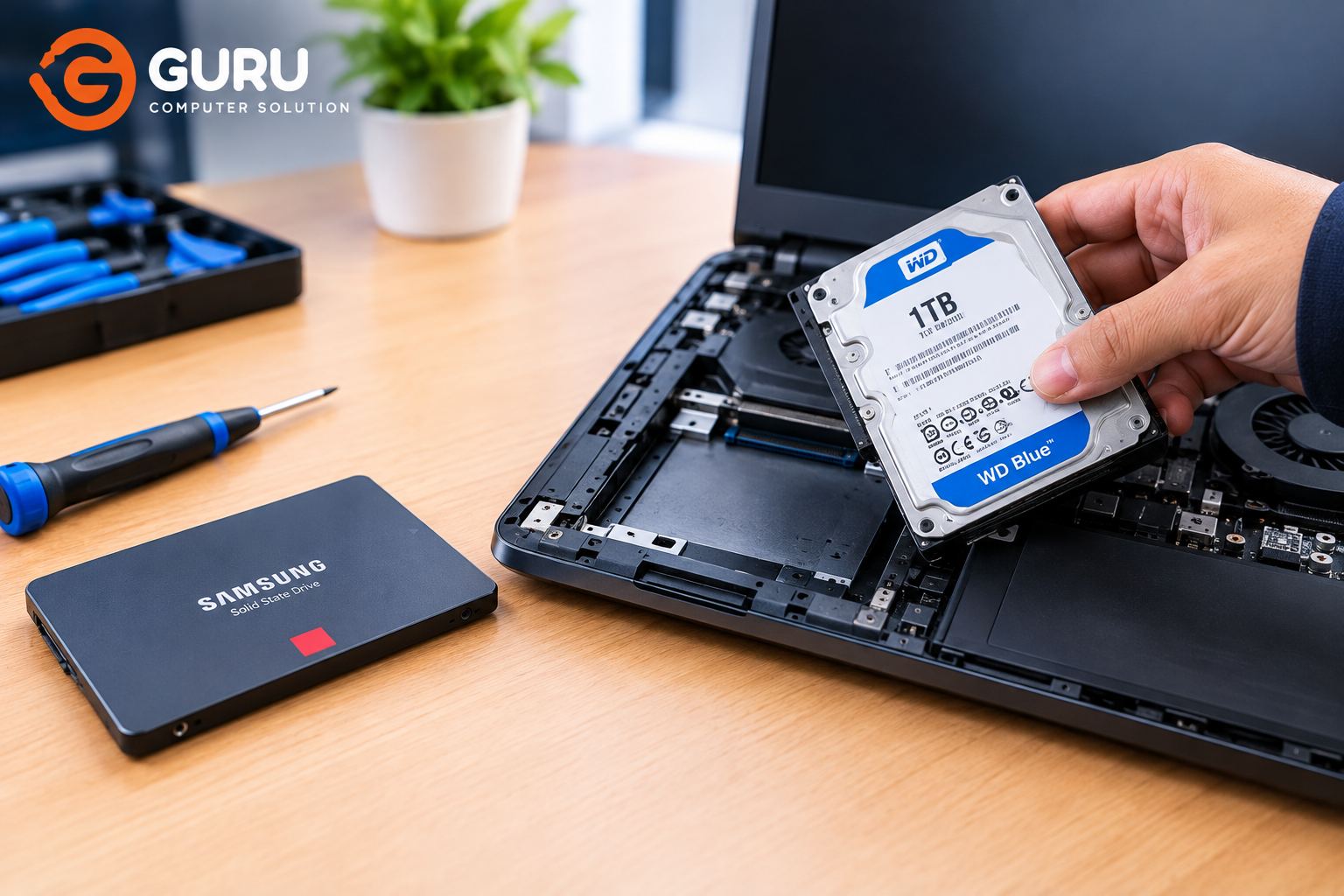
If your laptop has become unusually slow, freezes frequently, takes a long time to start Windows, or shows disk errors, the hard drive could be reaching the end of its life. For many laptop users, this raises two immediate questions: how much does laptop hard drive replacement cost in Nepal, and should you replace the old HDD or upgrade to an SSD?
The laptop hard drive replacement price in Nepal depends on the storage capacity, type of drive, brand, compatibility, and whether you need additional services such as data transfer, cloning, or Windows installation. Before purchasing a replacement, it is also important to determine whether the hard drive is actually responsible for the problem.
Laptop Hard Drive Replacement Price in Nepal
The price of replacing a laptop hard drive in Nepal varies depending on whether you choose a traditional HDD or an SSD. Storage capacity also makes a significant difference. A basic 500GB or 1TB HDD will generally be priced differently from a 512GB or 1TB SSD, while higher-performance SSDs can cost more depending on their interface and brand.
You should also consider that the storage drive price and the complete replacement service cost are not always the same thing. If the laptop requires data transfer, HDD-to-SSD cloning, Windows installation, or additional troubleshooting, those services may affect the final repair cost.
For this reason, there is no single price that applies to every laptop. The exact laptop model and the storage drive currently installed should be checked before confirming a replacement.
If your existing HDD is still working but the laptop has become very slow, an SSD upgrade may be worth considering instead of simply installing another mechanical HDD.
HDD vs SSD: What Should You Replace Your Laptop With?
If your laptop currently uses a mechanical HDD, you generally have two choices: replace it with another HDD or upgrade to an SSD.
A traditional HDD stores data on spinning magnetic disks. It can provide large amounts of storage at a relatively low cost, but its mechanical design makes it considerably slower than an SSD for everyday laptop use.
An SSD has no moving mechanical parts and can access data much faster. After upgrading from an HDD to an SSD, users can notice faster Windows startup, quicker application loading, faster file access, and a much more responsive overall system.
For an older laptop that is otherwise working well, replacing a failing HDD with an SSD can therefore be a much more useful upgrade than simply installing another HDD.
However, compatibility should always be checked before buying an SSD. Not every laptop supports every type of SSD.
Signs Your Laptop Hard Drive Is Failing
A failing hard drive can produce several warning signs. One of the most common is a laptop that becomes extremely slow even when you're not running particularly demanding applications.
You may also experience frequent freezing, applications taking a long time to open, files becoming corrupted, Windows failing to start properly, or repeated disk-related error messages.
Mechanical HDDs can sometimes produce unusual clicking, grinding, or repeated spinning sounds when they begin to fail. These noises should not be ignored, particularly if the laptop contains important files.
Some laptops may also display SMART or disk-health warnings indicating that the storage drive could be developing a problem.
However, slow performance does not automatically mean that the hard drive is failing. Insufficient RAM, Windows problems, malware, overheating, and other hardware issues can cause similar symptoms. A proper diagnosis can help determine whether the storage drive is actually the problem.
Should You Replace Your HDD or Upgrade to an SSD?
If your laptop supports an SSD, upgrading from an HDD to an SSD is often the better choice.
For example, if an older laptop still has a healthy processor, enough RAM, and otherwise usable hardware, replacing its slow mechanical HDD with an SSD can significantly improve everyday responsiveness.
You might notice the difference when starting Windows, opening Chrome or other applications, searching through files, or performing normal office work.
Replacing the HDD with another HDD can still make sense when you need a large amount of inexpensive storage or when the laptop is specifically designed around a mechanical drive.
For most users who want their older laptop to feel faster, however, an SSD upgrade is usually more worthwhile.
Laptop HDD and SSD Prices by Storage Capacity
Storage capacity is one of the main factors affecting the price of a replacement drive.
Traditional laptop HDDs commonly come in capacities such as 500GB, 1TB, and higher. SSDs are commonly available in 256GB, 512GB, 1TB, and larger capacities.
A larger capacity generally costs more, but price also depends on the type of storage and the specific model. A 1TB HDD and a 1TB SSD are not equivalent products simply because they offer the same amount of storage.
For SSDs, the interface also matters. SATA SSDs and NVMe SSDs can have different performance characteristics and prices.
When estimating the laptop hard disk replacement price in Nepal, it is therefore important to consider capacity, drive type, interface, brand, and compatibility rather than looking at capacity alone.
What Happens to Your Data When the Hard Drive Is Replaced?
One of the biggest concerns when replacing a laptop hard drive is the user's existing data.
Installing a new drive does not automatically move your photos, documents, applications, and other files from the old drive. If the old HDD is still readable, the data may be transferred to the new drive.
In some situations, the entire existing drive can be cloned to the new SSD. This can allow the operating system, files, and other data to be transferred, although the process depends on the condition and capacity of the old and new drives.
If the old drive is already failing, cloning may not be the best approach. Important files should be backed up or transferred as soon as possible while the drive is still accessible.
If a hard drive has suffered serious physical damage, normal data transfer may not be possible and professional data recovery may be required.
Can a Damaged Laptop Hard Drive Be Repaired?
It depends on what has gone wrong.
Some problems that appear to be hard-drive failures are actually caused by software, corrupted files, operating-system problems, or connection issues. These may sometimes be resolved without replacing the drive.
Physical failure of a mechanical HDD is a different situation. If the drive is producing serious mechanical noises, repeatedly disconnecting, or developing severe read errors, replacement is generally safer than continuing to depend on it.
The most important consideration is your data. If the drive is showing signs of failure and contains important files, avoid repeatedly restarting or stressing the drive unnecessarily. Continued use can make a deteriorating drive harder to recover data from.
2.5-inch SATA HDD vs SATA SSD vs NVMe SSD
Laptop storage comes in several different formats, and this is important when purchasing a replacement.
Older and many budget laptops use a 2.5-inch SATA HDD. A compatible 2.5-inch SATA SSD can often replace this type of drive.
Some laptops use M.2 SSDs, but M.2 is only the physical form factor. M.2 drives can use different interfaces, including SATA and NVMe.
NVMe SSDs generally provide much higher potential storage performance than SATA-based drives, but the laptop's motherboard must support the appropriate NVMe interface.
This means you should not purchase an NVMe SSD simply because your laptop has an M.2 slot. The exact laptop model and specifications should be checked first.
Will Replacing an HDD With an SSD Make Your Laptop Faster?
In many cases, yes.
The difference can be particularly noticeable when an older laptop is still using a mechanical HDD. Windows can start faster, applications can open more quickly, and files can be accessed with much less waiting.
An SSD can also make the laptop feel more responsive when switching between applications or performing everyday tasks.
However, an SSD does not upgrade the laptop's processor or graphics hardware. If the laptop has a very old CPU, insufficient RAM, or another hardware limitation, an SSD will not solve every performance problem.
For a laptop where the HDD is the primary bottleneck, though, an SSD upgrade can be one of the most noticeable improvements you can make.
How Is a Laptop Hard Drive Replaced?
A proper replacement starts with diagnosing the existing storage drive and checking whether the laptop is experiencing a genuine HDD or SSD problem.
If the drive is still readable and the customer needs the existing files, the technician can determine whether data transfer or drive cloning is appropriate.
The laptop is then opened and the existing storage drive is carefully removed. A compatible replacement HDD or SSD is installed and connected correctly.
Depending on the customer's requirements, Windows can either be freshly installed or the existing system can potentially be cloned to the new drive.
After installation, the technician should verify that the new drive is detected correctly, check its health, test Windows, and make sure the laptop is operating normally.
Laptop Hard Drive Replacement in Kathmandu
If you are looking for laptop hard drive replacement in Kathmandu, Guru Computer Solution in New Road can diagnose storage problems and help determine whether your laptop needs a hard drive replacement or an SSD upgrade.
Depending on the condition of your existing drive, the service may involve storage diagnosis, HDD or SSD replacement, data transfer, HDD-to-SSD cloning, or Windows installation.
Before replacing the drive, it is useful to provide the laptop's exact model so the correct storage type and compatible capacity can be identified.
If your laptop has become extremely slow, is showing disk errors, or is having difficulty starting Windows, getting the storage drive checked early can also help protect important data from a sudden drive failure.
Frequently Asked Questions
How much does laptop hard drive replacement cost in Nepal?
The cost depends on the storage capacity, whether you choose an HDD or SSD, the drive's brand and interface, and any additional services such as data transfer or Windows installation. The exact laptop model should be checked before confirming the price.
Should I replace my laptop HDD with an SSD?
If your laptop supports a compatible SSD, an SSD is often the better upgrade. It can significantly improve Windows startup, application loading, file access, and overall system responsiveness compared with a mechanical HDD.
Can my data be transferred to the new hard drive?
Yes, if the old drive is still readable, data can often be transferred to the new drive. Depending on the situation, the system may also be cloned from the old drive to the new SSD.
How do I know if my laptop HDD is failing?
Common warning signs include extreme slowness, freezing, corrupted files, disk errors, Windows boot problems, SMART warnings, and unusual clicking or grinding noises from a mechanical HDD.
Can a failed laptop hard drive be repaired?
Some software or connection-related problems can be fixed, but serious physical HDD failure generally requires replacement. If important data is stored on a failing drive, data recovery should be considered before the drive deteriorates further.
Will an SSD make my old laptop faster?
An SSD can make a significant difference when the existing HDD is the main performance bottleneck. However, the processor, RAM, and other hardware still affect the laptop's overall performance.
Does every laptop support an NVMe SSD?
No. NVMe compatibility depends on the laptop's motherboard and storage interface. The exact model should be checked before purchasing an NVMe SSD.
How long does laptop hard drive replacement take?
A straightforward drive replacement can be relatively quick, but data transfer, cloning, Windows installation, troubleshooting, or sourcing a specific compatible drive can increase the required time.






