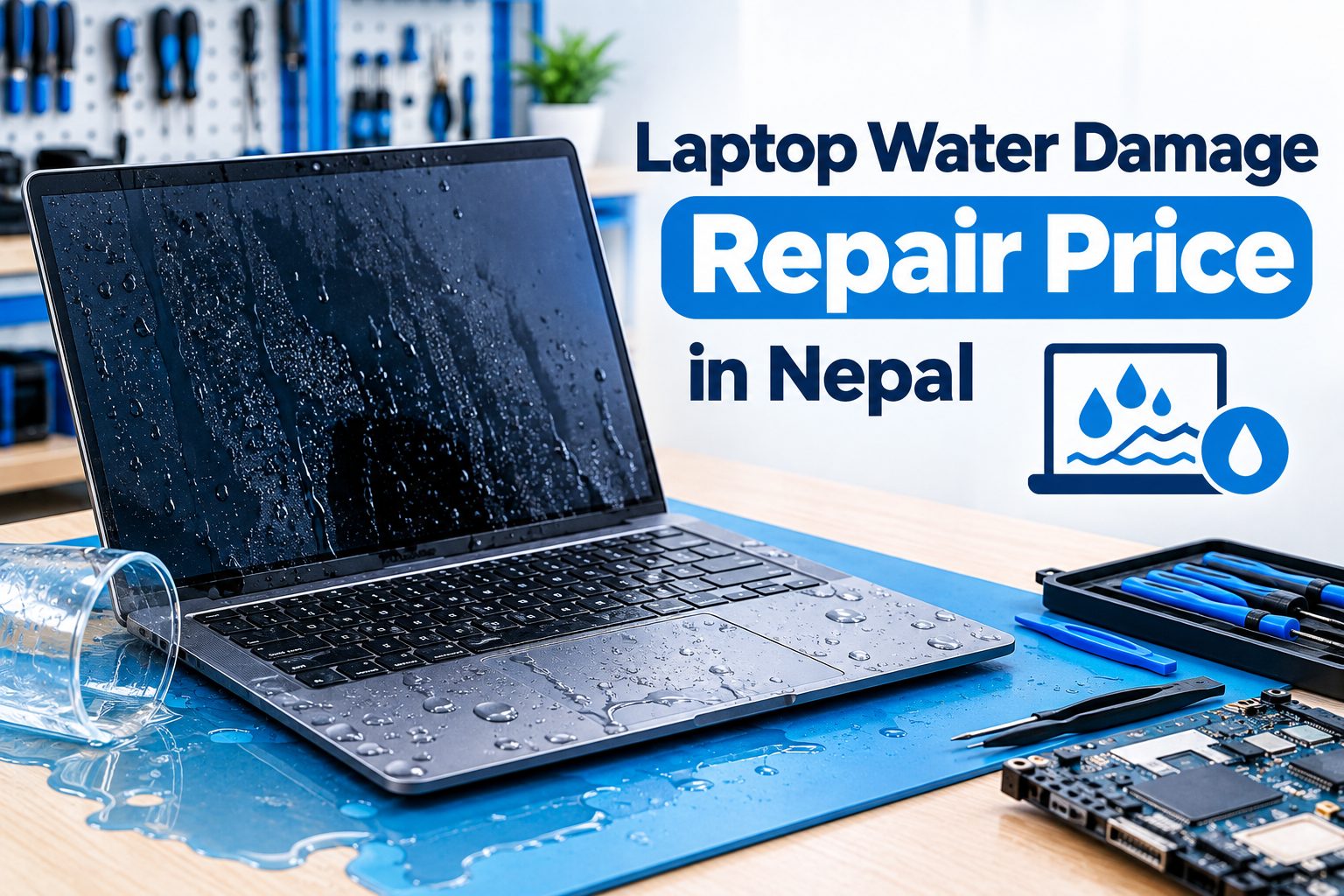
A laptop can suffer serious damage when water, coffee, tea, juice, or another liquid enters through the keyboard, charging port, ventilation openings, or other gaps in the chassis. Even when the laptop continues working immediately after a spill, liquid can cause short circuits and corrosion that develop into bigger problems later.
The laptop water damage repair price in Nepal depends on how much liquid entered the laptop, which components were affected, how long the laptop remained powered on after the spill, and whether cleaning, component replacement, or motherboard repair is required.
If your laptop has recently been exposed to liquid, switch it off and disconnect the charger as soon as possible. Avoid repeatedly turning it on to check whether it works.
What Happens When Water Enters a Laptop?
Liquid inside a laptop can reach sensitive electronic components within a short period of time. Depending on where the liquid travels, it can affect the keyboard, battery, charging circuit, motherboard, display connectors, touchpad, storage device, and other internal components.
One of the biggest concerns is a short circuit. If electricity is flowing through the laptop while liquid is present, conductive liquid can create unwanted electrical connections between components.
Corrosion is another major concern. Even if the laptop initially appears to work after a spill, moisture and residue can remain inside the device and gradually damage electronic contacts and components.
For this reason, a laptop that continues working after a spill should not automatically be considered safe.
Laptop Water Damage Repair Price in Nepal
The laptop water damage repair price in Nepal varies significantly from one case to another. A laptop with minor liquid exposure may only require professional internal cleaning and inspection, while a severe spill can require keyboard replacement, charging-circuit repair, motherboard component repair, or replacement of damaged parts.
The type of liquid also matters. Clean water, coffee, tea, soft drinks, juice, and other liquids can leave different amounts of residue inside the laptop. The longer the liquid remains inside, the greater the possibility of corrosion and electrical damage.
Because liquid damage can affect multiple components at the same time, there is no single fixed laptop water damage repair cost that applies to every laptop. A technician should inspect the device first and determine which components have been affected before providing a final repair estimate.
Laptop Motherboard Damage By Water
The motherboard is one of the most important and sensitive components inside a laptop. If water or another liquid reaches the motherboard, it can cause short circuits, corrosion, or failure of individual electronic components.
Laptop motherboard water damage can affect power circuits, charging circuits, USB circuits, display connections, and other sections of the board.
In some cases, the damaged component can be identified and repaired through component-level servicing. Depending on the severity of the damage, however, the motherboard may require more extensive repair or replacement.
A motherboard should not be powered repeatedly after liquid exposure simply to test whether it still works. Doing so can potentially worsen an existing electrical fault.
Laptop Keyboard Damaged By Water
The keyboard is often one of the first components affected when liquid is spilled directly onto a laptop.
Common symptoms of laptop keyboard water damage include:
- Individual keys stop working
- Multiple keys produce incorrect inputs
- Keys type automatically
- Keyboard backlight stops working
- Touchpad or nearby buttons become unresponsive
- Laptop starts behaving abnormally after a spill
Sometimes cleaning can resolve minor contamination, but liquid-damaged keyboards may need to be replaced if the internal membrane or electronic circuitry has been affected.
Liquid that enters through the keyboard can also travel further into the laptop and reach the motherboard.
Laptop Charging Port & Power Circuit Damage
Liquid entering through or around the charging port can affect the DC jack, charging connector, charging circuit, and nearby motherboard components.
A laptop may show symptoms such as:
- Not charging
- Charging intermittently
- Charging light not working
- Battery not being detected
- Laptop not turning on
- Charger becoming unusually hot
- Laptop shutting down unexpectedly
If the charging circuit has been affected, the problem may require more than simply replacing the charger. Proper testing is necessary to identify whether the charging port, charging circuit, or motherboard has been damaged.
Laptop Water Damage Recovery
Laptop water damage recovery refers to the process of attempting to restore a liquid-damaged laptop and its affected components.
The recovery process may include disconnecting power, inspecting the internal components, cleaning contamination, checking for corrosion, testing the motherboard, repairing damaged circuits, and replacing components where necessary.
Not every liquid-damaged laptop will have the same outcome. A laptop exposed to a small amount of liquid and switched off immediately may have limited damage, while prolonged exposure can cause extensive corrosion and component failure.
What to Do Immediately After a Laptop Water Spill
If you spill water or another liquid on your laptop, take action quickly.
Turn Off the Laptop
If the laptop is still running, shut it down as safely and quickly as possible. Do not continue using it to see whether everything is working.
Disconnect the Charger
Remove the charger from the laptop and the power outlet. Avoid reconnecting it until the laptop has been properly inspected.
Disconnect the Battery if Safely Accessible
If your laptop has a removable battery and it can be disconnected safely, disconnecting it can help remove the power source. For internal batteries, professional assistance is preferable if opening the laptop is not something you are qualified to do.
Remove External Devices
Disconnect USB drives, external hard drives, memory cards, headphones, and other accessories.
Avoid Repeatedly Pressing the Power Button
Do not keep trying to start the laptop after a spill. Every attempt to power an electrically affected device can potentially create additional problems.
Take It for Professional Inspection
A liquid-damaged laptop should ideally be inspected as soon as possible. Early diagnosis can help identify contamination and corrosion before they spread further.
What NOT to Do After Liquid Damage
Several common reactions can make liquid damage worse.
Do not continue working on the laptop after a major spill. Do not repeatedly connect the charger or press the power button to check whether it starts.
Avoid using a hair dryer, heater, or direct high heat on the laptop. Excessive heat can damage plastic components, displays, batteries, and other internal parts.
Do not assume that leaving the laptop switched off for a while automatically removes the damage. Liquid and residue can remain inside the laptop even after visible moisture has disappeared.
You should also avoid opening or cleaning the motherboard yourself if you do not have the appropriate tools and technical experience.
Can a Water-Damaged Laptop Be Repaired?
Yes, a water-damaged laptop can sometimes be repaired, but the possibility of successful repair depends on the extent and location of the damage.
If the liquid mainly affects the keyboard, a keyboard replacement may resolve the problem. If the charging port or another replaceable component is damaged, that component may be repaired or replaced.
More serious cases involving motherboard corrosion, short circuits, or damaged power components require more advanced diagnosis and repair.
Severe corrosion or extensive damage can make repair more difficult. Therefore, the condition of the laptop should be assessed before deciding whether repair or replacement is the better option.
Can Data Be Recovered From a Water-Damaged Laptop?
Liquid damage to a laptop does not automatically mean that the data stored on it is lost.
If the HDD or SSD remains functional and the storage system has not been seriously damaged, the data may still be accessible. Even when the laptop motherboard is no longer working, the storage device may potentially be recovered separately, depending on the laptop design and storage condition.
However, if the laptop contains important files, avoid formatting, initializing, or repeatedly attempting to access a potentially damaged drive.
For more information about recovery costs and different data-loss situations, see our Laptop Data Recovery Price in Nepal guide.
How Long Does Laptop Liquid Damage Repair Take?
The repair time depends on the severity of the liquid exposure and the components affected.
A laptop requiring basic inspection and cleaning may be handled more quickly than one requiring keyboard replacement, charging repair, corrosion treatment, or motherboard-level component repair.
If replacement parts need to be sourced for a specific laptop model, the overall repair time can also depend on parts availability.
A technician should provide a more accurate time estimate after inspecting the laptop.
Laptop Liquid Damage Near Me
If you search for laptop liquid damage near me, choose a repair center that has experience dealing with both laptop hardware and motherboard-level problems.
Liquid damage is not always limited to the keyboard. A spill can affect the charging system, power circuit, motherboard, connectors, battery, and other internal components.
A repair center capable of performing proper internal inspection and component-level diagnosis can provide a more appropriate assessment than simply replacing the first component showing symptoms.
Laptop Water Damage Repair Service in Kathmandu
Guru Computer Solution provides laptop repair and technical support in Kathmandu for laptops affected by water, coffee, tea, and other liquid spills.
Our repair process can include liquid-damage inspection, internal cleaning, corrosion checking, keyboard-related repair, charging-system diagnosis, motherboard repair, and component-level servicing depending on the condition of the laptop.
Guru Computer Solution operates as a professional repair center for laptops, printers, CCTV systems, mobile devices, computers, projectors, and smartboards in Kathmandu, with service locations including New Road and New Baneshwor.
If your laptop has suffered liquid damage, contact the repair center before attempting to power it on again. For laptops outside Kathmandu Valley, courier-based service arrangements may also be available.
How to Choose a Laptop Water Damage Repair Center in Nepal
When choosing a laptop water damage repair center, consider whether the technicians can diagnose both basic hardware problems and motherboard-level faults.
A proper liquid-damage repair service should inspect the internal components rather than relying only on external symptoms. It should also identify corrosion, short circuits, damaged connectors, and affected components before recommending repairs.
For laptops containing important files, data safety should also be considered. Avoid unnecessary formatting or storage replacement when the data needs to be preserved.
Transparent diagnosis is particularly important for liquid damage because the visible symptom does not always indicate the actual cause of the problem.
Frequently Asked Questions
How much does laptop water damage repair cost in Nepal?
The cost depends on the extent of the liquid damage. Cleaning, keyboard replacement, charging repair, and motherboard repair can all have different costs, so an accurate estimate requires inspection of the laptop.
Can a water-damaged laptop be repaired?
Yes, many water-damaged laptops can be repaired depending on the affected components and severity of the damage. Minor contamination may require cleaning, while severe motherboard damage may require component-level repair or replacement.
What should I do immediately after spilling water on my laptop?
Turn off the laptop, disconnect the charger, remove external devices, and avoid turning it back on. Have the laptop professionally inspected as soon as possible.
Can a laptop survive a coffee spill?
A laptop may survive a coffee spill, but the outcome depends on how much coffee entered the device, where it reached, and how quickly the laptop was powered down and inspected.
How much does laptop liquid damage repair cost?
There is no single fixed cost because liquid damage can affect different components. The final repair cost depends on the laptop model, liquid type, affected components, corrosion, and required repair.
Can water damage a laptop motherboard?
Yes. Water and other liquids can cause short circuits, corrosion, and component failure on a laptop motherboard.
Can a water-damaged laptop be turned on again?
It may be possible after proper inspection and repair, but you should not repeatedly attempt to power on a liquid-damaged laptop before it has been checked.
Can data be recovered from a water-damaged laptop?
Data may still be recoverable if the HDD or SSD remains accessible and is not severely damaged. A dead motherboard does not automatically mean that the stored data is lost.
Should I charge my laptop after a water spill?
No. Avoid connecting the charger after liquid exposure until the laptop has been properly inspected.
How long does laptop water damage repair take?
Repair time depends on the severity of the damage. Cleaning may take less time, while motherboard repair, corrosion treatment, or replacement-part sourcing can require additional time.
Conclusion
Laptop water and liquid damage can range from a simple keyboard problem to a serious motherboard or charging-circuit failure. The laptop water damage repair price in Nepal therefore depends on the type of liquid, extent of exposure, affected components, corrosion, laptop model, and repair method required.
The most important step after a spill is to stop using the laptop and disconnect its power source. Avoid repeatedly turning it on or charging it, and arrange a professional inspection as soon as possible.
Early diagnosis can help identify liquid-related problems before they develop into more extensive corrosion or electrical damage.






