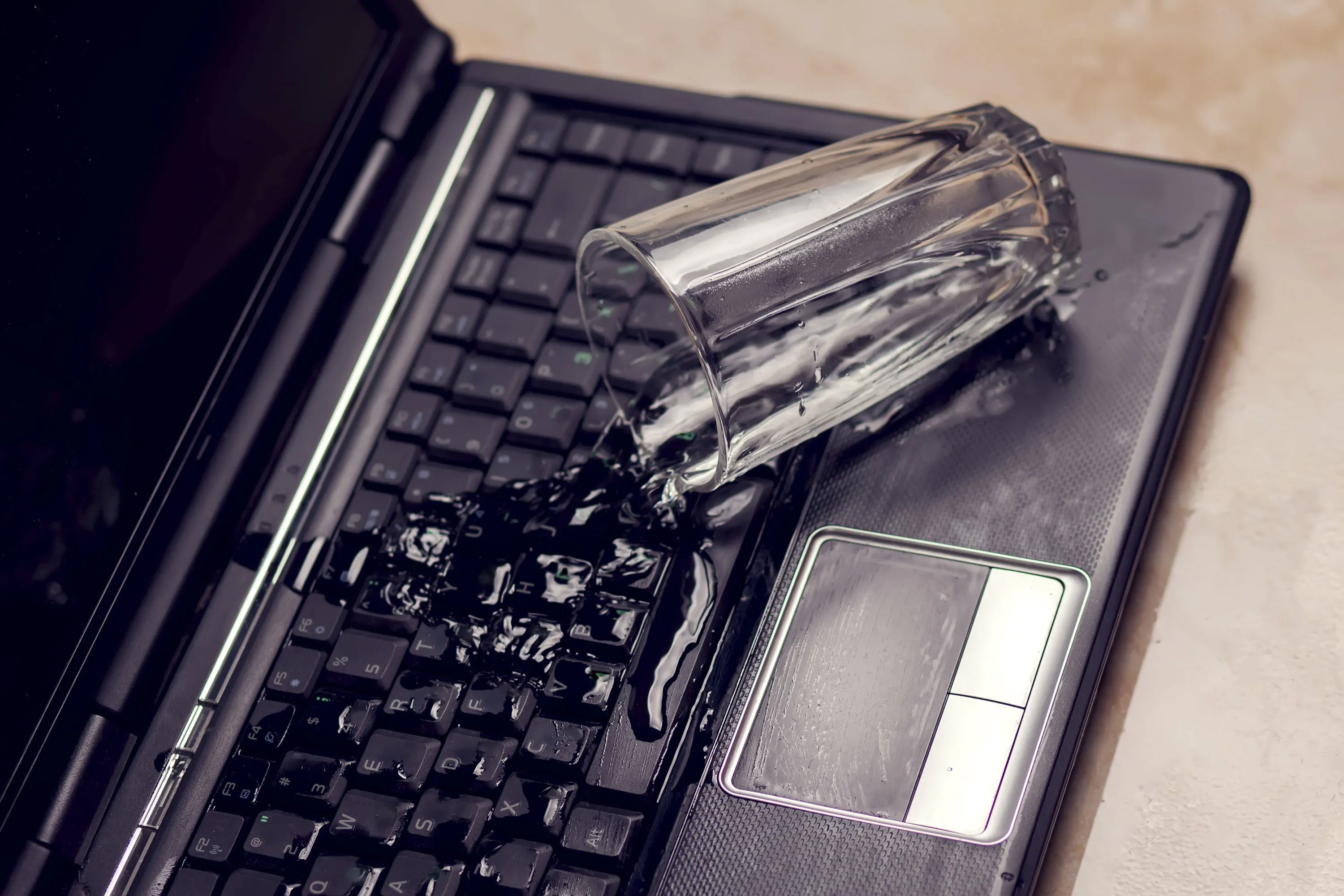
A spilled drink doesn't have to mean a dead laptop. What actually determines the outcome isn't the spill itself—it's what happens in the minutes right after. Most of the serious damage we see didn't come from the liquid alone; it came from the laptop staying powered on, or being tested too soon, after the spill.
Why the First 10 Minutes Matter More Than the Spill
Liquid on its own is often survivable. Liquid combined with active electrical current running through it is what causes short circuits, corrosion, and board-level damage. That means your response in the first few minutes has more influence over the outcome than the amount of liquid spilled.
Step-by-Step: What to Do Immediately
1. Shut It Down Immediately
Hold the power button down until the laptop fully turns off. Don't take time to save open work first — every second the board stays powered while wet increases the risk of a short circuit.
2. Unplug Everything
Disconnect the charger, and remove any connected USB devices, external drives, or monitor cables. This eliminates every possible power source, not just the main one.
3. Remove the Battery If Possible
On laptops with a user-accessible battery, remove it as soon as the device is powered down. This cuts any residual power that a simple shutdown might not fully eliminate.
4. Flip It Into a Tent Position — Don't Leave It Flat
Turn the laptop upside down into a V or tent shape, keyboard facing downward. This allows any liquid that's pooled inside to drain back out through the keyboard, rather than continuing to spread toward the motherboard underneath.
5. Blot — Never Rub, Never Heat
Use a dry, absorbent cloth to blot visible liquid around the keyboard, ports, and vents. Avoid hairdryers or other heat sources — heat can push liquid further into the chassis and, in some cases, cause static damage. Avoid rubbing, which can spread liquid into gaps it hasn't reached yet.
6. Do Not Power It Back On to "Test" It
This is the most common and most damaging mistake. A successful test power-on doesn't mean the laptop is fine — it means visible symptoms haven't appeared yet. Corrosion and residue damage often develop over the following days or weeks, well after a "successful" test.
7. Get It to a Technician as Soon as Possible
Even liquids that appear to dry clear, like water, leave behind mineral residue that causes gradual corrosion on internal contacts. Professional cleaning inside the chassis — not just external wiping — is the only reliable way to stop that process before it causes lasting damage.
What NOT to Do
- Don't use rice. Rice doesn't effectively draw out moisture from inside a sealed laptop chassis, and rice dust can work its way into ports and fans, creating a separate problem.
- Don't shake the laptop to try to remove liquid — this can spread it into areas it hasn't reached yet.
- Don't wait "to see if it dries out on its own" before getting it checked. By the time symptoms appear, corrosion has often already started.
- Don't assume a spill of a small amount is automatically safe. Even a small amount of liquid reaching the wrong component can cause a short.
Why Professional Cleaning Matters Even If It "Seems Fine"
Liquid damage rarely announces itself immediately. A laptop can power on normally, run for days or even weeks, and then start showing intermittent issues—random shutdowns, keys not registering, ports failing — as corrosion slowly builds on contacts that were exposed to residue. By that point, what could have been a straightforward internal cleaning has often progressed into a more serious board-level repair.
Professional liquid damage service typically involves:
- Full disassembly to access all affected areas, not just visible surfaces
- Cleaning with appropriate solvents to remove residue without damaging components
- Inspection under magnification for early signs of corrosion or component damage
- Testing before reassembly to confirm no residual issues
Why Choose Guru Computer Solution?
Fast Response Diagnosis We prioritize liquid damage cases, since time between the spill and professional cleaning directly affects the outcome.
Thorough Internal Cleaning Our technicians disassemble affected devices fully rather than wiping only visible surfaces, addressing residue before it causes corrosion.
Transparent Assessment We inspect and report the actual condition of your board before recommending any repair, so you know exactly what you're dealing with.
Component-Level Repair Capability If corrosion or a short has already caused component damage, we can often repair at the chip level rather than requiring a full motherboard replacement.
Conclusion
A liquid spill is a stressful moment, but the outcome is largely determined by what happens in the first 10 minutes — shutting down immediately, disconnecting power sources, draining rather than heating, and resisting the urge to test it too soon. Getting the laptop to a professional for proper internal cleaning afterward, even if it seems fine, is what actually prevents the corrosion-related damage that shows up weeks later.
If you've had a spill and want it properly assessed before any hidden damage sets in, contact Guru Computer Solution for fast, professional liquid damage service.






