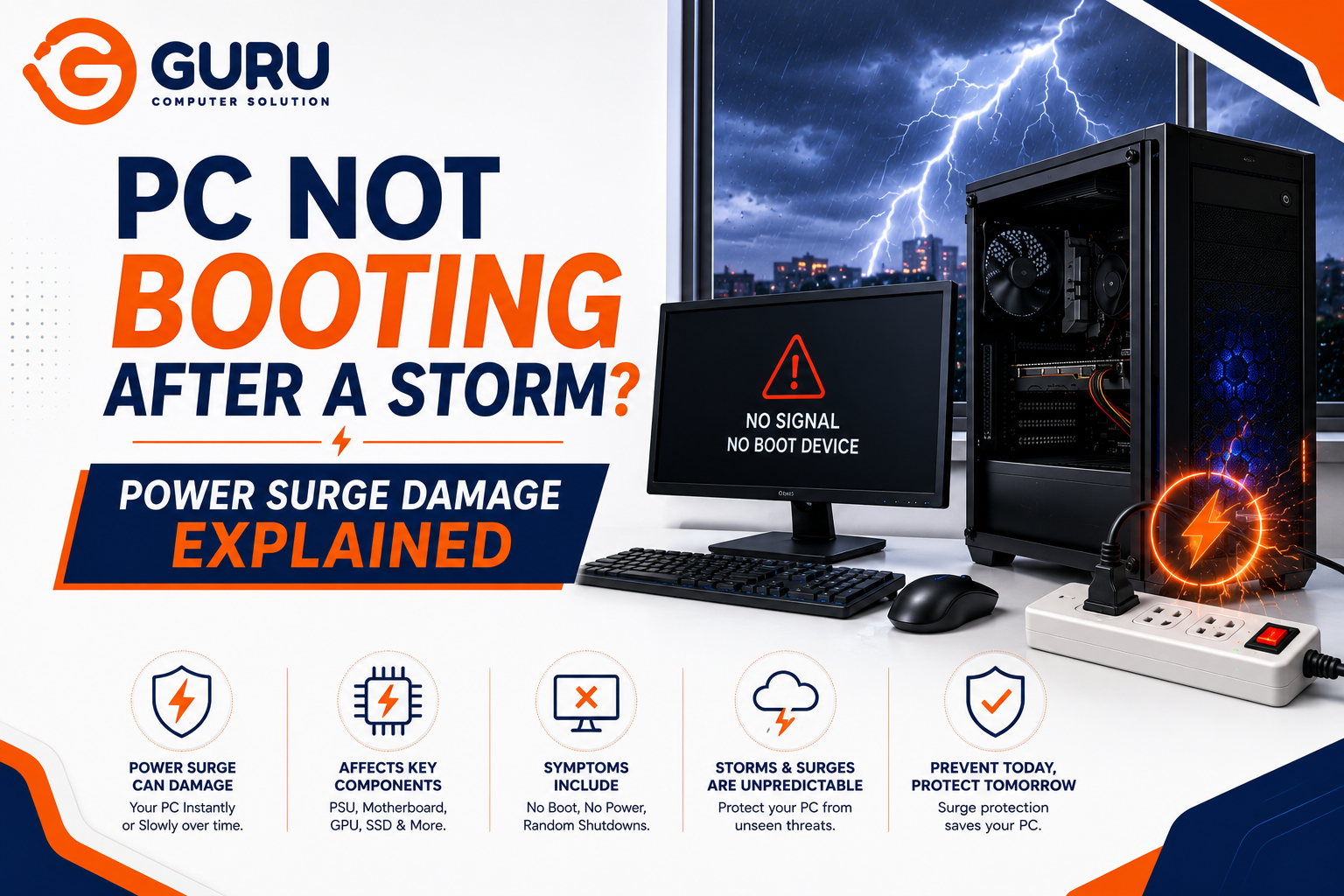
Power comes back after the storm, you press the power button, and nothing happens. No fans, no lights, no beeps — or worse, a brief flicker of life followed by silence. This is one of the most common post-storm complaints we see, and the pattern of what's damaged (and what survived) usually tells a clear diagnostic story, once you know how to read it.
How a Power Surge Actually Damages a PC
A surge doesn't damage every component equally. Electricity takes the path of least resistance, which means the components sitting closest to the power input absorb the brunt of the impact first — often protecting everything downstream in the process. This is why a surge frequently kills the PSU outright while leaving the motherboard, CPU, and drives completely untouched. The PSU essentially takes the hit meant for the rest of the system.
This also explains a pattern many people find confusing: other devices plugged into the exact same surge protector or power strip — a monitor, speakers, a router — often survive completely fine, while the PC itself doesn't. Different devices have different internal tolerances and different points of vulnerability, so a surge that's harmless to a monitor's power circuit can still be enough to kill a PSU that was already older or lower quality to begin with.
Reading the Symptoms: What Different Failure Patterns Mean
The exact symptom pattern narrows down what's likely damaged before you open the case.
Complete silence — no fans, no lights, no sound at all: This points most strongly toward the PSU. A surge-damaged PSU frequently fails in a way that cuts power to the entire system rather than partially functioning, since many PSUs have internal protection circuitry designed to shut down completely rather than pass unsafe voltage downstream.
Fans spin, lights come on, but no display or no POST: This shifts suspicion toward the motherboard or a component connected to it — RAM, GPU, or CPU. The PSU is clearly delivering some power, but something further down the chain isn't responding correctly. Motherboard debug LEDs or a numeric debug display, if your board has one, become genuinely useful here, since they indicate which stage of startup is failing.
System powers on, then shuts off immediately: This can point to either a struggling PSU that can't sustain the startup current the system demands, or a component drawing too much current due to surge damage, triggering the PSU's own protection circuitry to shut everything down as a safety response.
Everything appears to power on normally, but the system won't boot into the operating system: This suggests the hardware itself may have survived, but the storage drive or its data was affected — either from surge damage directly, or from an abrupt, unclean shutdown during the outage itself corrupting system files.
Why the PSU Is Usually the First Suspect?
The power supply sits at the literal entry point for incoming electricity, making it the component most directly exposed to a voltage spike. Beyond position, PSU quality matters enormously here — a higher-quality unit typically includes more robust internal surge and overvoltage protection circuitry, while a budget or aging PSU may have degraded protection components that can't absorb the same spike safely.
This is also why testing the PSU first, before assuming the motherboard or CPU is damaged, is the correct diagnostic order. Replacing a motherboard is a significantly more expensive and involved repair than replacing a PSU — confirming the PSU as the actual point of failure first can save considerable unnecessary cost.
Step-by-Step: Diagnosing Surge Damage
1. Unplug everything and let the system rest: Disconnect the PC completely from power, along with all peripherals, for several minutes before attempting anything. This isn't just caution — some systems recover from a soft-locked protective state simply by fully discharging residual power.
2. Check for a tripped surge protector or breaker: Confirm the surge protector itself hasn't tripped (many have a reset button or indicator light) and that the breaker for that circuit hasn't tripped as well. Sometimes the "PC won't turn on" issue is simply no power reaching the outlet at all.
3. Try the system on a different, verified-working outlet This rules out ongoing electrical issues at the specific outlet itself, separate from surge damage to the PC.
4. Test the PSU independently: A basic paperclip test can confirm whether the PSU powers on at all, but it doesn't confirm the PSU delivers stable voltage under real load — a proper diagnosis needs either a dedicated PSU tester, a multimeter reading actual voltage at the motherboard connector under load, or swapping in a known-working PSU entirely.
5. Observe the exact symptom pattern: Match what you're seeing — complete silence, partial power with no display, immediate shutdown, or power with no OS boot — against the patterns above to narrow down the likely failed component before opening the case further.
6. Check storage separately from the rest of the system If the system powers on and posts normally but won't boot into the OS, the drive deserves its own diagnostic path, separate from surge damage to power-related components — this could be data corruption from an unclean shutdown rather than physical surge damage at all.
What Usually Survives a Surge (and Why)
Not every storm-related no-boot situation means catastrophic, expensive damage. In many cases:
- The PSU absorbs the surge and fails, while the motherboard, CPU, RAM, and storage remain completely undamaged
- A PSU replacement alone resolves the issue entirely, restoring the system to full working condition
- Data on the storage drive is unaffected, since the drive itself was never exposed to the surge if the PSU's protection circuitry did its job
This is genuinely the most common outcome we see, which is exactly why testing the PSU first — rather than assuming the worst about the whole system — is the right approach.
When Surge Damage Is More Extensive
Less commonly, but still worth planning for:
- The motherboard itself absorbed damage, particularly if the PSU's protection circuitry didn't trigger fast enough or the surge was severe (a direct or near-direct lightning strike, for example)
- Components connected to the motherboard — RAM, GPU, or in rare cases the CPU — were also affected
- The storage drive was damaged directly, not just corrupted by an unclean shutdown
This is why a proper diagnosis tests components individually and in order, rather than assuming a single point of failure explains everything.
Preventing This Going Forward
A surge protector alone has limits. Surge protectors absorb a spike up to their rated capacity, but a severe surge — particularly from a nearby lightning strike — can exceed what a standard surge protector can handle, especially as the protector itself ages and its internal components degrade with each spike it absorbs over its lifetime.
A UPS (Uninterruptible Power Supply) offers meaningfully better protection. Beyond surge protection, a UPS provides battery backup and, in many models, active voltage regulation — smoothing out fluctuations before they ever reach the PC, and giving the system time for a safe, graceful shutdown during an outage rather than an abrupt one.
Unplugging during severe storms remains the most reliable protection. For situations with frequent severe storms or unreliable grid infrastructure, physically disconnecting the system during the worst of it is the one method with no dependency on a protective device's remaining capacity.
Why Choose Guru Computer Solution
Proper Component-by-Component Diagnosis We test the PSU, motherboard, and storage independently and in the correct order, rather than assuming which component failed.
Load Testing, Not Just Basic Checks We confirm actual voltage stability under load, not just whether a component powers on.
Data-Safe Handling If storage is involved, we prioritize confirming data integrity before any further diagnostic steps that could risk it.
Honest Assessment of Repair Scope We'll tell you clearly whether this is a straightforward PSU replacement or something more extensive, before any repair work begins.
Conclusion
A PC that won't boot after a storm is alarming, but the outcome is often better than it first appears — the PSU frequently absorbs the damage and fails on its own, protecting the rest of the system in the process. Reading the exact symptom pattern, testing components in the correct order starting with the PSU, and avoiding assumptions about the full scope of damage is what separates a straightforward, affordable repair from unnecessary cost and worry.
If your PC won't boot after a storm or power outage, contact Guru Computer Solution for a proper, component-by-component diagnosis.






