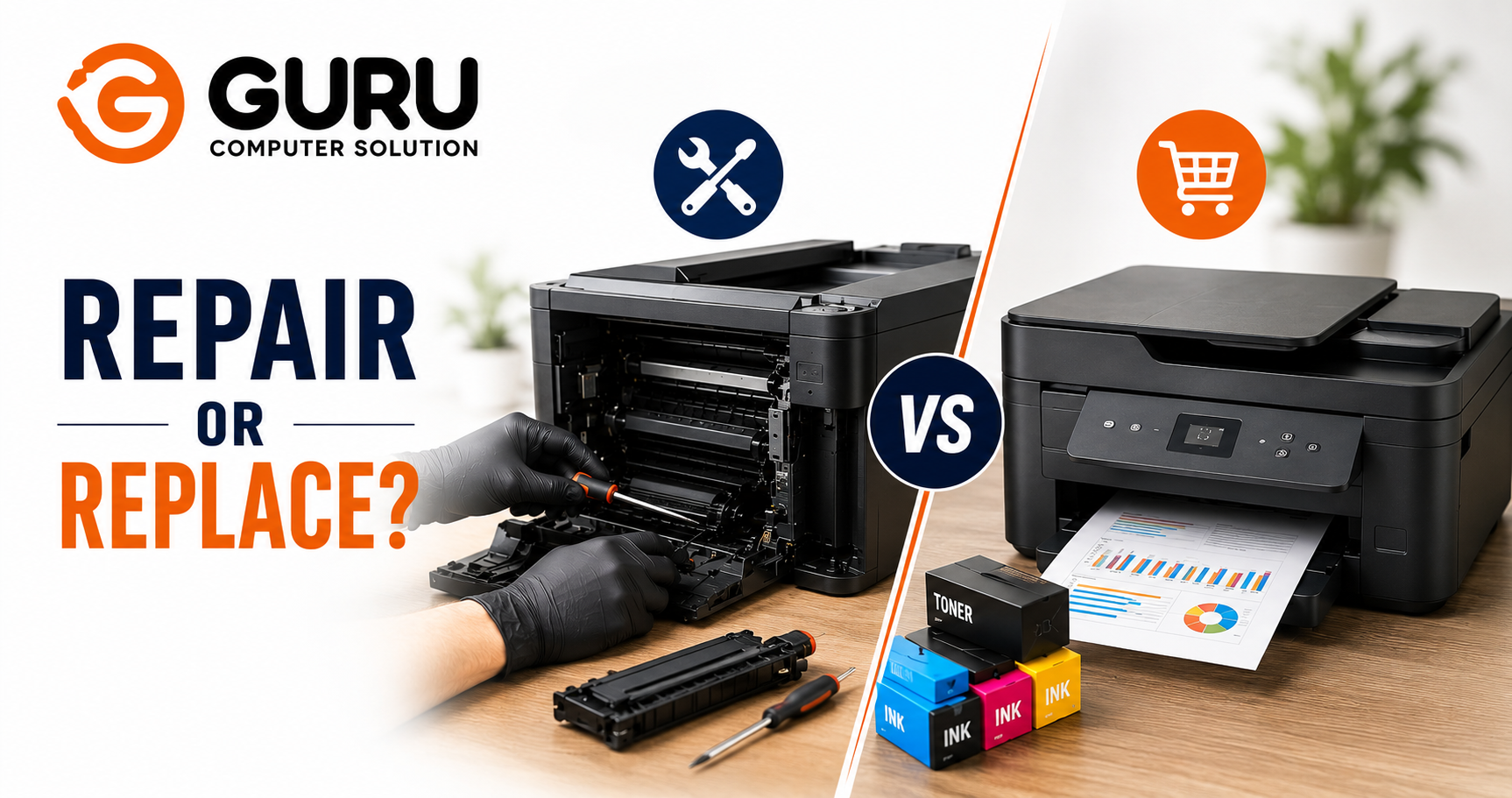
A printer jamming constantly, printing streaky pages, or refusing to recognize a new cartridge raises a question that most people answer with a gut feeling rather than actual numbers. The honest way to decide isn't "how annoying is this" or "how old does it feel." It's a specific calculation called cost per page, combined with a couple of other concrete checks that together give a genuinely reliable answer.
Why "How Old Is It" Isn't the Right Question
Age matters, but it's a proxy for the real factors, not the decision itself. A five year old laser printer with a low page count and available parts can be a better repair candidate than a two year old budget inkjet that's already approaching its rated duty cycle. The right question isn't how many years the printer has existed. It's how much life and value remain in it relative to what a repair would cost.
The Core Formula: Cost Per Page
Cost per page is calculated by dividing the price of a toner or ink cartridge by the number of pages it can print before needing replacement. This single number is the most reliable way to compare your current printer's real running cost against what a replacement would actually cost you over time, rather than comparing sticker prices alone.
Why this matters more than people expect: a newer printer with a higher purchase price can still work out cheaper overall if its cost per page is meaningfully lower, since that difference compounds over every single page printed for the life of the device. This is exactly why total cost of ownership, not just the repair bill or the replacement price tag, is the number that should drive the decision.
A worked example of the comparison: A repair costing a certain amount, plus the ink or toner needed to print an estimated remaining volume of pages, divided by that page count, gives you the true cost per page for keeping your current printer. Compare that number against a new printer's purchase price plus its lower ongoing cost per page, divided by the same page volume. Whichever number is lower, once both repair and replacement are calculated the same way, is the actual cheaper option, not just the one with the smaller upfront number.
Two More Numbers Worth Checking Before You Decide
Your Printer's Duty Cycle
Every printer has a rated monthly or lifetime duty cycle, the volume of pages it's designed to reliably handle. Most printers display total lifetime pages printed on a configuration or status page. If your printer has already used a large share of its rated duty cycle, commonly cited as somewhere around 70 to 80 percent or more, the remaining useful life may genuinely not justify an expensive repair, regardless of how the cost per page math looks in isolation.
The 50% Rule
A widely used rule of thumb among repair professionals: repair makes sense if the cost comes in under roughly half the printer's current replacement value, and the unit is reasonably recent, generally under about five years old. Once repair cost approaches or exceeds that halfway mark, or the printer is older and budget tier to begin with, replacement usually wins even before running the full cost per page comparison.
Inkjet vs Laser: The Repair Decision Looks Different for Each
Inkjet printers are generally inexpensive to physically repair, but a large share of consumer inkjet models under a certain price point genuinely aren't worth repairing at all, since replacement parts can be difficult to source or simply unavailable for cheaper units, and their cost per page tends to run notably higher than laser printers to begin with.
Laser (toner) printers cost more to repair on average, since jobs typically involve more labor time and pricier components like fusers or formatter boards. But they also tend to have a longer useful lifespan, higher duty cycles, and a meaningfully lower cost per page, which is exactly why business grade laser printers get repaired far more often than replaced compared to consumer inkjets.
The practical pattern this creates: budget inkjets are frequently disposable by design, since manufacturers price the printer itself low and recover margin through cartridges, while business laser printers and multifunction devices are built, priced, and supported in a way that makes repair the financially sound default in most cases.
What Actually Drives Repair Cost
Simple mechanical fixes — rollers, feed belts, paper pickup issues — sit at the lower end of repair cost and are usually worth doing on almost any printer still within a reasonable share of its duty cycle.
Component level repairs — a fuser assembly, a formatter or mainboard, print head issues on certain inkjets — cost meaningfully more, and this is where the 50% rule and duty cycle check become genuinely decisive rather than just a formality.
Diagnostic and labor time varies by printer complexity. A networked color laser or multifunction device typically takes longer to properly diagnose than a simple home inkjet, which affects the total bill independent of the specific part involved.
A Practical Decision Framework
Repair if:
- Cost per page for the repaired unit stays meaningfully lower or comparable to a realistic replacement's cost per page
- The printer hasn't used up a large share of its rated duty cycle
- Repair cost stays under roughly half of current replacement value
- It's a business grade laser or multifunction device, where repair economics are typically favorable
Replace if:
- The printer is a budget inkjet where replacement parts are hard to source or the unit was inexpensive to begin with
- Duty cycle usage is already high relative to the rated lifetime volume
- Repair cost approaches or exceeds half of replacement value
- A newer model would meaningfully lower your ongoing cost per page, enough to offset the upfront replacement cost within a reasonable timeframe
Don't forget to weigh downtime. For a business relying on a specific printer daily, the cost of lost productivity while waiting on parts or a repair slot is a real number too, and it can tip a close decision toward same day replacement even when the pure repair math looks reasonable on paper.
Reducing Printer Repair Costs Before You Decide
Check your warranty first. This sounds obvious, but it's frequently overlooked, particularly on printers that are still within a manufacturer or extended warranty period.
Get a proper diagnostic before assuming the worst. A printer that seems to need a major component repair sometimes has a simpler, cheaper root cause, a paper path issue, a sensor problem, that only becomes clear once someone has actually looked at it.
Ask about genuine versus compatible parts and consumables, since this affects both repair cost and your ongoing cost per page calculation going forward.
Why Choose Guru Computer Solution
Honest Repair or Replace Guidance We give you an actual diagnosis and cost estimate, and we'll tell you directly if replacement makes more financial sense than repair for your specific printer.
Proper Diagnostics Before Quoting We identify the real cause before assuming a major component needs replacing, avoiding unnecessary repair cost.
Genuine Parts and Consumables Where repair is the right call, we use quality parts that support your printer's intended duty cycle and performance rather than a short term patch.
Business and Home Printer Support From simple inkjets to business grade laser and multifunction devices, we service the full range and give guidance suited to how you actually use the machine.
Conclusion
The repair or replace decision for a printer isn't about how old it feels or how annoying the current problem is. It comes down to three concrete checks: the true cost per page comparison between repairing and replacing, how much of the printer's rated duty cycle has already been used, and whether the repair cost stays meaningfully under half of what replacement would cost. Running those numbers, rather than guessing, is what actually tells you whether you're looking at a simple fix or a printer that's reached the end of its economical life.
If your printer is having issues and you want an honest cost comparison before deciding, contact Guru Computer Solution for a proper diagnosis and repair or replace guidance.






