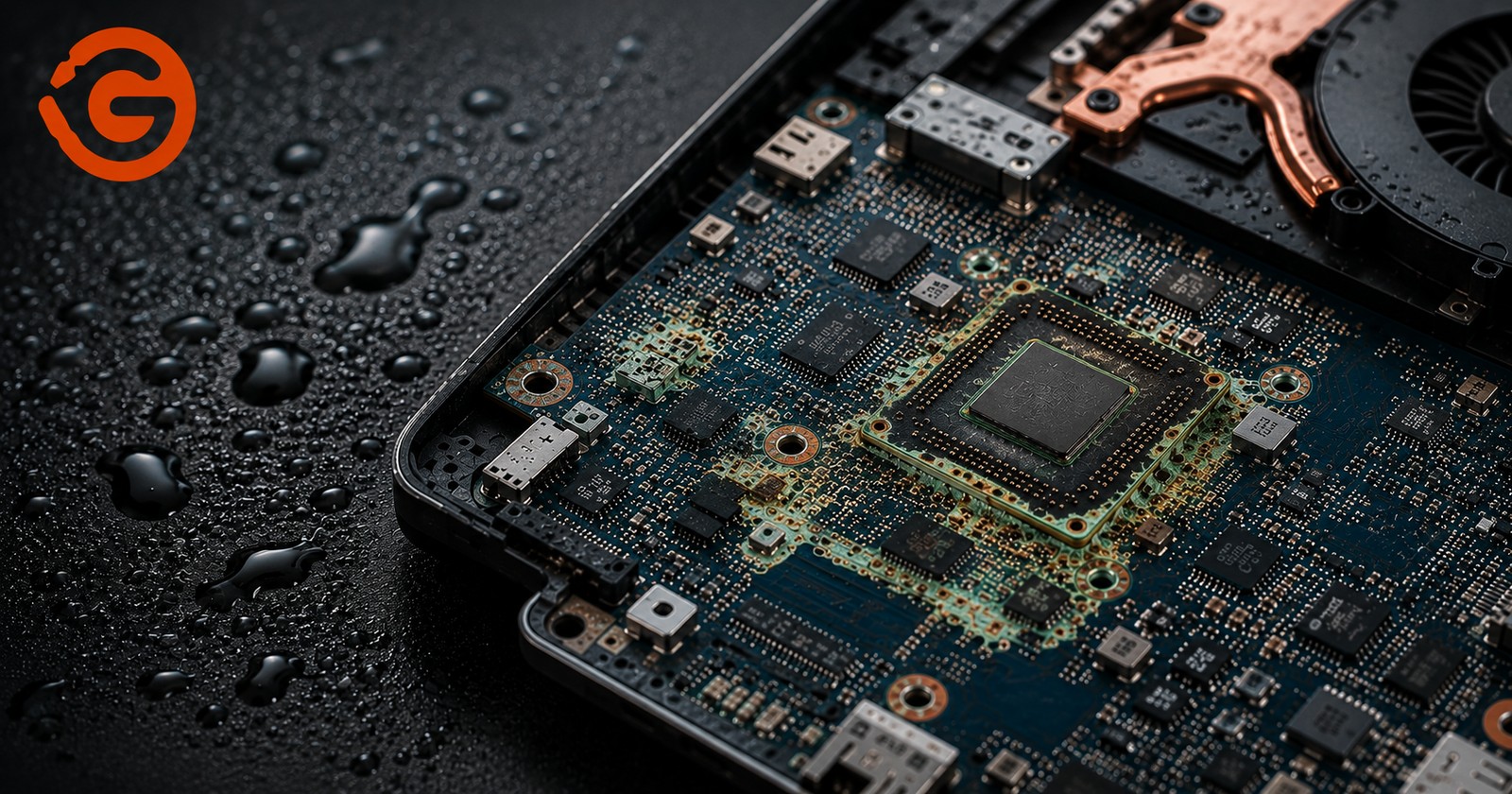
No dramatic spill, no cracked case, no obvious moment where anything went wrong, and yet the laptop starts acting strange weeks later. This is how motherboard corrosion usually announces itself in Nepal's humid months, quietly, without a clear cause the user can point back to. By the time symptoms are obvious enough to worry about, the damage has often already been developing for some time.
Why Nepal's Humid and Monsoon Months Are Risky for Laptops
Extended periods of high ambient humidity, combined with the heavy rainfall of the monsoon season, create conditions where moisture can enter or accumulate inside a laptop even without a single visible water spill. This isn't an immediate, dramatic failure the way a spilled drink is. It's a slow, hidden threat that builds gradually inside the chassis, often invisible from the outside until it's already affected internal components.
What Is Laptop Motherboard Corrosion?
In simple terms, corrosion happens when moisture interacts with the metal contacts, connectors, and components on a laptop's circuit board, gradually degrading the electrical connections that everything depends on. This process doesn't require a major event to start. A humid environment alone, sustained over weeks or months, is enough to begin the process, and it can be underway well before a user notices any major symptom at all.
How Humidity and Moisture Cause Laptop Motherboard Damage
The damage follows a fairly predictable progression: humidity in the air leads to moisture or condensation forming inside the laptop, which allows contamination to settle on exposed surfaces, which leads to oxidation and corrosion on metal contacts, which causes electrical instability, which eventually results in component failure. Each stage builds on the one before it, which is exactly why catching the problem early, before it progresses through this full chain, matters so much.
Connectors are particularly vulnerable throughout this progression, including charging ports, USB ports, display connectors, and the contact points beneath the keyboard, alongside components directly on the motherboard itself.
Why Laptop Corrosion Is a Silent Problem
This is the part most people don't expect: a laptop can continue working normally for some time after moisture exposure while corrosion is already actively developing underneath the surface. Because there's no immediate failure to react to, many users only seek repair once intermittent problems have already progressed into complete failures, at which point the repair scope, and cost, is considerably larger than it would have been with earlier intervention.
Common Signs Your Laptop May Have Moisture or Corrosion Damage
Watch for a laptop that randomly shuts down without warning, charging problems or a battery that won't hold a charge, a laptop that won't power on at all, keyboard or touchpad keys behaving erratically, USB ports that stop working intermittently, display issues that come and go, Wi-Fi or Bluetooth dropping unexpectedly, random freezing or restarting during normal use, any burning smell or unusual electrical behavior, a laptop that works only intermittently, or no power at all following any known exposure to moisture.
It's worth being clear that these same symptoms can also point to other, unrelated causes, which is exactly why proper diagnosis matters rather than assuming corrosion, or ruling it out, based on symptoms alone.
How Moisture Gets Inside a Laptop Without a Major Water Spill
Corrosion doesn't require someone to pour water directly onto a laptop. In Nepal's climate specifically, moisture commonly finds its way in through high ambient humidity alone, condensation forming when a laptop moves between temperature extremes, storage in damp rooms, proximity to windows during rain, a laptop bag that's gotten wet and stayed damp around the device, humid storage areas in general, regular use near kitchens where steam and humidity are elevated, carrying a laptop during rain even without it getting directly wet, handling it with wet hands, and, of course, actual liquid spills as well. This is precisely the "laptop dampness problem" pattern so many people in Nepal experience without ever connecting it to a specific incident.
Why the Monsoon Season Can Increase Laptop Repair Problems
Extended periods of elevated humidity during Nepal's monsoon months mean laptops are exposed to corrosion-favorable conditions for weeks or months at a stretch, not just during a single rainy day. This sustained exposure is exactly why prevention and early inspection become genuinely more important during this stretch of the year than during drier months, rather than something to think about only after a problem has already appeared.
What Happens If Laptop Corrosion Is Ignored?
The progression tends to follow a consistent pattern: minor corrosion first creates an unstable electrical connection, which leads to intermittent failures that come and go, which can progress into a short circuit or broader electrical damage, which then causes genuine component failure, ultimately requiring motherboard repair or, in more severe cases, full replacement. Catching this chain early, at the unstable-connection stage rather than the component-failure stage, is what keeps a repair simple and affordable rather than extensive.
What Should You Do If Your Laptop Gets Wet or Damp?
Stop using the laptop immediately. Disconnect the charger right away. If it's safe and practical to do so, power it off properly. Don't repeatedly try turning it back on to check if it still works. Don't plug in the charger just to "test" it. Avoid applying excessive heat in an attempt to dry it out quickly. Get a professional inspection as soon as you reasonably can, rather than waiting to see if symptoms develop first.
Why Turning On a Wet Laptop Can Make the Damage Worse
Moisture combined with active electrical power can create unintended electrical paths across a circuit board, paths that shouldn't exist and that can cause damage well beyond whatever the moisture alone would have caused. This is precisely why repeatedly pressing the power button "just to check" is one of the most common ways a recoverable situation turns into a more serious one. Every additional power-on attempt while any moisture is still present adds risk rather than providing useful information.
Can Laptop Motherboard Corrosion Be Repaired?
It depends heavily on how extensive the corrosion actually is and which specific components or circuit traces have been affected. Early intervention consistently offers a meaningfully better chance of a full recovery than leaving corrosion untreated and continuing to use the laptop, since the board's condition at the time of inspection is one of the biggest factors in what's actually recoverable.
How Professional Ultrasonic Cleaning Helps With Moisture-Damaged Laptop Motherboards
Ultrasonic cleaning is a professional motherboard cleaning technique, not something intended for DIY use at home. Once a board has been properly disassembled and diagnosed, ultrasonic cleaning can help remove contamination from areas of the circuit board that are otherwise very difficult to reach through manual cleaning alone.
It's important to be direct about what this technique can and can't do. Ultrasonic cleaning is not a guaranteed cure for every corrosion case. Where components, circuit traces, connectors, or integrated circuits have already been significantly damaged, board-level repair or component replacement may still be necessary even after a thorough cleaning.
Ultrasonic Cleaning vs Normal Laptop Cleaning: What's the Difference?
These two services get confused often enough that it's worth being explicit about the distinction, since they're solving genuinely different problems.
Normal laptop cleaning is about removing dust, cleaning fans and vents, and helping restore proper cooling and airflow, and it's typically a routine, preventive service performed on an assembled laptop. Ultrasonic motherboard cleaning is a different process entirely: it targets contamination on a board that's already been removed from the laptop, is designed specifically for PCB-level cleaning, and is used in certain liquid or moisture damage cases as a more specialized repair procedure rather than routine upkeep. One is preventive maintenance you'd schedule periodically. The other is typically part of a moisture or corrosion recovery process after damage has already occurred.
Can You Remove Motherboard Corrosion at Home?
This carries genuine risk that's worth taking seriously. Modern laptop motherboards contain extremely small components, delicate connectors, and multilayer circuit boards with sensitive circuitry that's easy to damage through well-intentioned but improper handling. Aggressive brushing, using the wrong cleaning chemicals, or repeatedly powering the device on to check progress can all cause additional damage on top of whatever the corrosion has already caused. Professional diagnosis is the safer starting point, rather than attempting removal without the right tools, training, or understanding of what you're actually looking at.
How Professional Technicians Diagnose Moisture-Damaged Laptop Motherboards
A proper diagnostic process moves through several stages: an external inspection of the laptop first, an assessment of power and charging behavior, full disassembly to access the internal components, a visual inspection of the motherboard itself, identification of corrosion or moisture-affected areas specifically, inspection of connectors and other affected areas in detail, electrical testing to confirm the actual extent of damage, cleaning where it's appropriate to perform, component or trace-level repair where required, and thorough testing before the laptop is ever reassembled and returned. This transparent, step-by-step process is what a customer should expect and can reasonably ask about before agreeing to any repair.
How to Prevent Laptop Motherboard Corrosion During Nepal's Monsoon
Keep the laptop in a genuinely dry environment as much as possible. Avoid storing it in damp areas, even temporarily. Keep it away from direct rain exposure and wet bags. Avoid using it with wet hands. Use a laptop bag genuinely suited to monsoon conditions, not just a standard bag. Be mindful of sudden temperature changes, since moving a laptop quickly between a cold, air-conditioned space and Nepal's humid outdoor air can cause condensation to form internally. Keep vents clear so any incidental moisture has less opportunity to linger inside the chassis. If your laptop is regularly used in a particularly humid environment, consider scheduling a preventive inspection rather than waiting for symptoms. Address any spill or moisture exposure immediately rather than waiting to see if it becomes a problem.
Does a Laptop Need Special Maintenance During Humid Months?
Maintenance needs genuinely vary based on environment and usage pattern. Someone using a laptop in a clean, climate-controlled office has meaningfully different exposure than someone using the same laptop in a humid, less controlled environment throughout the monsoon season. The latter case generally benefits from more frequent inspection, not because the laptop itself is different, but because the conditions it's operating in carry more risk.
Humidity vs Dust: Which Is More Dangerous for Your Laptop?
These two threats work differently and are worth understanding separately. Dust primarily contributes to blocked airflow, leading to overheating and fan strain over time, a thermal problem rather than an electrical one. Moisture and humidity, by contrast, primarily contribute to corrosion and electrical instability, a fundamentally different failure mechanism. The combination of both is often worse than either alone, since dust and other contaminants can retain moisture against the board's surface, extending how long that moisture stays in contact with components and effectively accelerating the corrosion process beyond what humidity alone would cause.
Why Gaming Laptops and High-Performance Laptops Need Extra Attention
Gaming and high-performance laptops run hotter and rely on more intensive cooling systems than typical laptops, given their heavier processing loads. This doesn't mean these laptops inherently corrode faster than any other laptop exposed to the same humid conditions. It means their usage pattern and thermal environment make keeping vents clear and scheduling preventive maintenance particularly valuable, since a cooling system already working hard has less margin to also compensate for airflow restricted by dust or moisture-related buildup.
Why Choose Guru Computer Solution for Laptop Moisture and Corrosion Problems
Full Motherboard-Level Diagnosis We assess actual corrosion extent and affected components directly, rather than offering a generic cleaning without understanding what's actually happened inside the board.
Liquid and Moisture Damage Inspection From an obvious spill to a slower, humidity-driven case with no clear incident behind it, we diagnose both the same careful way.
Professional and Ultrasonic Cleaning Where Appropriate We use the right cleaning approach for the specific situation, not a one-size-fits-all service.
Chip-Level and Charging Circuit Repair Where corrosion has affected specific components or the charging circuit, we repair at that level rather than defaulting to full motherboard replacement.
No-Power Diagnosis For laptops that won't turn on at all following moisture exposure, we have a structured process for identifying the actual cause.
Support for Major Laptop Brands Dell, HP, Lenovo, ASUS, Acer, MSI, and MacBook motherboard repair and corrosion assessment.
Repair Before Unnecessary Replacement We aim to repair at the most targeted level possible rather than jumping to full motherboard replacement as a default.
Don't Wait for a Dead Laptop: Protect Your Motherboard This Monsoon
Moisture damage often starts silently. By the time a laptop completely stops working, corrosion may already have affected multiple parts of the motherboard, turning what could have been a straightforward repair into a considerably more extensive one. Early inspection can identify moisture-related damage before it reaches that point, while the repair is still simple.
If your laptop has been exposed to rain, moisture, condensation, or a liquid spill, stop using it and have it professionally inspected.
Frequently Asked Questions
Can Humidity Damage a Laptop Motherboard?
Yes. Sustained high humidity alone, without any spill, can lead to condensation and moisture buildup inside a laptop, which over time can cause corrosion on the motherboard's contacts and components.
What Is the Laptop Dampness Problem in Nepal?
It refers to the gradual, often unnoticed moisture exposure laptops experience during Nepal's humid and monsoon months, from ambient humidity, condensation, damp storage, and similar sources, that can lead to corrosion without any single obvious incident causing it.
Can Humidity Cause Laptop Corrosion?
Yes. Humidity is one of the most common causes of laptop motherboard corrosion, since moisture in the air can condense inside the chassis and interact with metal contacts and components over time.
Can a Laptop Get Damaged Without Being Dropped in Water?
Yes. Corrosion can develop from ambient humidity, condensation, damp storage conditions, or prolonged exposure to a humid environment, all without any direct liquid spill ever occurring.
What Are the First Signs of Laptop Motherboard Corrosion?
Early signs are often subtle and intermittent: occasional random shutdowns, charging that works inconsistently, a port that sometimes doesn't register a connection, or brief freezing, rather than a complete, obvious failure right away.
What Should I Do If My Laptop Gets Wet?
Stop using it immediately, disconnect the charger, power it off safely if possible, avoid repeated power-on attempts, don't apply heat to try to dry it quickly, and get a professional inspection as soon as possible.
Should I Turn On a Laptop After a Liquid Spill?
No, not before proper inspection. Powering on a laptop while moisture is still present risks creating unintended electrical paths that can cause more damage than the moisture alone would have.
Can Ultrasonic Cleaning Fix a Corroded Laptop Motherboard?
It can help significantly by removing contamination from hard-to-reach areas of the board, but it isn't a guaranteed fix for every case. Severely damaged components or traces may still need board-level repair even after cleaning.
Is Ultrasonic Cleaning Safe for Laptop Motherboards?
Yes, when performed professionally with correct parameters and proper battery and component removal beforehand. It's a standard technique used in circuit board manufacturing and professional repair, not an experimental process.
Can Corroded Laptop Motherboards Be Repaired?
Often, yes, particularly when caught early. The extent of repairability depends on how far the corrosion has progressed and which specific components or traces are affected.
How Much Does Laptop Motherboard Corrosion Repair Cost in Kathmandu?
Cost depends on how extensive the corrosion is and which components are affected, ranging from a cleaning and inspection service to more involved chip-level repair. Contact Guru Computer Solution for an assessment and specific quote.
Does Laptop Cleaning Prevent Motherboard Corrosion?
Routine dust and fan cleaning helps with cooling but doesn't specifically address moisture-related corrosion risk. Preventing corrosion is more about environment, storage, and moisture exposure than dust cleaning alone.
How Can I Protect My Laptop During Nepal's Monsoon?
Keep it in a dry environment, avoid damp storage areas, protect it from rain and wet bags, avoid handling it with wet hands, and consider a preventive inspection if it's used regularly in a humid environment.
How Often Should I Service My Laptop in Humid Weather?
More frequently than in a dry, climate-controlled environment. The exact interval depends on how humid your specific usage environment is, but periodic inspection during monsoon months is a reasonable precaution.
Do You Repair Water-Damaged and Moisture-Damaged Laptops?
Yes, including laptops with an obvious spill and laptops showing slower, humidity-related corrosion with no single clear incident behind it.
What Laptop Brands Can You Repair?
We repair Dell, HP, Lenovo, ASUS, Acer, MSI, and Apple MacBook laptops, including motherboard-level corrosion and moisture damage.
When Should I Bring My Laptop to Guru Computer Solution?
As soon as you notice any intermittent symptom, or immediately following any known exposure to rain, moisture, or a spill, rather than waiting for the problem to become a complete failure.






