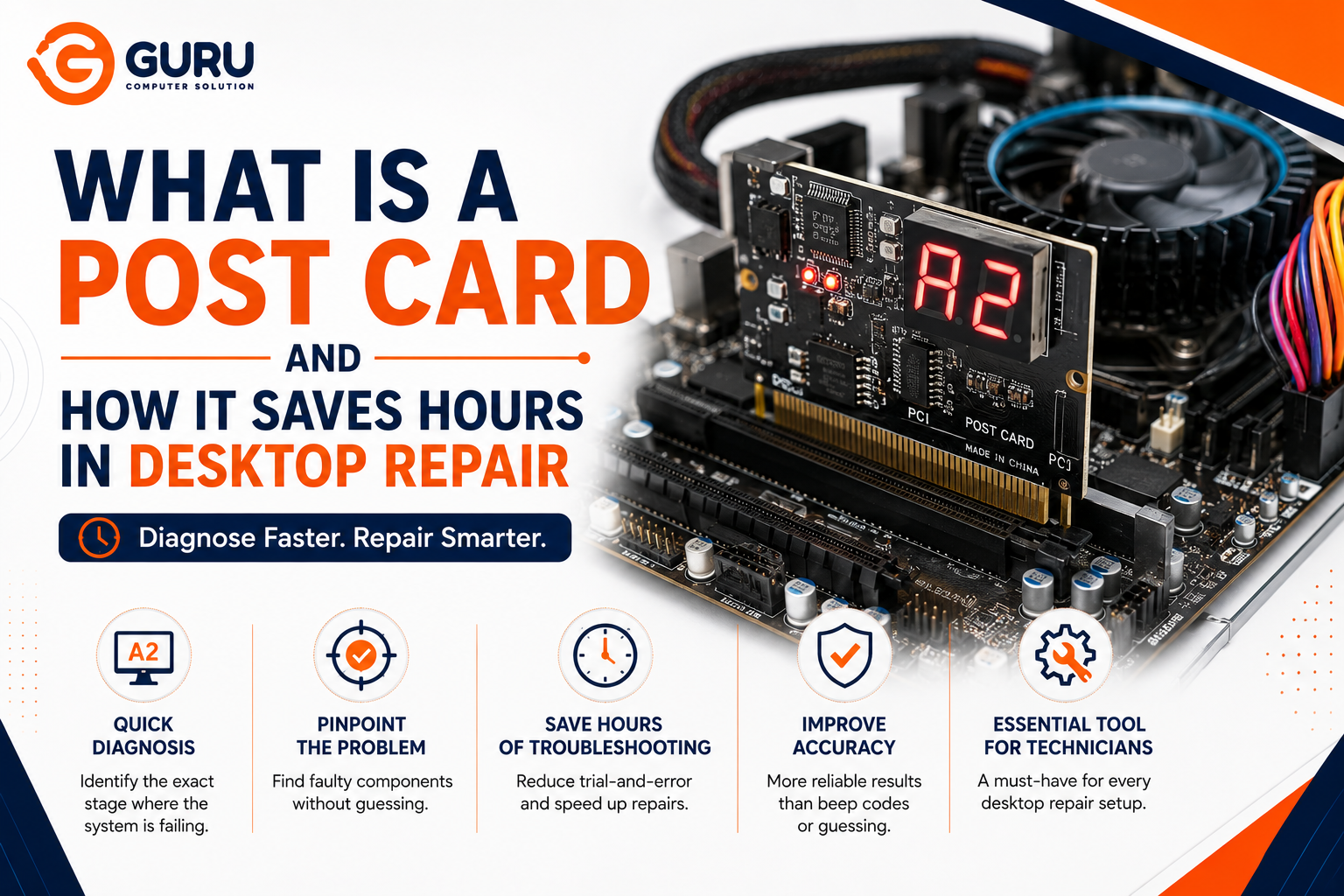
Swap-testing a dead desktop component by component — PSU, RAM, GPU, motherboard, one at a time — can easily eat an entire afternoon. A POST card exists specifically to skip most of that guesswork by reading what the system is actually doing internally, before it ever reaches a display.
What a POST Card Actually Is?
A POST card, also called a debug card or diagnostic card, is a small card that plugs into a computer's motherboard and reads out a hex code, typically shown on a two- or four-digit LED display, sometimes paired with beep codes through a speaker. The display shows Power-On Self-Test (POST) status codes — the current code and, on many cards, the previous code as well, letting a technician see exactly where the system stalled, not just that it stalled.
The card connects using whatever interface the motherboard provides. A POST card reads error codes from the motherboard through a PCI connector or an LPC connector, depending on which interface the board supports, decoding whichever signal it receives and displaying the corresponding error code on its indicator module. Modern diagnostic cards commonly support multiple interfaces at once — PCIe, mini PCIe, and LPC — so a single card can work across a wider range of motherboard generations rather than needing a different tool for each board type.
Why This Matters: What POST Actually Is
Every time a computer powers on, before Windows or any operating system loads, the motherboard's firmware runs a sequence called the Power-On Self-Test — checking the CPU, memory, and other core hardware in a specific order before handing off to the boot process. Each stage of this process corresponds to a specific hex code, representing a specific system check or operation — initializing memory, testing interrupt controllers, verifying the CPU, and dozens of other steps happen in sequence, each with its own code.
If the system boots successfully, this all happens in a fraction of a second and you never see any of it. If something fails, the system typically halts at whichever stage encountered the problem — and that's exactly the code a POST card displays.
Why This Saves Hours Compared to Swap Testing
Without a POST card, diagnosing a system with no display output usually means physically removing and testing components one at a time: pull the RAM, try booting; reseat it, try a different stick; swap the GPU; try a different PSU. Each cycle takes real time, and a system that shows literally no signs of life gives no clue about where to even start.
A POST card changes this by reading the actual failure point directly:
Instead of guessing which component to test first, the code tells you which stage failed — memory initialization, CPU detection, PCI bus enumeration — narrowing the suspect list from "the entire system" down to a specific subsystem before you remove a single component.
Instead of assuming a completely silent system means a dead PSU, a POST card can confirm the board is actually receiving power and attempting to boot, even when nothing appears on screen — separate LED indicators on many cards show whether power rails, the BIOS read signal, and bus activity are present, independent of the POST code itself.
Instead of re-testing the same "working" component repeatedly, a stable, repeating code across multiple boot attempts tells you the system is consistently failing at the same stage, which is a much stronger diagnostic signal than an intermittent, unpredictable failure.
Reading a POST Card in Practice
A code that appears and stays fixed: Typically means the system has genuinely halted at that stage — this is the most useful and most common diagnostic scenario. Cross-referencing that specific code against the motherboard manufacturer's documentation (codes vary somewhat between BIOS vendors) usually points directly to the failing subsystem.
A code that changes rapidly and keeps cycling: Often indicates the system is actually progressing through POST successfully and may be failing later — sometimes even after POST completes, such as during OS handoff, which shifts the diagnostic focus toward storage or boot configuration rather than core hardware.
No code at all, or a card that doesn't power up: An itself be diagnostic information—this pattern, especially combined with reset-circuit indicator LEDs staying lit, often points toward a problem with the board's own reset or power circuitry rather than a downstream component—though this scenario benefits from cross-checking against the card's manual, since interpretations vary by card and board.
A Realistic Example: Where a POST Card Changes the Diagnostic Path
Consider a desktop that won't display anything — fans spin, but no video output. Without a POST card, the typical path is: swap the GPU, test the RAM in Windows Memory Diagnostic (which requires the system to boot far enough to run it), try a different monitor and cable, and eventually start reseating components hoping for a loose connection.
With a POST card installed, the code might show the system halting specifically during memory initialization — pointing directly at RAM or the memory controller before a single other component is touched. Or it might show the system passing memory checks and halting during a later PCI enumeration stage, pointing toward the GPU or a PCIe slot issue instead. Either way, the technician knows where to look before opening a single additional test — this is the actual time savings a POST card provides, not just convenience.
Limitations Worth Knowing
Interpretation still requires reference material: POST codes aren't self-explanatory on their own—not all motherboards include full debug code features, and the meaning of a given code can vary between BIOS vendors and even between board generations from the same manufacturer, so cross-referencing against the correct documentation is a necessary step, not optional.
A code narrows the search — it doesn't always name the exact failed component: A memory-stage failure could mean bad RAM, a bad memory slot, or a motherboard-side memory controller issue. The POST card gets you to the right subsystem quickly; confirming the exact failed part still requires targeted testing within that narrowed scope.
Modern boards sometimes complicate identification: Since interfaces and debug header locations vary across PCIe, mini PCIe, and LPC depending on board generation, a technician needs a card (or set of adapters) that actually matches the board being diagnosed.
Why This Is a Professional-Grade Tool, Not Just a Convenience
For a repair shop handling a steady volume of no-boot and no-display cases, the time saved compounds significantly. A diagnostic process that might take 45–90 minutes of sequential component swapping can often be narrowed to the correct subsystem in a few minutes with a POST card — turnaround time for the customer improves, and unnecessary component swaps (and the risk of damage from repeated reseating) go down as well.
Why Choose Guru Computer Solution
Professional Diagnostic Equipment: We use POST/debug cards alongside proper load testing tools, rather than relying on guesswork or sequential swap testing alone.
Faster, More Accurate Diagnosis: Reading the actual failure point means less time spent testing components that were never the problem, and a faster answer for you.
Cross-Referenced Code Interpretation: We verify POST codes against manufacturer-specific documentation, since code meanings vary between BIOS vendors and board generations.
Transparent Diagnostic Process: We can show you exactly what the code indicated and why it points to the specific component we're recommending for repair or replacement.
Conclusion
A POST card turns a "completely dead system" from a blind, sequential guessing process into a targeted diagnosis — reading the actual hex code the motherboard's firmware produces at the moment it stalls, rather than swap-testing components one at a time and hoping to get lucky. It doesn't eliminate the need for technical knowledge to interpret the code correctly, but for anyone doing desktop repair regularly, it's one of the highest-leverage tools available for cutting diagnostic time from hours down to minutes.
If your desktop won't boot or display anything and you want a fast, accurate diagnosis instead of a guessing game, contact Guru Computer Solution for professional repair service.






